Skip to content
View in the app

A better way to browse. Learn more.

LCPDFR.com

A full-screen app on your home screen with push notifications, badges and more.

To install this app on iOS and iPadOS
  1. Tap the Share icon in Safari
  2. Scroll the menu and tap Add to Home Screen.
  3. Tap Add in the top-right corner.
To install this app on Android
  1. Tap the 3-dot menu (⋮) in the top-right corner of the browser.
  2. Tap Add to Home screen or Install app.
  3. Confirm by tapping Install.

yuto

Members
  • Joined

  • Last visited

Everything posted by yuto

  1. I used this and followed the instructions carefully and the license plate does not change to California. I selected the California one and it still does not work. Anyone know why?
  2. rage loads forever and my game wont start this happened after i downloaded this:
  3. yuto replied to yuto's topic in Legacy
    Any help please?
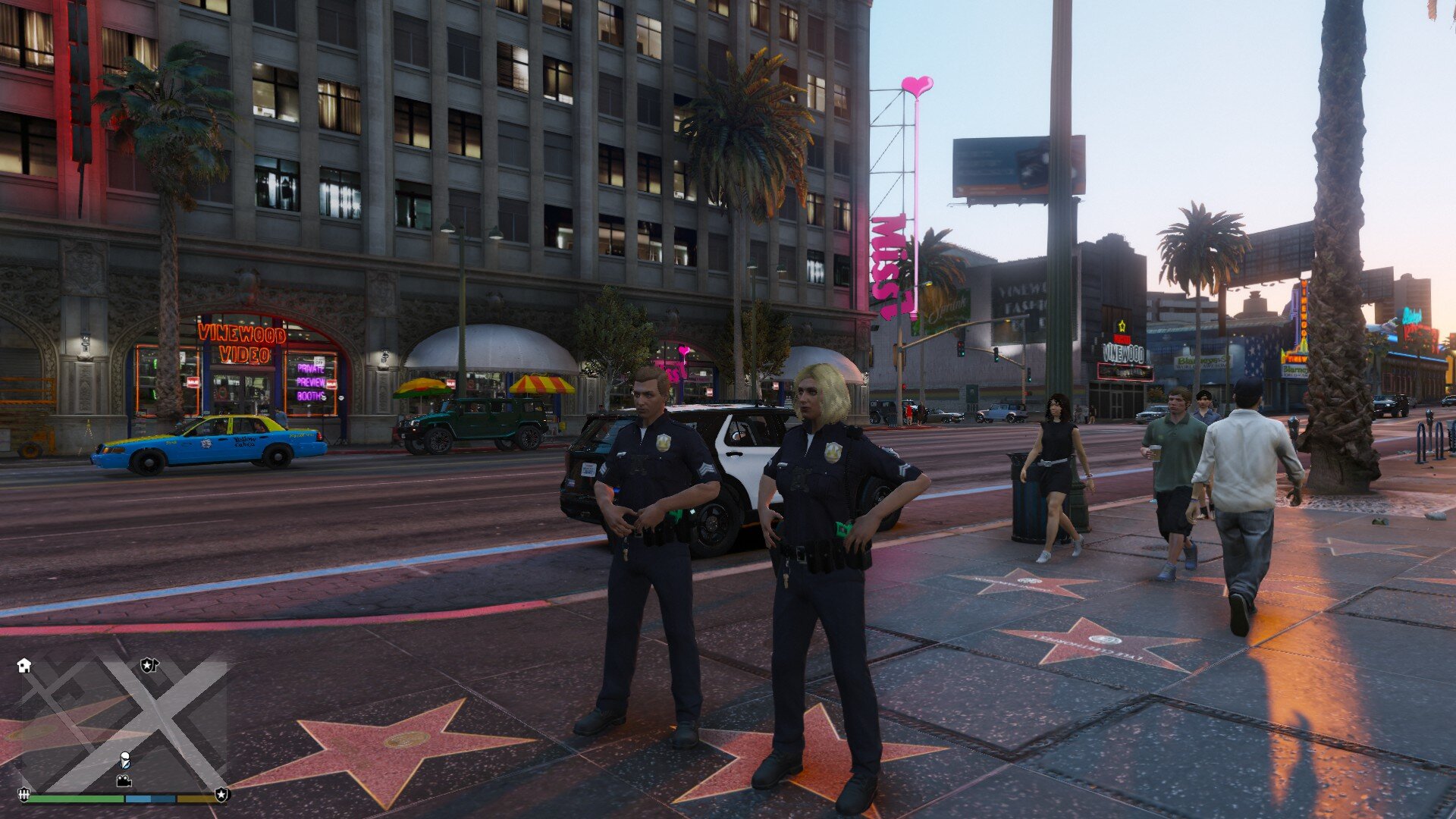
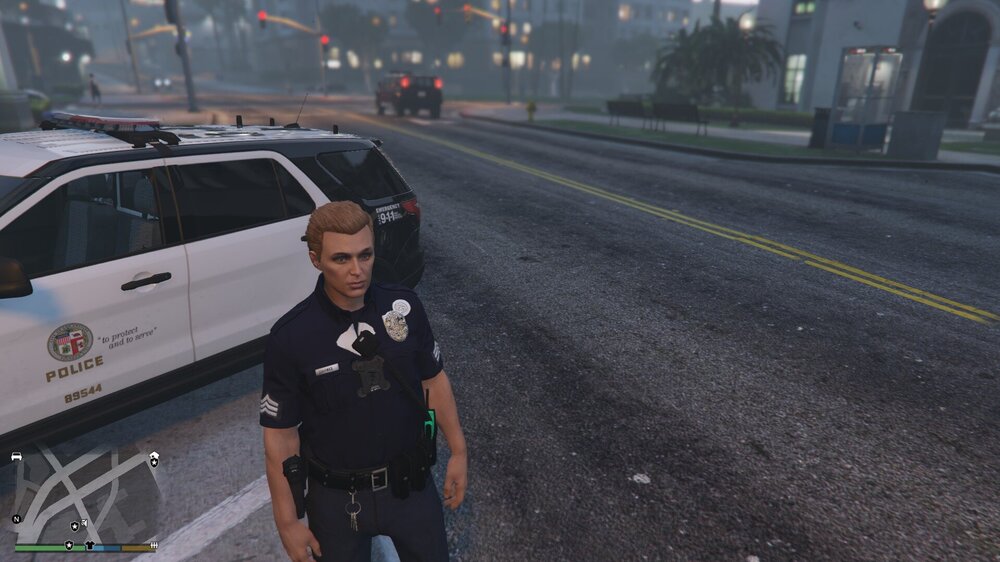
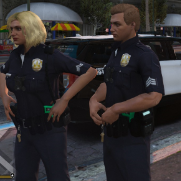
  4. The LSPD uniform texture comes out weird. Does anyone know why it appears like this? This is from EUP backup config custom.
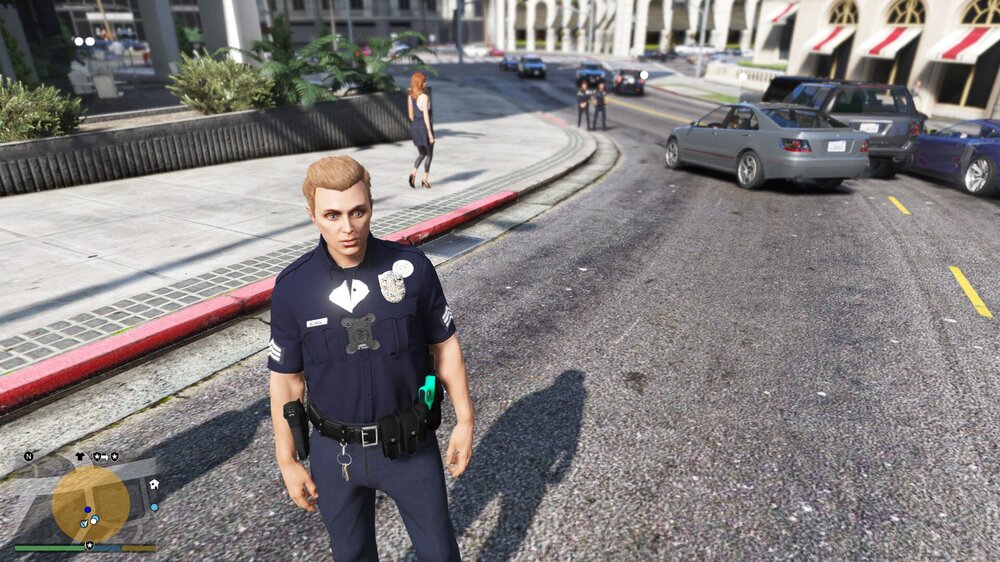
  5. Hi, I recently downloaded the EUP backup config and all the uniforms looks fine except the LSPD ones which seems like there are some white things at the chest and top left making the shirt look weird. I do not know how to fix this issue. If anyone knows how to fix this, please help. Thank you
Account

Navigation

Search

Search

Configure browser push notifications

Chrome (Android)
  1. Tap the lock icon next to the address bar.
  2. Tap Permissions → Notifications.
  3. Adjust your preference.
Chrome (Desktop)
  1. Click the padlock icon in the address bar.
  2. Select Site settings.
  3. Find Notifications and adjust your preference.