


Naddzy
Members
-
Joined
-
Last visited
Everything posted by Naddzy
-
 Some of call-outs say there’s a “ problem with the backup configuration file”. I don’t know how to fix it. Thank in advance
- 643 comments
- 55 reviews
-
put the ELS (xml files) in the right place
-
thats the link gtamods.com sent me to and it worked i was confused to and it dowloaded very slow
-
Can I post the file, here? Since it’s not a copyrighted file and it’s from the main page. i already have a warning for posting copyrighted files/links 🤦♂️
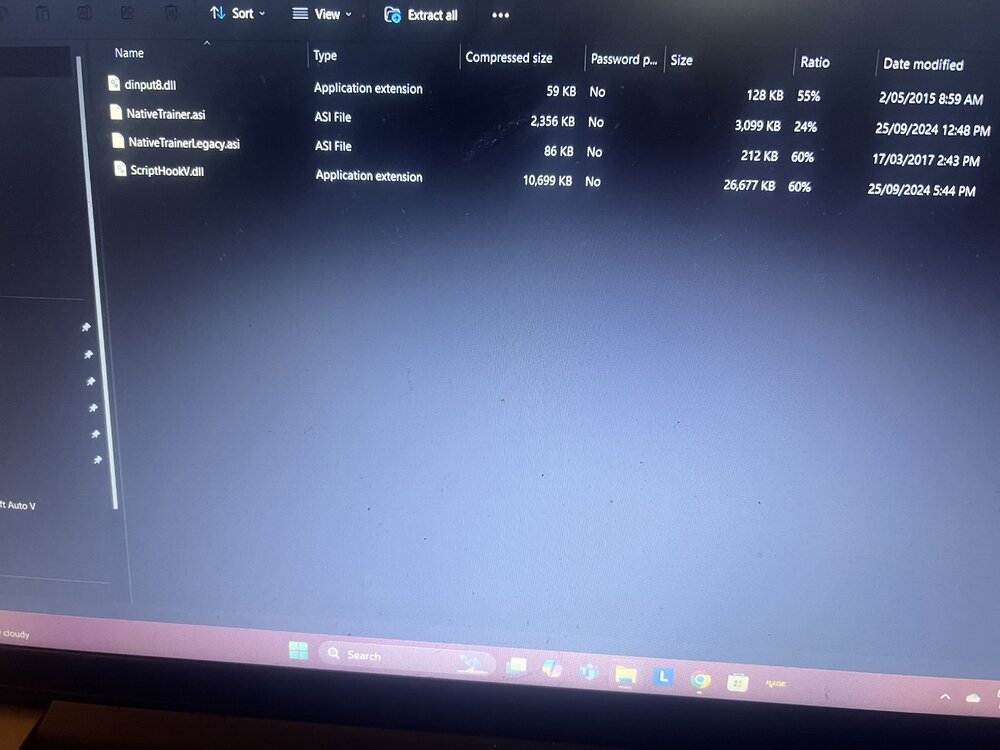
-
I got it download 😂 I went to gta mods.com and it redirected me to the webpage I clicked download and downloaded Downloading very slow tho
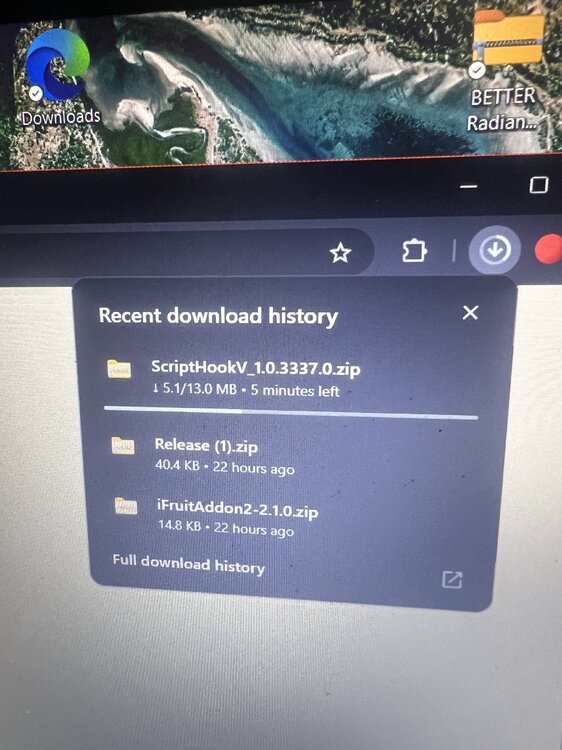
-
I was reading that the developer is from Ukraine?? I was reading a conversation in YouTube comments on a script hook error video, I don’t know if it’s true but it could explain why we can’t access its server for download
-
Let me know how that goes if that fails then it’s just connection issues to the server that scripthook v use
-
Yeah that’s what I got sorry mate I didn’t refresh page, I didn’t know you replied
-
I accessed the page on Microsoft edge but my Microsoft edge keeps closing down and crashing when I try to download script hook v
-
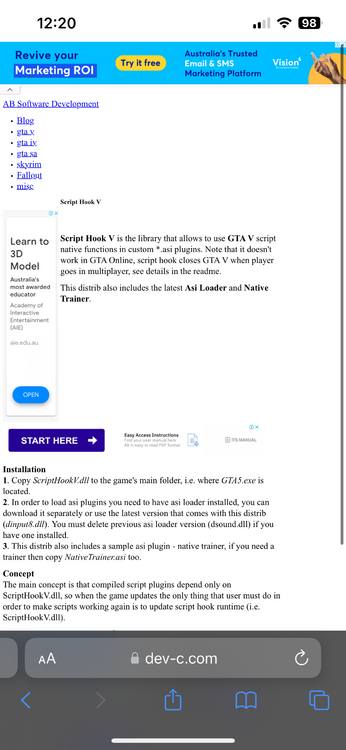
Wooow it’s back down… i shoulda downloaded when it said I could Let me see if I can get back to that page because I think I access the page not on my Google Chrome.. brb I can access the webpage from Safari on my iPhone. Most likely be a technical issue with Google Chrome
-
It’s working mate, I just checked then
-
There was an update in last few hours so everything won’t work at the moment and as for script hook v. it might just be a technical issue,
-
Yeah. If you backed up your rage plug in AND after tonight learning back up your gta files to on steam or don’t update you’ll be fine, if not gonna have 2/5 days for all updates
-
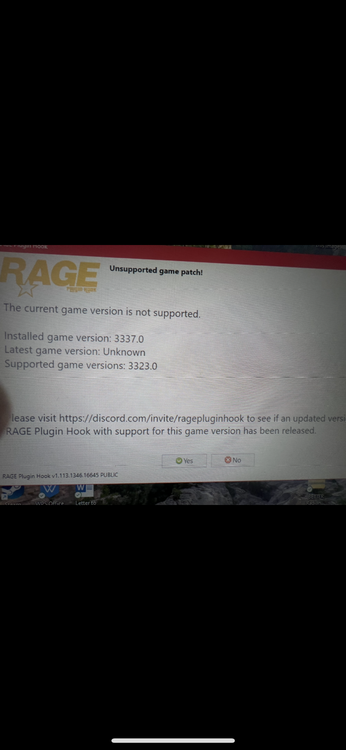
My back up says check of integrity files.🤦♂️🤦♂️
-
And my back up says “check integrity”
-
i had my els files in the wrong place in openIV
-
-
Hi I was wondering if someone could help me, I had to reinstall everything I’ve downloaded lspdfr and hooks and els, then car but In car the left button doesn’t put lights on then sirens when I push down just the sirens when I pushed on the analog stick im about to install stop the ped and ultimate backup, etc. just wondering what I’m missing for that feature thanks in advance
-
(speculation) ScriptHookV. the developer is from Ukraine so patience with that update❤️❤️ as I read on a YouTube comment if it’s true I appreciate Alexander to able to update a mod…for free…. in the last year with circumstances going on around them ❤️
-
Is there away to copy the main files you use in main directory completely delete the game reinstall it then copy files back to the game and I’m guessing you’d have to copy everything from open IV to another safe folder ?? besides that I don’t know I’m sure you’ve had a look on YouTube for the same problem??
-
Is there a setting in example “simple trainer” etc that might be stuck on enable or on??
-
When I load in to story mode I can’t move I can press pause and move around in settings when I load in with Lspdfr mod on I can move just not in story mode as Michael is it because I’m playing on the non-updated version? thank in advance
-
On 17th there was an update for GTA V and we’re now just waiting for RPH/LSPDFR/ScriptHookV. To be updated. Theres other posts and YouTube videos to catch you up if you backed up yours files, you can still play, if not just have to wait afew days for them 3 to update by the developers
-
That’s what I got and I stopped trying after that💯 im just waiting for the update man and I hope its all good after that or imma have to start again🤦♂️ edit: next 3/4 days there will be a update, as that’s the time length on previous updates


