


BuoYancY dabl
Members
-
Joined
-
Last visited
Everything posted by BuoYancY dabl
-
 Instructions unclear. Not only I dont have a mods folder, I have no idea where to get the common.rpf file from. Any help?
- 25 comments
- 5 reviews
-
I found out something odd: for some reason doing some traffic stops near the sandy shores on the highway the bike I was stoping couldnt find a spot to stop, its just driven to the sand far enough and then lspdfr crashed
-
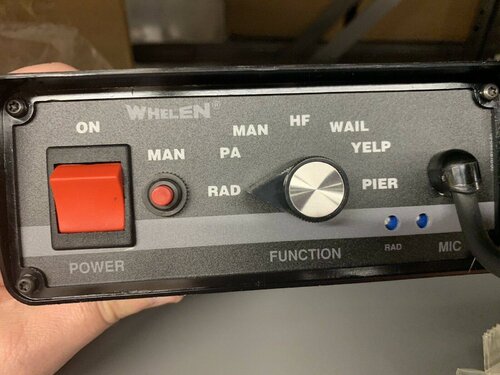 Im not quite understand how to install it in the singleplayer. I guess the FiveM Ready doesnt mean its incompatible with singleplayer, but there is no "vehicles.awc" file inside. I wonder where do I put the files. Do I simply switch the "RESIDENT.rpf" file?
- 13 comments
- 1 review
