


Snarfalarfigus
Members
-
Joined
-
Last visited
Everything posted by Snarfalarfigus
-
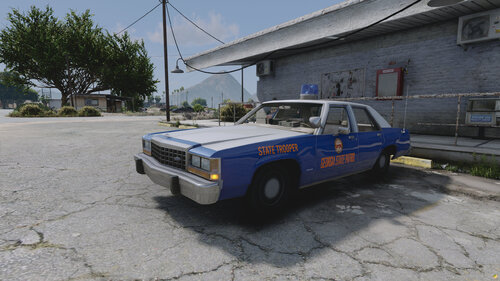 This is a livery based off of the 1987 Georgia State Patrol LTD. In order to get the exact vehicle this is on you must go to Othrins website and purchase his vehicle here, https://othrin.com/products/schp-ultimate-fleet-pack-81-high-quality-vehicle-models .
 -
-
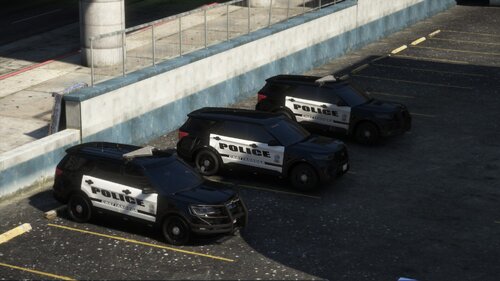 CPD's newer explorers are R/B not B/B smh
 -
-
-
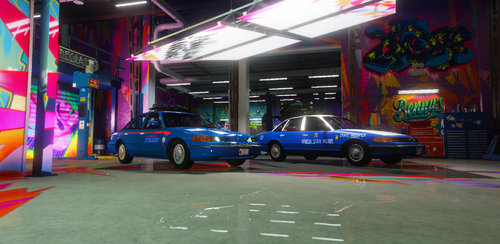 This was originally made by @bevarnow and @Officer K Slimm I just took the livery's and made them a bit more accurate. Great models and where great before just wanted something more detailed be sure to check them out and there work. For any questions join my Discord https://discord.gg/ZQ8r4wwn6R


