


xav111
Members
-
Joined
-
Last visited
Everything posted by xav111
-
hi i need help with my backup. so when i request state or local to respond to call i get noone responding at all. it will say "code 3 backup" but then i see no one coming on the map. any fix to this?
-
so i changed my mods folder to _mods then tried playing and it was working fine but when i changed it back it start crashing when i forced duty is there anyway somebody can help me fix the problem. this used to never happen it started happening when i uninstalled nve.
-
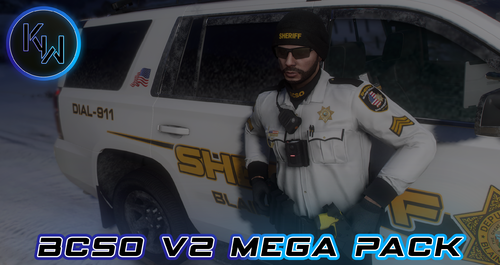 so how exactly do i add this to my game? i dont see a read me or anything.
 -
.thumb.png.656f907bc2febc81911b0b821cb502c8.png) so it says that I need Stop The Ped and CalloutInterface dll. to run it, but I already have them. How would I fix? it tells me this when I ForceDuty.
so it says that I need Stop The Ped and CalloutInterface dll. to run it, but I already have them. How would I fix? it tells me this when I ForceDuty.- 351 comments
- 45 reviews

.thumb.png.656f907bc2febc81911b0b821cb502c8.png)