



.png.86b6ac2904f17e54684f6bafeec082b0.png)
TRDG
Members
-
Joined
-
Last visited
Everything posted by TRDG
-
All right, cool. I'll try it out.
-
As the title says, how do I safely remove any (custom) ELS files added from a car pack that I've installed? Is it just straight-up safe to delete it from OpenIV?
-
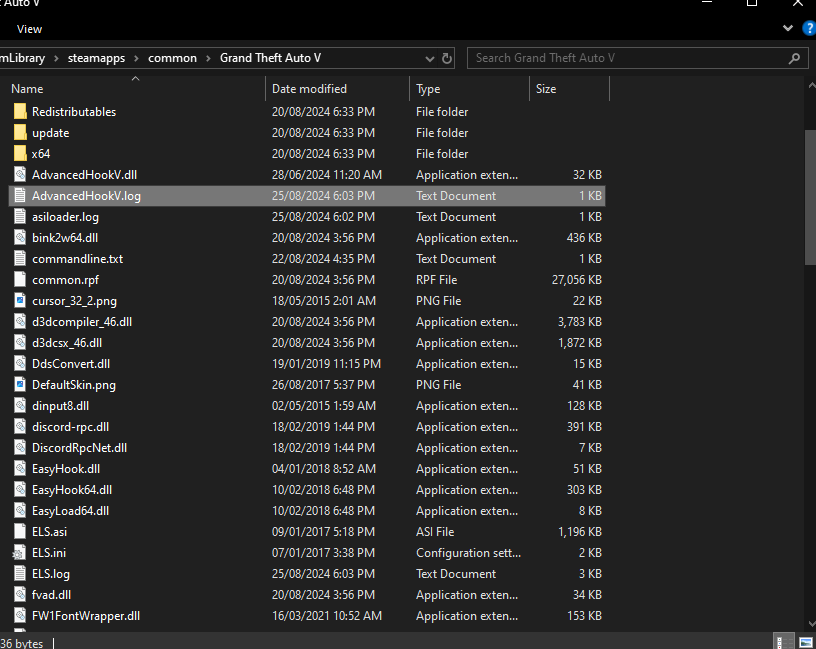
See, it doesn't even show the siren setting thing as usual. Side note: there's a file named "AdvancedHookV.log" which was already there before I replaced "AdvancedHookV.dll". I don't know if I should delete it or what.

-
Okay so I did that; I deleted the previous AdvancedHookV.dll file and I installed a new one separately and placed it in my directory (GTA folder), but now when I hop into the FIB Buffalo and I press E, there are no sirens nor lights. It only allows me to honk.
-
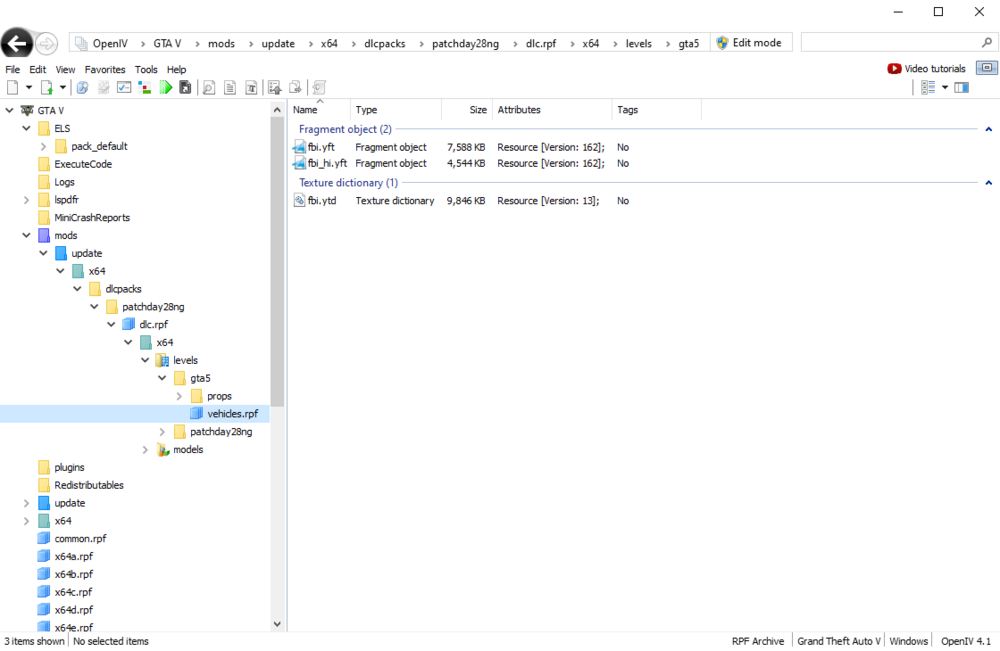
How do I fix this? The car modification I downloaded is https://www.lcpdfr.com/downloads/gta5mods/vehiclemodels/20360-els-2018-unmarked-charger/ by RangerZ. I have everything in the ASI Manager in OpenIV installed. *btw if you tell me to download AdvancedHookV, it's already installed when I downloaded ELS or ScriptHookV, I can't remember. It was in the same files so I just dragged and dropped it into the game's directory.



-
Alright, so I did download LSPDFR and I only played it through RagePluginHook. I have that mod installed and I'm looking to install some car mods for FIB vehicles (with OpenIV and stuff). One thing I'm asking is if I play and complete missions in the plain GTA V (singleplayer), will everything be as normal because I'm rather confused on you saying that "I can play singleplayer with LSPDFR as long as I don't launch RPH" since isn't only RPH needed to be able to play mods?
-
What happens if I open Grand Theft Auto V (the default/standard app from Steam or from my desktop, etc.) with only the LSPD First Response plugin installed in my game's directory? I know that I won't be able to play LSPDFR, but that's really the whole point; I only want to play missions in Singleplayer. I already played the game through Steam for a bit since as I'm typing this, I still haven't installed LSPDFR. So will the game crash, and if not, will my missions save (if I open the game through RPH the next time)? You could also put in any additional things that you would like me to know in the comments. P.S. I am a noob to modding and this is my first time ever playing GTA on PC. (I was a PlayStation player.)
.thumb.png.3a1c6e379e7e95975ee109d7a87fa2fc.png)


