skorpeusz
Members
-
Joined
-
Last visited
Everything posted by skorpeusz
-
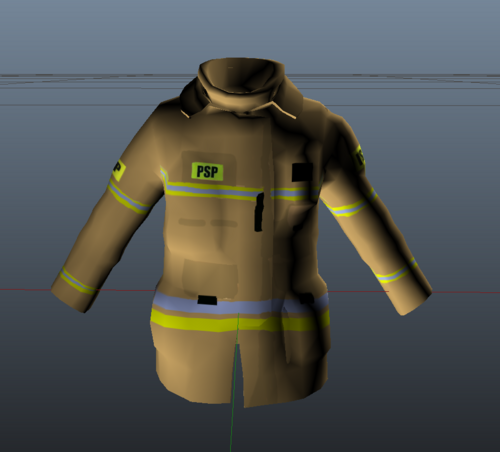 for real? they wont be mixed? i would like to see only 4 variations to be faair: black gear, helmet and SCBA, black gear and helmet, tan gear, helmet and SCBA and tan gear with helmet, and that would be the best to be fair., maybe only 2 variations would be enough (two colour of gear and helmet for both)
 -
just downlaoded it and its amazing! only thing is dislike how backup arrives with mixed up turnout gear
-
does it work for peds?
-