


copper101
Members
-
Joined
-
Last visited
Everything posted by copper101
-
-
 Thanks for the feedback! I've added the link in the description.
 -
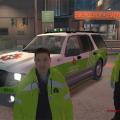
This texture is based on the St. John Ambulance volunteer fleet in Ontario, Canada. Presently the Ontario Highway Traffic Act allows the use of green strobes on volunteer firefighter POVs and medical first responders en route to a call. Ref: http://www.e-laws.gov.on.ca/html/regs/english/elaws_regs_070484_e.htm Green may also be used to mark an incident command or HAZMAT vehicle stationary at an emergency scene.
-
St. John Ambulance inspired texture for 2009-10 Ford Expedition SSV. This texture is based on the SJA volunteer fleet in Ontario, Canada. I recommend you use green ELS lights and Medical First Responder player skin for added realism. Link to model: http://www.gta4-mods.com/vehicles/2009-10-ford-expedition-ssv-v25f-els-f22293
-
-
Fire calls using modified LCPD:FR
-
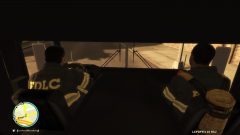 Cab ride
-
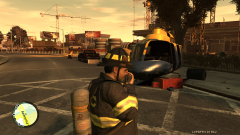 Aircraft down - Pilot extricated
-
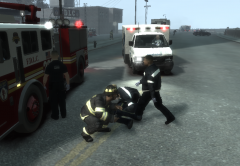 Police Officer Down
-
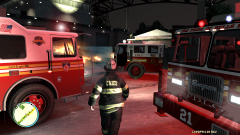 FDLC Chief
-
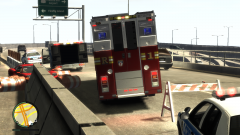 Broker-Dukes Expressway MVA
-
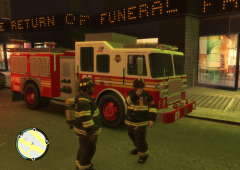 Code 1 carbon monoxide detector call
-
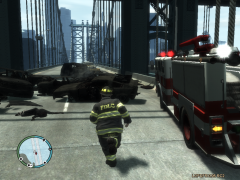 Multi vehicle MVA
-
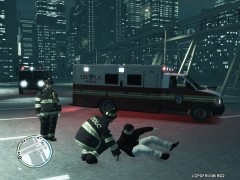 medical call
-
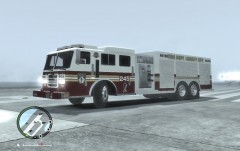 FDLC P245
-
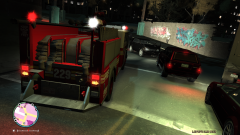 2 vehicle MVA
-
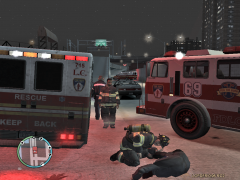 MVA: Single vehicle into median
-
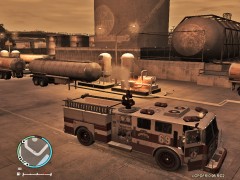 Fire at FIA
-
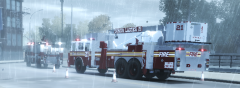 Tower Ladder 21
-
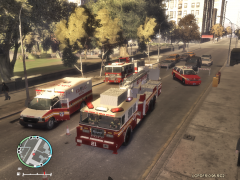 Tower Ladder
-
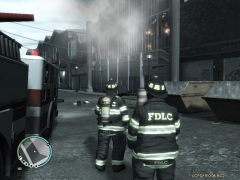 Abandoned casino fire
-
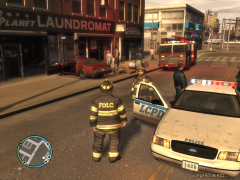 Single vehicle collision
-
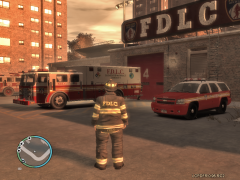 FDLC Tudor
-
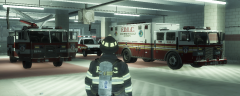 FDLC Northern Gardens
-
-
From the album: FDLC
-
-
-
From the album: FDLC
Single vehicle into median. One patient extricated and in care of EMS. -
From the album: FDLC
-
-
-
Nice skin but FYI, that is a Canadian "support our troops" ribbon. Nothing wrong with Canadian troops, but it is an FDNY truck...
- 2 comments
- 3 reviews
-
-
-
-
-
From the album: FDLC
-
From the album: FDLC
FDLC Pumper 69 responding to a fire at Francis International Airport. -
-
From the album: FDLC
FDLC Tower Ladder, Rescue, Pumper and Battalion Chief respond to Majestic Hotel. -
From the album: FDLC
-
From the album: FDLC
LCPD securing the scene of the accident while FDLC inspects the vehicle. -
From the album: FDLC
FDLC Tudor Station, HAZMAT truck and Battalion Chief Tahoe

