


Nelly45678
Members
-
Joined
-
Last visited
Everything posted by Nelly45678
-
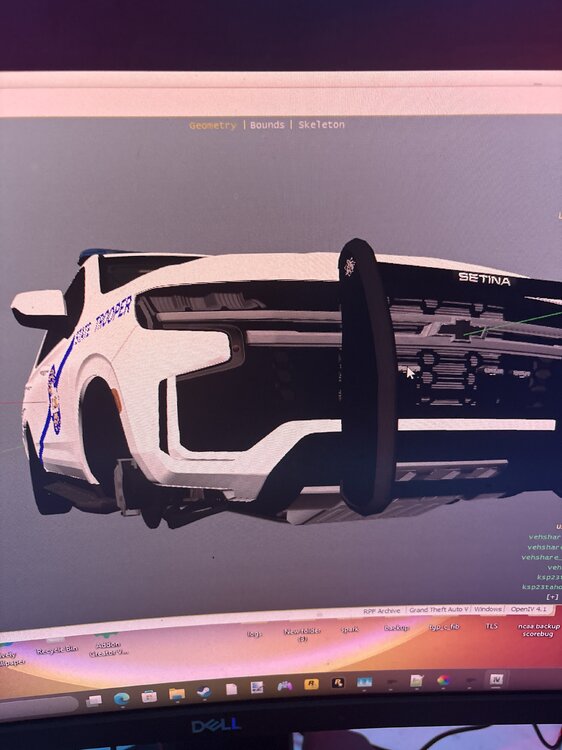
I recently converted a Fivem Tahoe to SP and Durango and everything worked except the rambar doesn’t show in game. It shows in open iv. I tried using trainer but my vehicle component goes 1-10. And the developer said the extra is 11. What do I do??
-
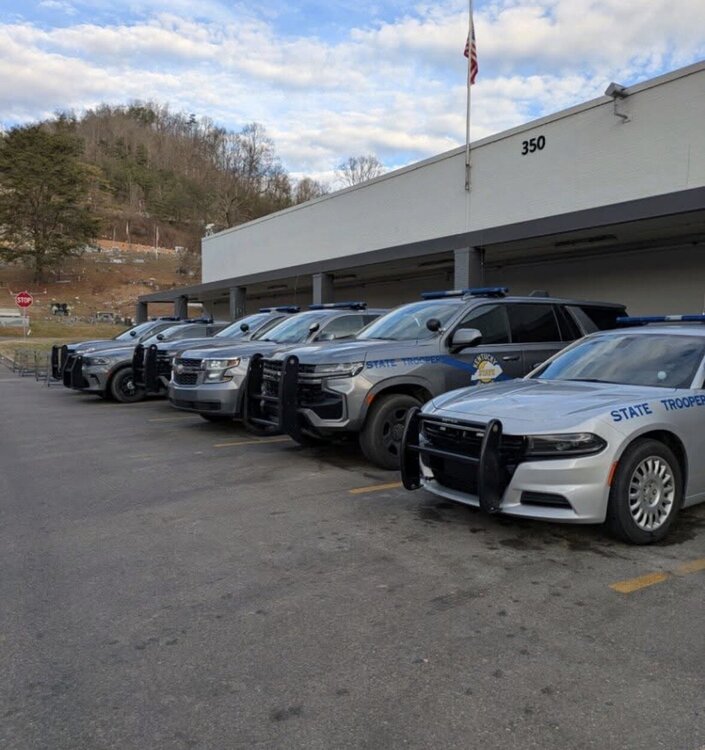
Could anyone make or point me in the right direction to get a KSP Tahoe and Durango?? I’ve only seen KSP chargers and older model tahoe’s.
-
Looking for a pack that has a 2018 charger and Durango with blue light bars. Not the light colors but the bar texture. I posted a picture to show what I’m talking about.
-
-
Is there Anyway you could convert the Roxwood add on city to single player for lspdfr?
-
I need a video to help me change a light bar on a charger 2018 and Durango 2018-20 from clear to all BLUE


.thumb.png.d8d35076f26ac12960464d316b88d664.png)