Skip to content
View in the app

A better way to browse. Learn more.

LCPDFR.com

A full-screen app on your home screen with push notifications, badges and more.

To install this app on iOS and iPadOS
  1. Tap the Share icon in Safari
  2. Scroll the menu and tap Add to Home Screen.
  3. Tap Add in the top-right corner.
To install this app on Android
  1. Tap the 3-dot menu (⋮) in the top-right corner of the browser.
  2. Tap Add to Home screen or Install app.
  3. Confirm by tapping Install.

Vividus

Members
  • Joined

  • Last visited

  1.    Vividus reacted to a comment on a file: Los Santos Police Department EUP Pack V1
  2.    Vividus reacted to a comment on a file: Los Santos Police Department EUP Pack V1
  3. twistedleo15 started following Vividus
    • 435 downloads
    • Version 1.0.0
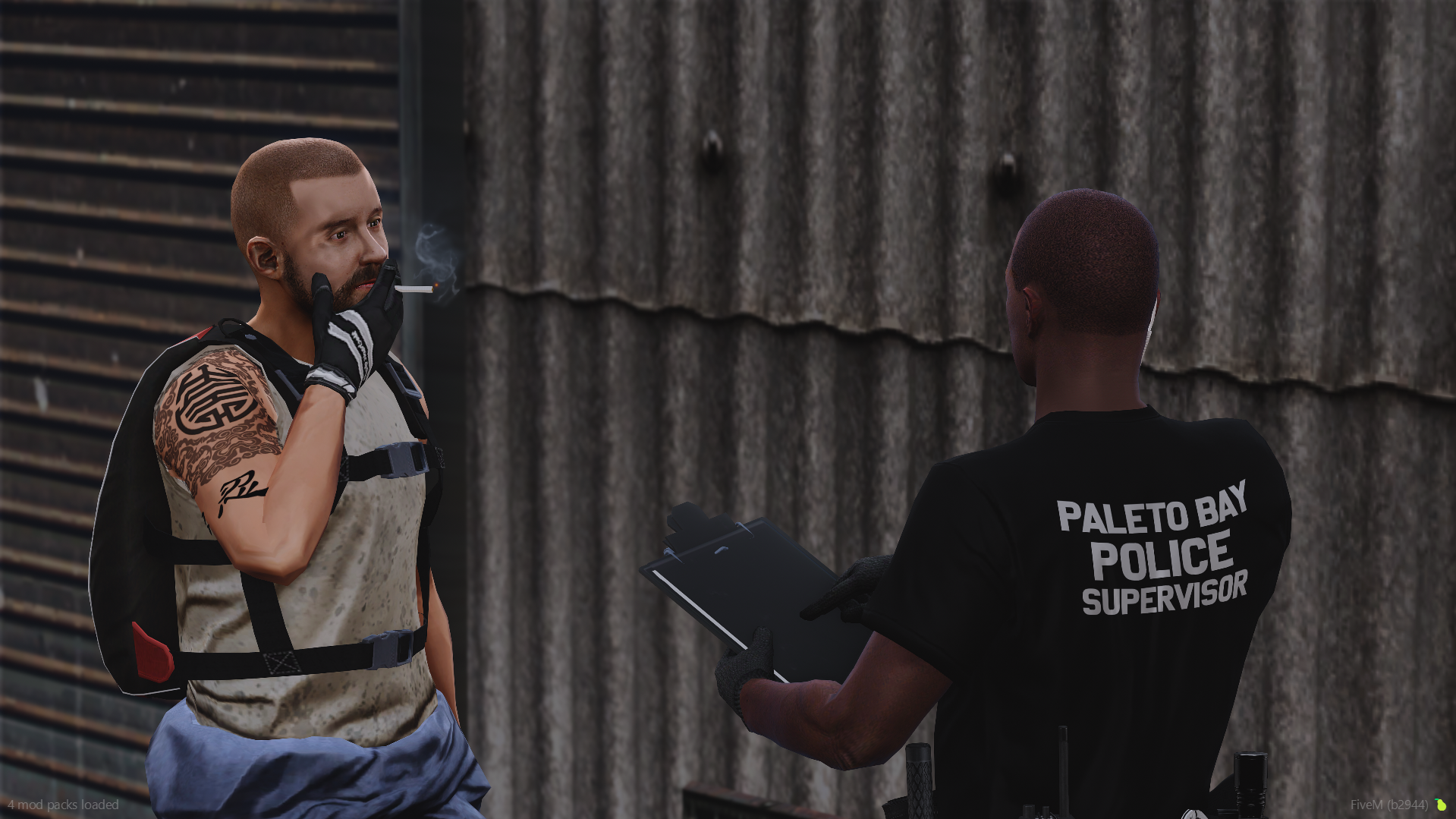
    Paleto Bay Police Department EUP Pack V1 Features: Class A Shirts (Two variants: Black/Black, Grey/Black) Class B Shirts (Two variants: Black/Black, Grey/Black) Class C Shirts (Two variants: Black/Black, Grey/Black) T-Shirts (Two variants: Black, Grey) Patrol Pants (One variant: Black/Black) Forward Cap (One variant: Black/Black) Backward Cap (One variant: Black/Black) Credits: Patch by Reddington V2 Join our Discord for more updates: discord.gg/mDEdfcAa5w
  4.    MostlyPalone reacted to a comment on a file: Los Santos Police Department EUP Pack V1
  5. I've unfortunately have only dealt with FiveM within the last few weeks of me developing, I really have no idea. I do see a few resources online such as
    • 1,341 downloads
    • Version 1.0.0
    Los Santos Police Department EUP Pack V1 Features: Class A Uniforms (One variant: Patrol/Black) Class B Uniforms (One variant: Patrol/Black) Class C Uniforms (One variant: Patrol/Black) T-Shirts (Variants: Regular, Patrol, Criminal Investigations, Traffic Enforcement, Port Authority) Rain Jacket (One variant: Yellow/Black) Uniform Pants (One variant: Black) Cargo Pants (One variant: Black) Forward Cap (One variant) Backward Cap (One variant) Credits: Patch by HyperPfeiffer Join our Discord for more updates: discord.gg/mDEdfcAa5w

Account

Navigation

Search

Search

Configure browser push notifications

Chrome (Android)
  1. Tap the lock icon next to the address bar.
  2. Tap Permissions → Notifications.
  3. Adjust your preference.
Chrome (Desktop)
  1. Click the padlock icon in the address bar.
  2. Select Site settings.
  3. Find Notifications and adjust your preference.