Riley Shepherd
Members
-
Joined
-
Last visited
Everything posted by Riley Shepherd
-
-
-
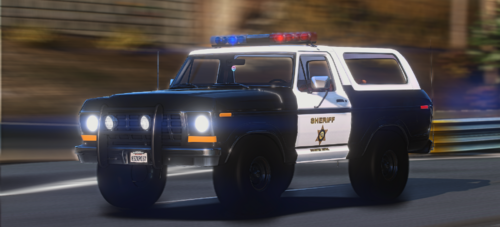 Vehicle requires the game build 3407
 -
AdvancedHookV.logScriptHookV.logRagePluginHook.logELS.logI have uploaded the log files that could help diagnose the issue. I have tried throwing in a fresh copy of ELS and ScripthookV with no success. Renaming the mods folder _mods worked, but removing all the vehicle packs that use ELS still causes the same crash error. I'm not sure what to do since I like the car packs I have now and I don't want to remove ELS I figured it out, not sure why, but an Addon eup was crashing it. Not sure why the addon EUP would make ELS crash, but at least I figured it out lol
-
Thank you sir
-
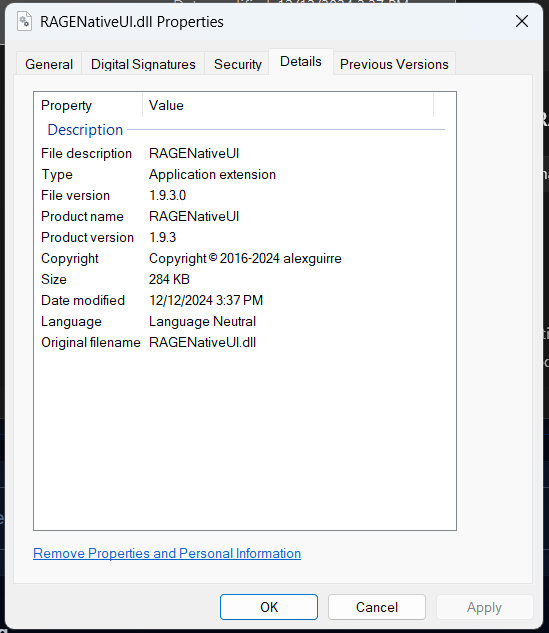
I got the main issue fixed, just had to reinstall the game but now its saying my RageNativeUI is outdated and all the versions i can find are out dated, know where i can get an updated copy?
-
Sorry for the late response. It resets immediately after clicking save. Running RPH as admin didn't work either
-
I am the admin
-
Whenever i do that it keeps resetting itself automatically
-
Yeah its still not working
-
No I do not.
-
-
RagePluginHook.log I have uploaded my log. It keeps crashing for some odd reason I can't figure out, and after giving it to ChatGPT, Copilot, and some LSPDFR veterans, it still keeps crashing. Please help me resolve this issue.
-
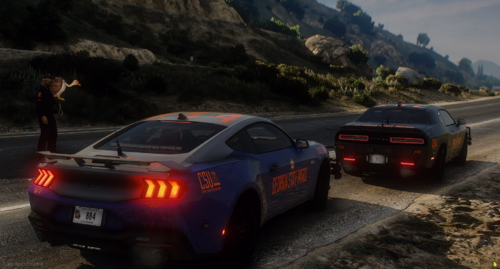 Where can i get the challenger? i joined the discord and cant find the challenger
 -
 Whats the challenger model used and do you got a link to it?
 -
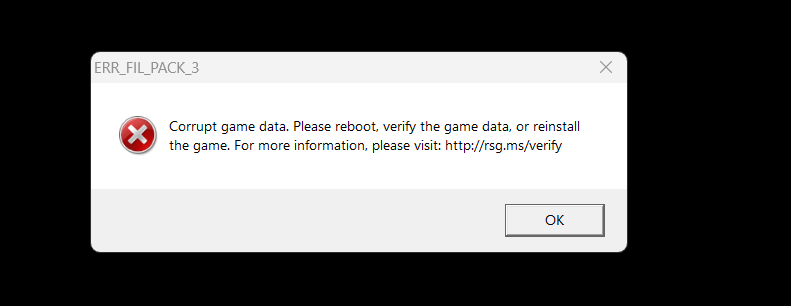
I have been trying to download addon mods for my LCPDFR and everytime it corruptes. The files are not corrupted until I transfer them to or from OpenIV. Even RPF files I make with OpenIV get corrupted. I have tried uninstalling OpenIV, and it didn't work. and throws an error. Any suggestions on what I can do to fix this?
-
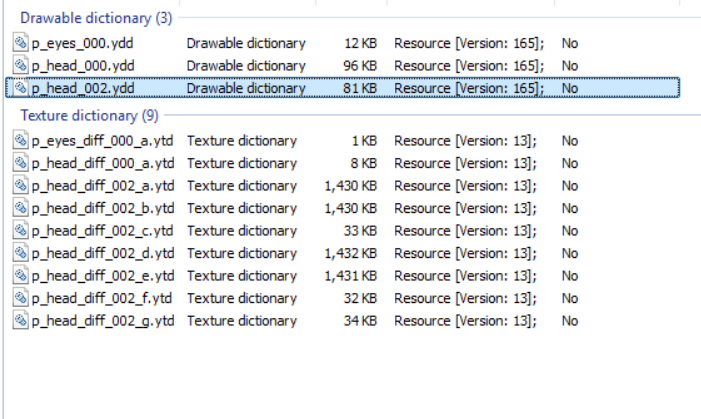
I want to add more than two textures to the original cowboy hat with a badge in EUP, and have more than two textures. How do I make it allow for more than 2 textures, since I have them in as p_head_diff_002_a, b, c, d, and so on, all the way up to g, and I have to have all of them in at the same time?
-
solution
-
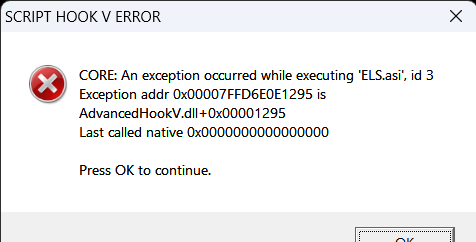
Hello, I have recently updated my GTA 5, and when I attempt to launch it with or without LCPDFR, it crashes and displays the same error code. I do not know how to fix it, and I have tried reinstalling ELS, Advanced Hook V, and ScriptHookV. I tried deleting DLS, hoping it would fix the issue (it didnt.) I also tried installing ScriptHookV.net, and when I have that at time as the others, it doesn't give me an error code but instead freezes and doesn't respond until I have to restart my PC. I have added the error message and the logs (Rage Plugin Hook and DLS) from the game in the post. RagePluginHook_23062025_020602.logRagePluginHook_23062025_234806.logRagePluginHook_23062025_233812.logRagePluginHook_23062025_024957.logRagePluginHook_23062025_024819.logRagePluginHook_23062025_024732.logRagePluginHook_23062025_024614.logRagePluginHook_23062025_023840.logRagePluginHook_23062025_023102.logRagePluginHook_23062025_021701.logDLS_1750644530.logDLS_1750645184.logDLS_1750645930.logDLS_1750646412.logDLS_1750647061.logDLS_1750722012.log I fixed it. I reinstalled ELS and used the advancedhook I found in that folder. I also checked my ELS folder and found a bunch on random stuff in that file so I deleted it and it works perfectly now.
-
Some replace cars I made have extra liveries but I can only see the default livery (..._sign_1) but I can't see any other liveries (..._sign_2 or 3). I have replaced every default police police car and know it has something to do with the carvarations.meta but I have no clue what to do in the file to fix this.
-
I load into the game and I open Rage plugin hook in game by pressing F4 and it crashes and the .log file says no plugins caused it to crash and it is on the most recent update It is also incredibly laggy and it's not my settings on my GTA bc I have them set to the minimum. I have included the .log file if you all want to take a look if it helps. RagePluginHook_07122024_021557.log
-
Nvm I fixed it i just had to sync my LSPDFR account to my game
-
I have made 2 characters in LSPDFR and when I load in I spawn as Micheal and when I go into the character creator it makes me make a new character but in my files I still have my original character files so does anyone have a fix for this issue?
-
Nvm I fixed the issue and i just had to reinstall gta5 and create the mods folder manually
-
I installed multiple modded guns under patchday8ng using OpenIV but it didn't show in game and I tried different patchday#ng files with weapons.rpf files but still didn't work and i need some help about what I'm doing wrong. I think its a problem with my mods folder but I don't know how I can fix it because I have tried deleting the mods fold and it still not working.