EMTBCARROLL
Members
-
Joined
-
Last visited
Everything posted by EMTBCARROLL
-
-
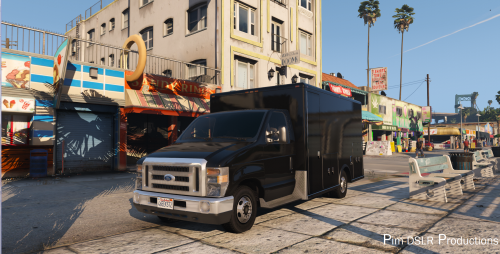 Hey PimDSLR, Thanks so much for this model since Im an EMT and this is what I drive daily. Ive changed it to be identical to mine parts wise with zmodeler but I have added an E450_sign_1 to it with my own company textures but it is not loading and I was needing advice if you may know. Thanks
- 19 comments
- 4 reviews