


.jpg.6a9da236bf1a0efd00a77557964a1907.jpg)
RangerRick
-
Joined
-
Last visited
Everything posted by RangerRick
-
-
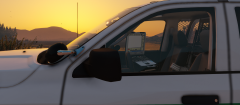 New MDT
-
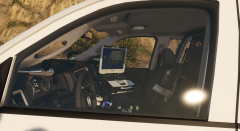 Inside the beast...
-
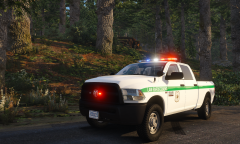 6F67 10-8
-
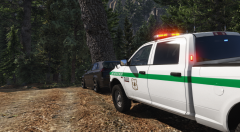 USFS Ram
-
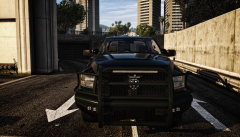 Rammin' on in.
-
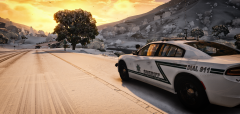 Getting Charged up!
-
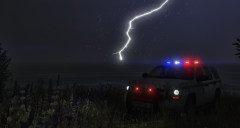 Lighting Crashes
-
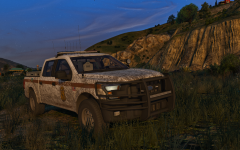 Should I go Code 3?
-
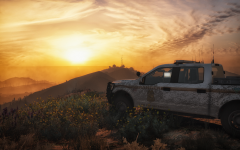 Taking in the sunrise
-
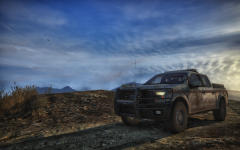 Dirtying Things Up
-
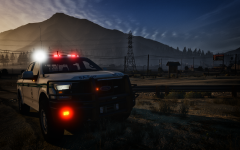 A SA NF Fire Prevention Officer Patrols For Illegal Fires.
-
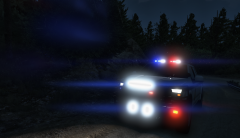 Lighting up the place!
-
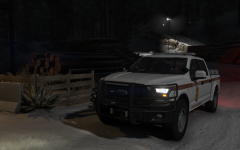 Snow Patrol
-
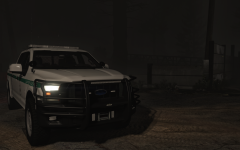 Latest WIP...
-
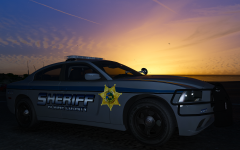 The fleet grows
-
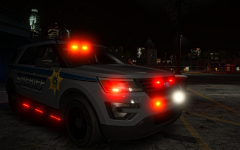 Getting Slick
-
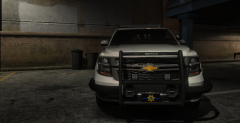 2015 Tahoe getting ready for the streets
-
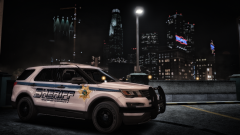 There's a new Sheriff in town
-
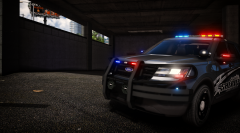 Identity Crisis
-
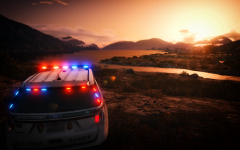 Sunsets by the bay
-
-
From the album: RangerRick's GTAV WIPs
Now featuring a new, true to life MDT screen. A big to the Accurate Studios crew for making this possible and helping me out the entire way. Namely Kane104, EVI, and CJ24. Five0, and Neon have been other huge helps. -
From the album: RangerRick's GTAV WIPs
A big to the Accurate Studios crew for making this possible and helping me out the entire way. Namely Kane104, EVI, and CJ24. Five0, and Neon have been other huge helps. -
From the album: RangerRick's GTAV WIPs
A big to the Accurate Studios crew for making this possible and helping me out the entire way. Namely Kane104, EVI, and CJ24. Five0, and Neon have been other huge helps. -
From the album: RangerRick's GTAV WIPs
-
From the album: RangerRick's GTAV WIPs
Hmmmmmmmmmm.... -
From the album: RangerRick's GTAV WIPs
A special thanks to Kane104 for allowing me to use his Lib II and other parts, and another special thank you to Peralta for letting me use his Charger base, and last but not least, a special thank you to Mr. Five0 himself, for his parts and generosity. -
I woulda given him props had he posted the song lyrics from the song I titled this photo after. @Chappie I'm gonna have to stop letting you mooch cars off of me to take screens of, if you can't get my song references... Sheesh
-
Don’t encourage him in the slightest... please.
-
I’m sorry the rest aren’t as beautiful. :(
-
From the album: RangerRick's GTAV WIPs
-
I'm specifically going to make you wait longer than everyone else now.
-
And... There's a good IRL counterpart...
-
From the album: RangerRick's GTAV WIPs
Or stick to Whelen? -
From the album: RangerRick's GTAV WIPs
-
From the album: RangerRick's GTAV WIPs
-
From the album: RangerRick's GTAV WIPs
-
From the album: RangerRick's GTAV WIPs
-
DM me... forest Tahoes might be done..
-
From the album: RangerRick's GTAV WIPs
-
From the album: RangerRick's GTAV WIPs
A special thanks to Hurk, and Five0 for making it possible! -
Thank you!
-
From the album: RangerRick's GTAV WIPs
-
The Taco Hell, I mean Taco Bell cup? Naaaah... I'm surprised someone didn't knock it over and spill it all over the fuse box that it's sitting on. tbh. Probably wasn't the best spot for me to put it, but oh well..
-
From the album: RangerRick's GTAV WIPs
Inspired by a rig I upfitted back, when I was a vehicle upfitter in real life...
.thumb.jpg.34f86be080e70a28af1f834e05905f44.jpg)
