Skip to content
View in the app

A better way to browse. Learn more.

LCPDFR.com

A full-screen app on your home screen with push notifications, badges and more.

To install this app on iOS and iPadOS
  1. Tap the Share icon in Safari
  2. Scroll the menu and tap Add to Home Screen.
  3. Tap Add in the top-right corner.
To install this app on Android
  1. Tap the 3-dot menu (⋮) in the top-right corner of the browser.
  2. Tap Add to Home screen or Install app.
  3. Confirm by tapping Install.

montgomerydevelops

Members
  • Joined

  • Last visited

Everything posted by montgomerydevelops

  1. I might've used Eurostile Glad you like the liveries!
  2. I can link them, the CCSO FPIU's are from Maryland Modifications public LCSO Slicktop Fleet pack, and I think the LCCSO Charger and Ram is from a paid pack but I don't remember.
    • 117 downloads
    • Version 1.0.0
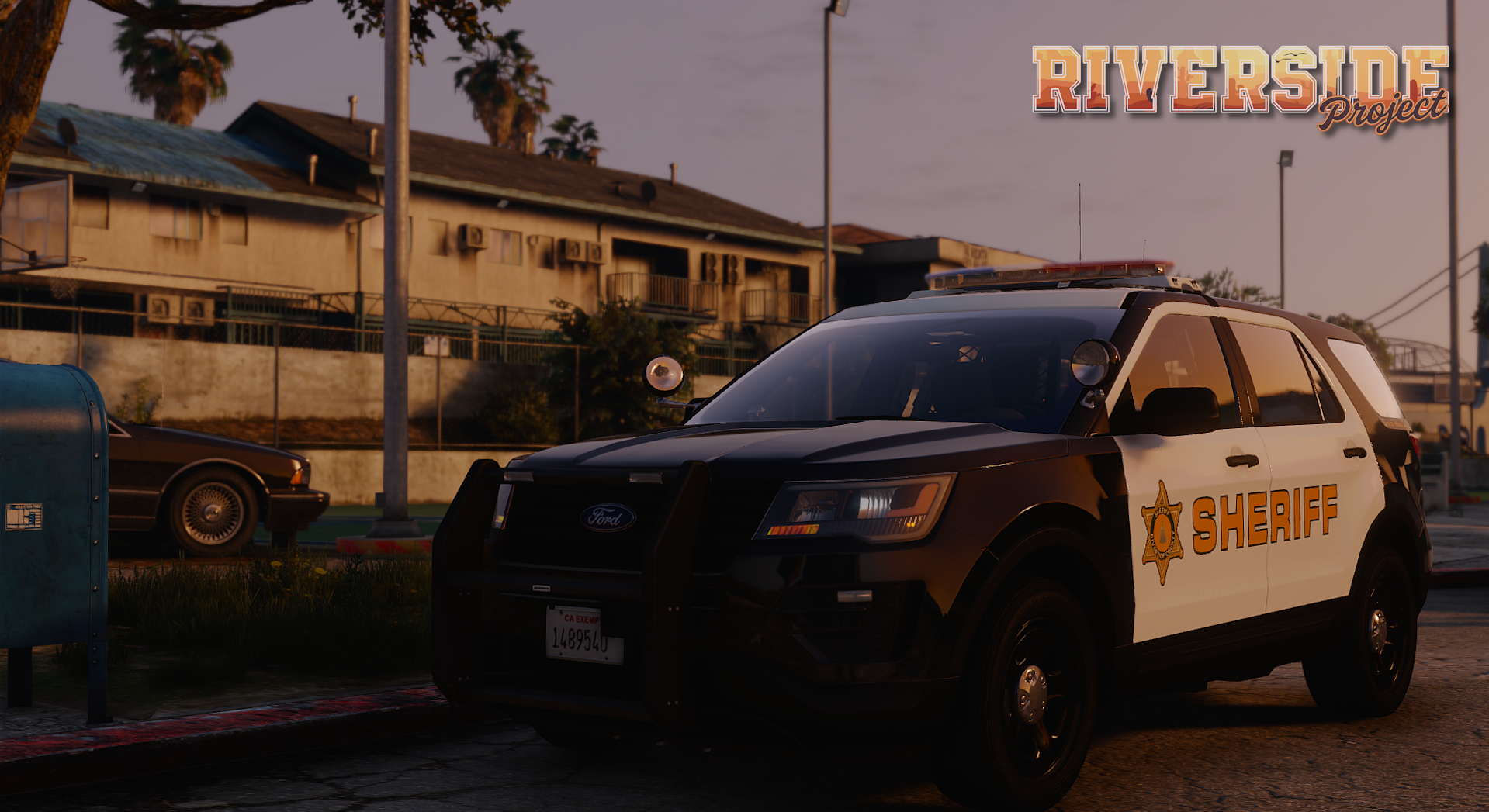
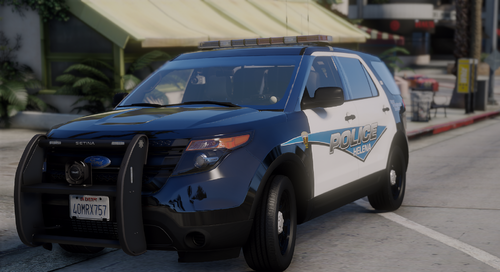
    a handful of liveries i had created for my community that's no longer - enjoy it includes the following departments from Montana, USA: Cascade County Sheriff's Office (B/W FPIU'S) Lewis & Clark County Sheriff's Office (All White Charger) Helena Police Department (B/W with Blue FPIU) i have also included the pdn files so you can transfer the liveries over to another uv map
Account

Navigation

Search

Search

Configure browser push notifications

Chrome (Android)
  1. Tap the lock icon next to the address bar.
  2. Tap Permissions → Notifications.
  3. Adjust your preference.
Chrome (Desktop)
  1. Click the padlock icon in the address bar.
  2. Select Site settings.
  3. Find Notifications and adjust your preference.