LAPD1
Members
-
Joined
-
Last visited
Everything posted by LAPD1
-
My game terminated after i installed a heap adjuster and a game config, and on the second attempt i opened the game it crashed LSPDFR once than loaded after i loaded it again, i deleted riskier traffic stops and it froze after i loaded it in the third attempt.
-
I run GTA 5 v3337 The legacey version, everytime i load LSPDFR once, it crashes but did'nt crash GTA V, than caused texture loss issues, than on the second attempt it works but the texture loss issues stay, i've tried doing the Main.PreloadAllModels = false thing, but it didnt work too. Update: I installed https://www.gta5-mods.com/misc/kryst4lclr-s-gameconfig-updated-regularly (Game Config) And https://www.gta5-mods.com/tools/heapadjuster And i tried to load LSPDFR, but i got a forced termination, my game froze than i had to close it.
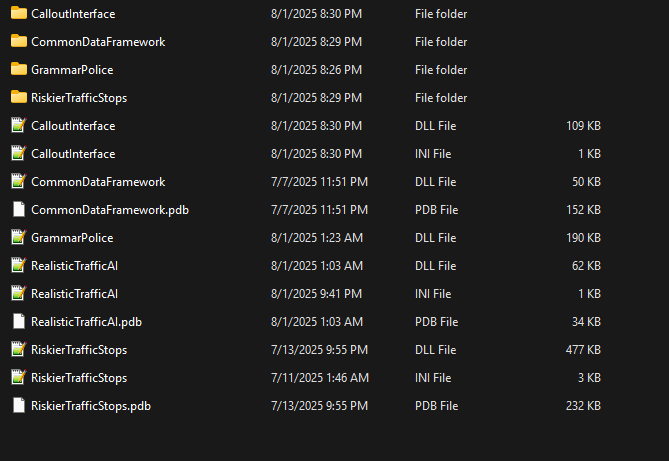
-
Acutally i accidently deleted all dlcpacks- thank you for whoever tried to help.
-
My LSPDFR, keeps crashing when i go on duty. I'd like some help, because im real bored. RagePluginHook_30072024_185115.log Oh wait- I just saw scripthook-v nightly released a new version..
-
Get ragenativeui, if you already have it. Idk maybe antivirus doing smth? Im tryna help, even tho i got the same issue.