
Deputy Russ
Members
-
Joined
-
Last visited
Everything posted by Deputy Russ
-
-
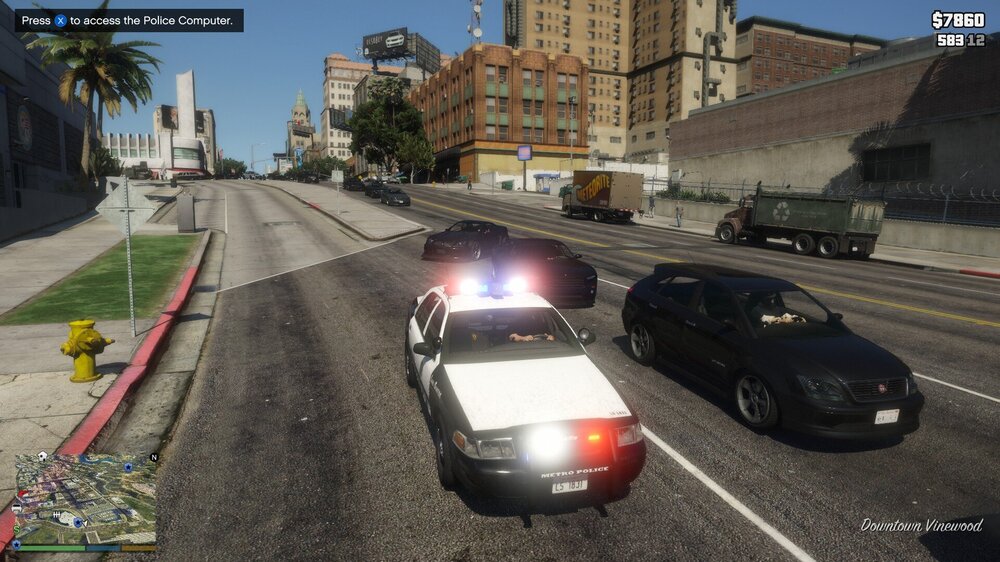
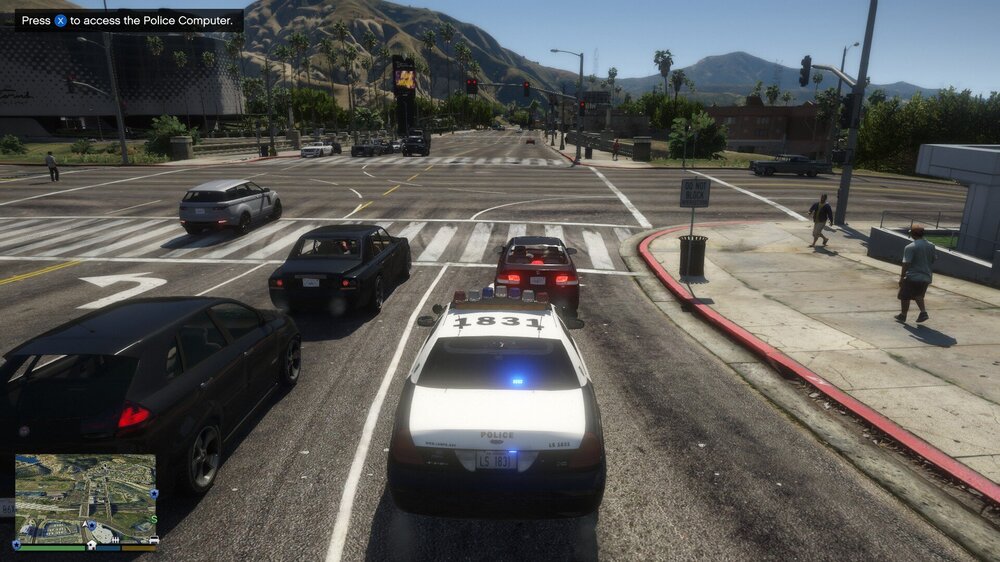
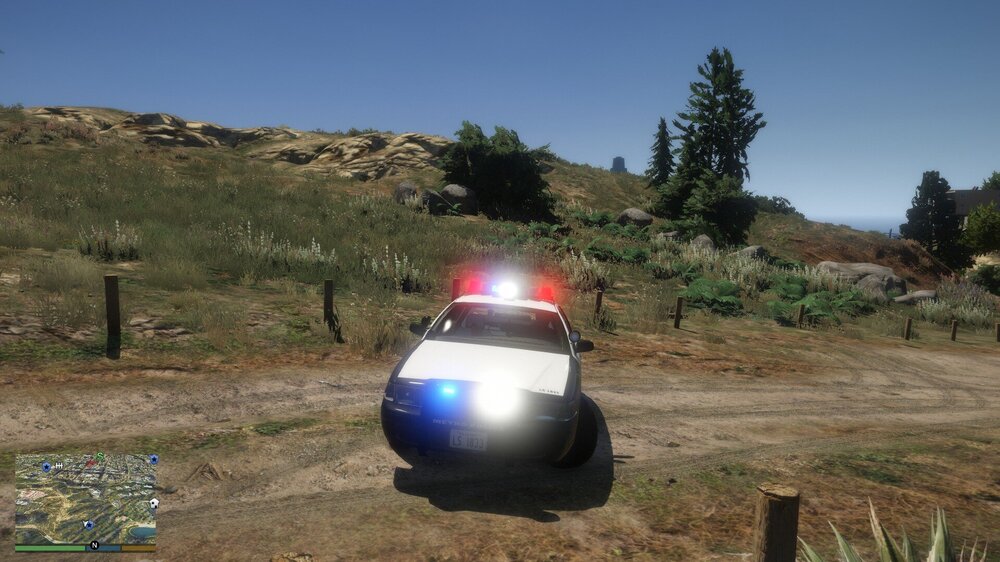
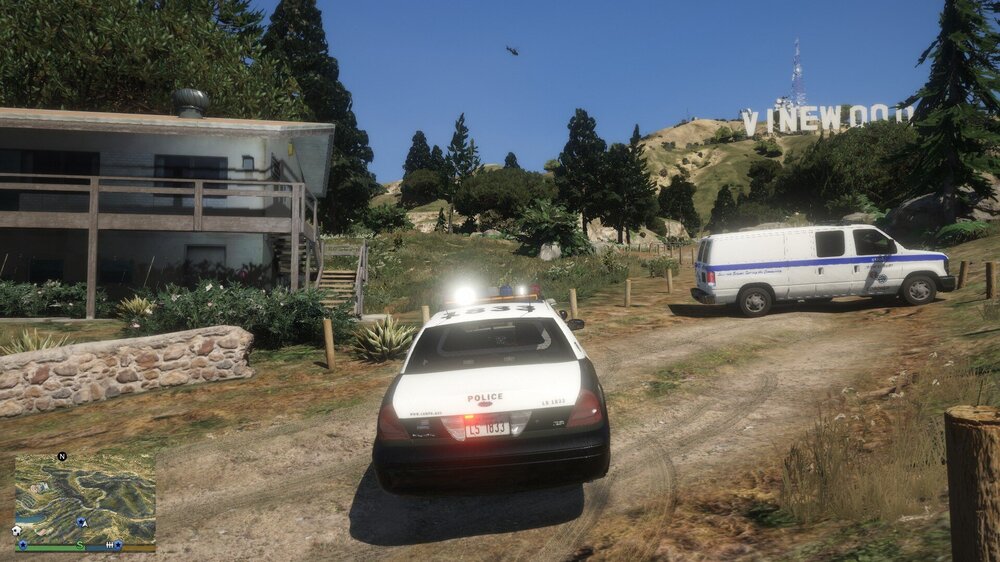
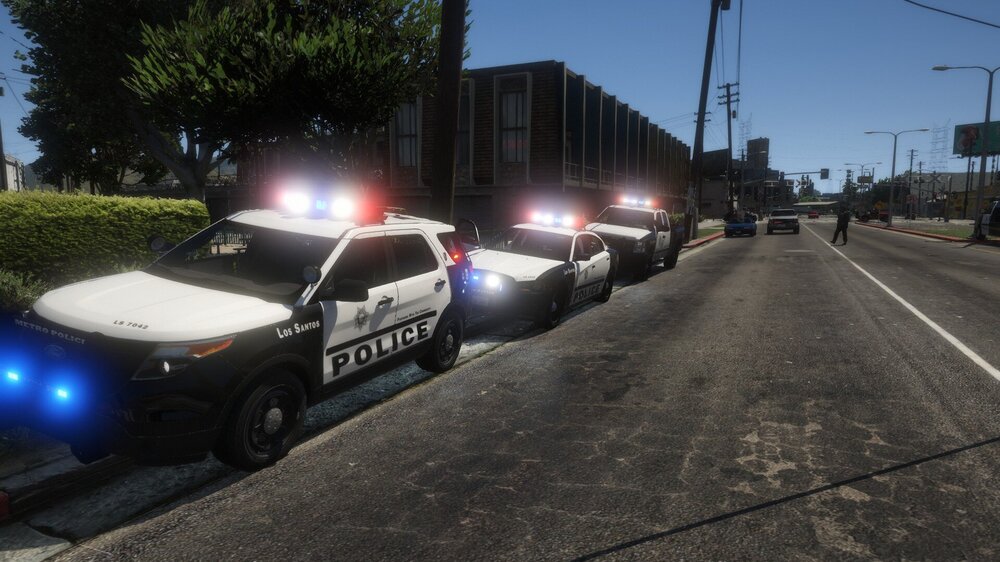
I recently downloaded an ELS pack that has rotary lights and the light bar bulbs are stuck in place while the other lights on the vehicles work. I followed the directions and placed the appropiate meta files and carcols in the correct locations. I can't seem to get the lights to correctly opperate an would really appreciate any help, fixes, or ideas to resolve it. Thanks. I also included the readme file from the author of the mod if you want to read in case there is an error or possibly something I missed. README.txt
-
 Appreciate the article. I'll look into it and see if i can fix the issue wit the lightbar. Thanks a million. I do have a question. So I got the modpack DLC and set up the lines in between VariationData but do I need to put these in my other meta locations or just put the names of all the vehicles I want to use like police, police2, and ect, in between those lines in that modpack meta? Edit- So I added all the police variations into the modpack meta and the lights only switched location but are still froze in location. I'll do some more digging but haven't solved issue yet.
- 114 comments
- 37 reviews
-
 I've had no issue with ELS crashing other than when I forgot to get advanced script but perhaps there is an update issue, I'm not certain. I'm just giving some ideas.
- 2,662 comments
- 234 reviews
-
DLS could be an issue since it is a different lighting system. Try removing dls and using els. I think some vehicles work with els or dls but I don't think els and dls go together. Yeah DLS is for non-ELS vehicles so if you want ELS vehicles. remove DLS. Should fix it.
- 2,662 comments
- 234 reviews
-
hmm... what plugins or addons do you have if you don't care to list some?
- 2,662 comments
- 234 reviews
-
Do you have any plugins or anything that would affect your visual settings?
- 2,662 comments
- 234 reviews
-
Could use some help. I put all meta files and carcols in the correct locations and put in the latest dlc patch but my lights on my lightbar don't work in the back and stuck solid in the front as if they just don't flash or rotate. Any ideas how to fix this?
- 114 comments
- 37 reviews
-
Hmm. Weird. Have you tried maybe a fresh download? Try deleting all els related content and reinstalling? My els ini got corrupt and crashed my game and had to reinstall ELS and Advanced script hook. If that don't work go to OpenIV and turn of ASI loader, restart PC, and turn ASI Loader back on with the 2 other counterparts under it if not already downloaded. I fixed mine doing this as well
- 2,662 comments
- 234 reviews
-
I had issues with els until I downloaded the advanced scripthook which is downloadable from this mod and mine now work well. You may already have the script, I'm not sure but I skipped it on my first go around getting els. Edit- If that don't work, maybe you have a plugin that conflicts with els
- 2,662 comments
- 234 reviews
-
Great pack and love that you made it lore friendly. Need more packs like this.
- 114 comments
- 37 reviews
-
-

-

- 2
-
-
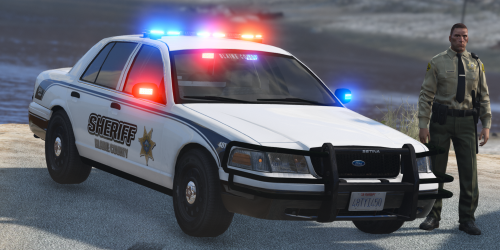 Love the style and texture. With the lights and kinda old school look, can't help but love this pack.
- 11 comments
- 4 reviews
-
 Love tye mod pack. I was even able to make the taurus the sheriff cruiser instead of police3. 10/10 pack and lighting.
- 19 comments
- 2 reviews
-
-
- 1
-
-
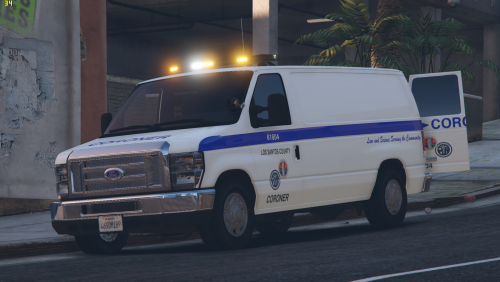 Same here and I went into the ultimate backup ini and the presets in the folder as well and couldn't find the settings to allow lights/sirens.
 -
-
 How do you swap the texture if you don't mind me asking? Like change the names of the files and if so which ones if you don't care to share?
- 130 comments
- 4 reviews