
trexvv
Members
-
Joined
-
Last visited
Everything posted by trexvv
-
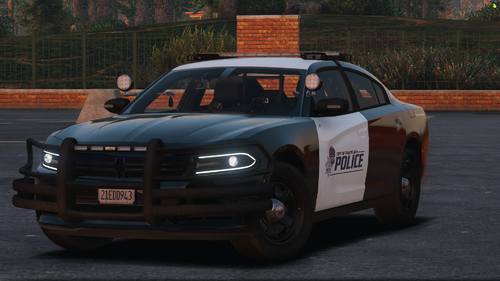 Well it needs better description because I still use NON-ELS cars in singleplayer with 32 sirens. It's not just a fiveM thing
 -
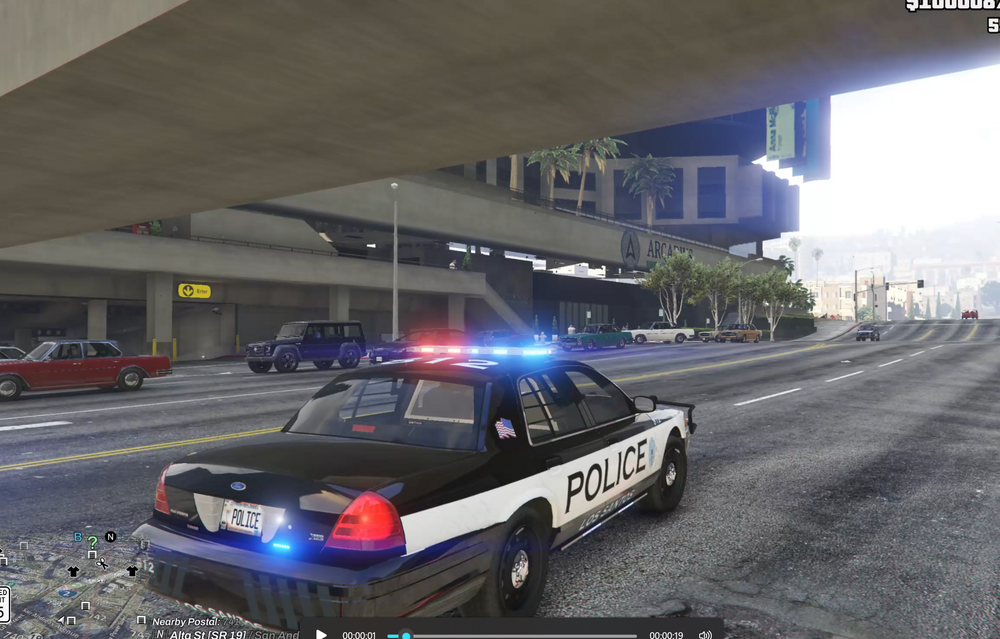
Hi so I've been chilling on the addons and stuff like that and only recently added a new vehicle pack and I've tried to delete it to see if it was the issue and I was even messing with my graphics settings. But this is the only building in the game that has this issue so it's really strange. If anyone has had the same issue, let me know. As soon as I drive under this walking overcross the textures go to shit and I can see through the building, and the traffic light a few meters ahead in the picture is disappeared but cars still stop. Its annoying and I don't know what happened. Edit: I know you can see the traffic light in this photo, but when I drive probably halfway past the arcadius building it will dissapear.
-
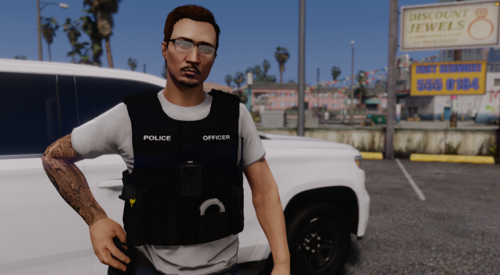 It would be easier to download the pack if there was a pathway. Don't know what the fuck gravity flow is, maybe some Just Dance level?
 -
I stg theres more fiveM cars on the LSPDFR website than LSPDFR cars please include dlc.rpf and xml, or better yet a disclaimer stating that this isn't compatible for the game website it was posted on.
-
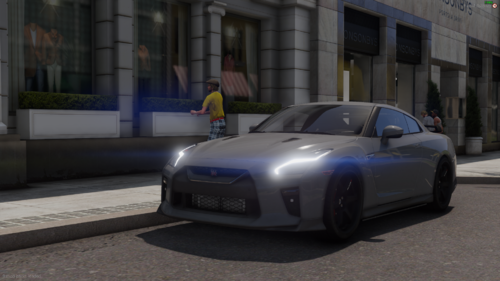 Posted on the LSPDFR website yet incompatible with LSPDFR. Waste of space, go post on a fiveM website or somewhere it actually belongs
 -
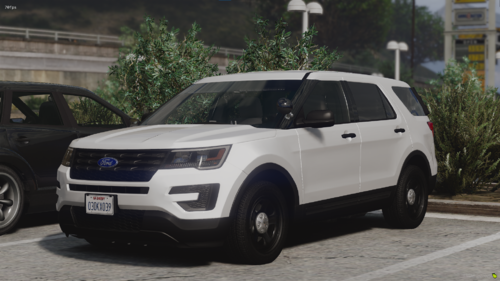 Bro make this for single player if you're gonna post it on the 'LSPDFR' website or put some disclaimer about this not being able to work for SP. God damn