


Lieutenant Ryan
Members
-
Joined
-
Last visited
Everything posted by Lieutenant Ryan
-
I don't have SHDVN, yet it still crashes the moment I press F4, should I reinstall LSPDFR? I found a temperoray solution, I run RPH without internet.
-
I have removed all my LSPDFR mods because I thought they were the problem Mb they didn't upload Do you think I should reinstall LSPDFR?
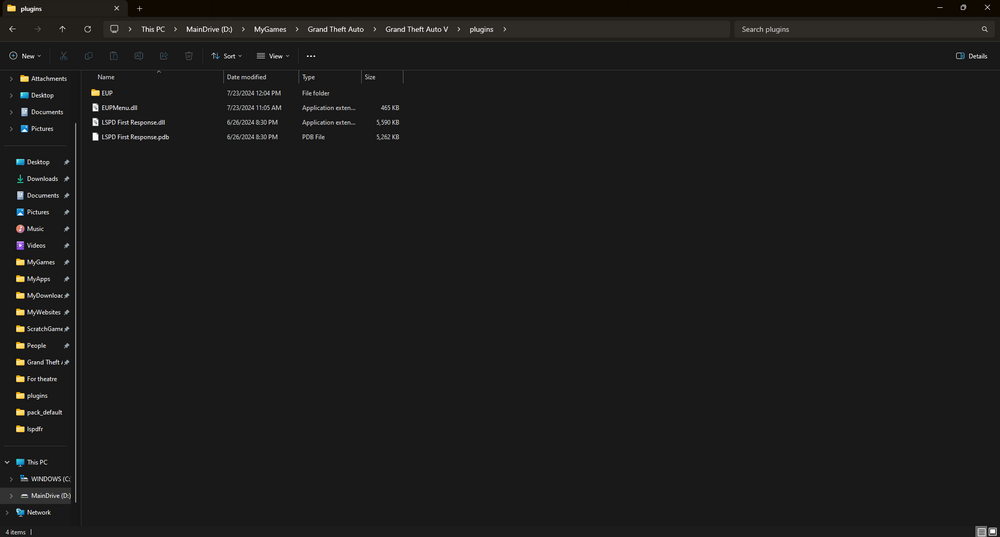
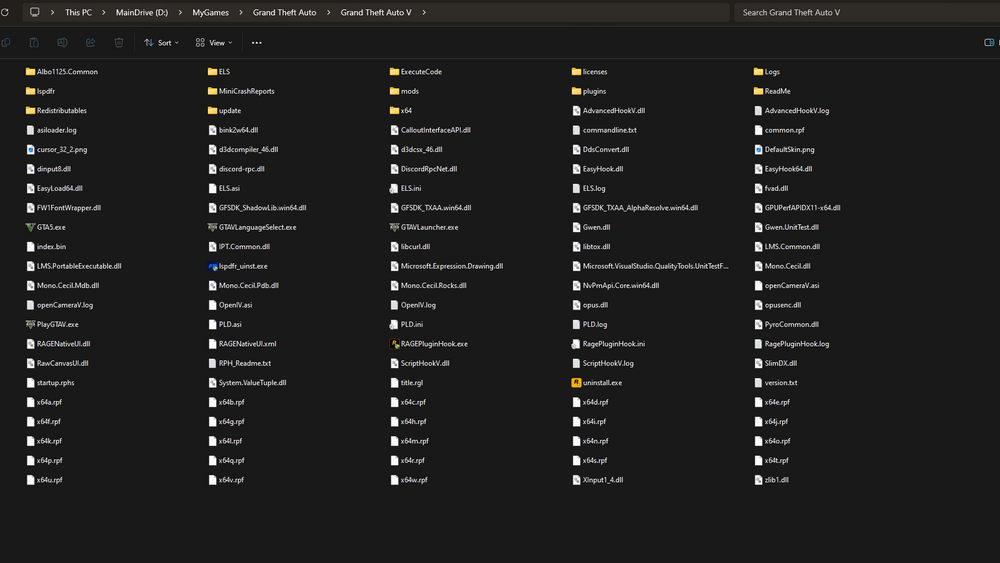
-
Ohh, I have deleted it earlier, but sadly it didn't fix it. Is there any other solution please?
-
What is SHVDN?
-
Hello Lspdfr, This morning I was playing as usual, everything running smoothly. But I wanted to open console to heal myself but I accidently pressed RMB+F4, I do not know if it has anything to do with it but the game became blackscreen and crashed. Since then whenever I open the game and try to open the console it immedietly crashes, I tried making Ragehook open all plugins on startup. But still, I cannot use the console when I need to. Here's the log: RagePluginHook.log


