Skip to content
View in the app

A better way to browse. Learn more.

LCPDFR.com

A full-screen app on your home screen with push notifications, badges and more.

To install this app on iOS and iPadOS
  1. Tap the Share icon in Safari
  2. Scroll the menu and tap Add to Home Screen.
  3. Tap Add in the top-right corner.
To install this app on Android
  1. Tap the 3-dot menu (⋮) in the top-right corner of the browser.
  2. Tap Add to Home screen or Install app.
  3. Confirm by tapping Install.

lmxMirror

Members
  • Joined

  • Last visited

About Me

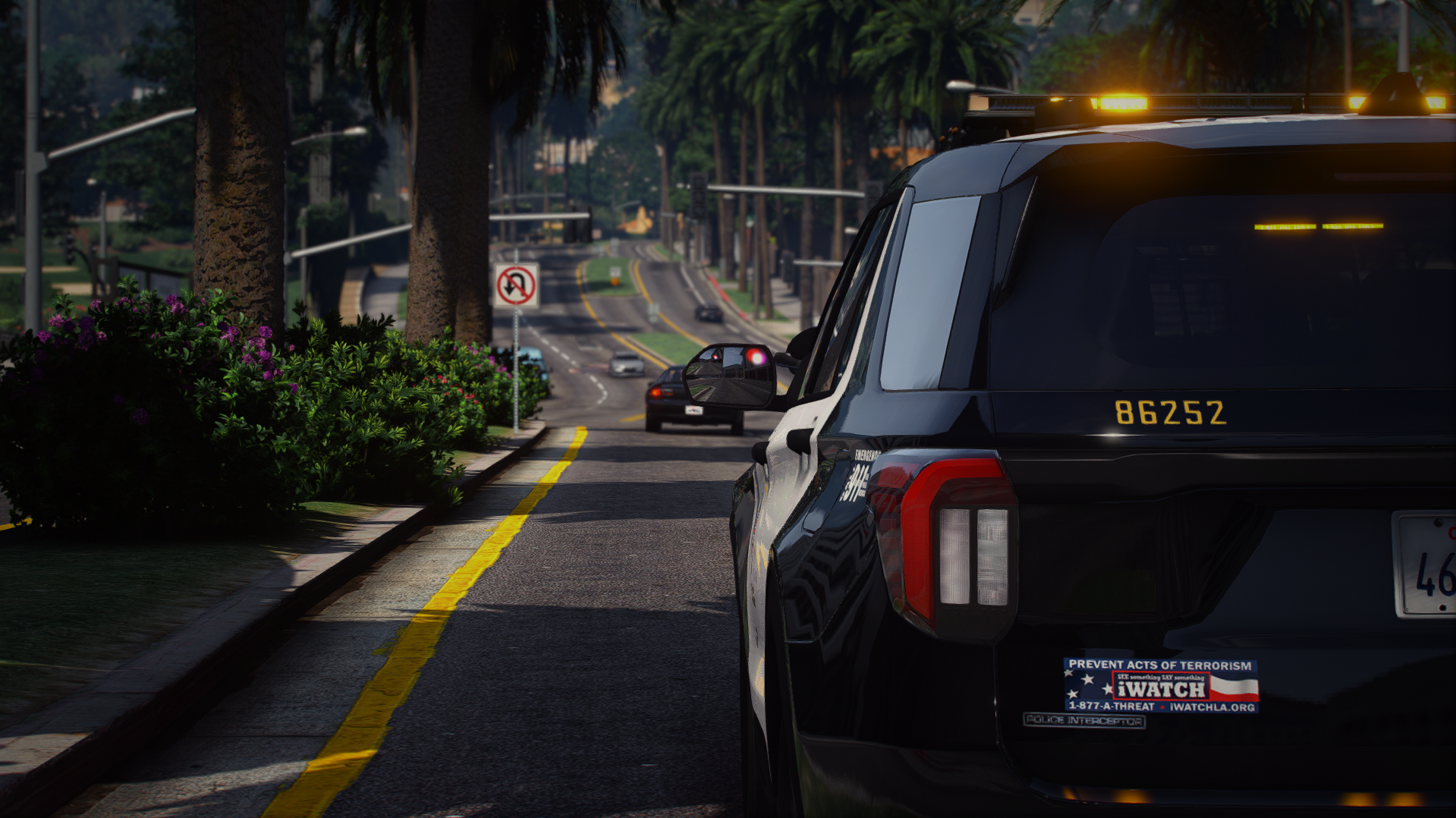
Hey, I’m lmxMirror — a designer in my free time and someone who spends way too many hours tweaking textures and configs in GTA V.
I’ve been into modding since around 2020, mostly working on custom liveries and EUPs. I like creating stuff that looks clean and realistic, whether it’s for LSPDFR gameplay or just for private screenshots and creative projects.


Most of what I do isn’t about releasing big public packs — it’s more about experimenting, improving my design skills, and giving my game a personal touch. Sometimes I’ll spend hours on a single detail just because I like how it looks in a photo later.


When I’m not fighting RAGE Plugin Hook or wondering why my textures suddenly stopped working, I’m usually hanging out in-game, testing new designs, or planning my next EUP setup.


I just enjoy making things look good — simple as that.

Account

Navigation

Search

Search

Configure browser push notifications

Chrome (Android)
  1. Tap the lock icon next to the address bar.
  2. Tap Permissions → Notifications.
  3. Adjust your preference.
Chrome (Desktop)
  1. Click the padlock icon in the address bar.
  2. Select Site settings.
  3. Find Notifications and adjust your preference.