Skip to content
View in the app

A better way to browse. Learn more.

LCPDFR.com

A full-screen app on your home screen with push notifications, badges and more.

To install this app on iOS and iPadOS
  1. Tap the Share icon in Safari
  2. Scroll the menu and tap Add to Home Screen.
  3. Tap Add in the top-right corner.
To install this app on Android
  1. Tap the 3-dot menu (⋮) in the top-right corner of the browser.
  2. Tap Add to Home screen or Install app.
  3. Confirm by tapping Install.

Nick.The.Gr

Members
  • Joined

  • Last visited

About Me

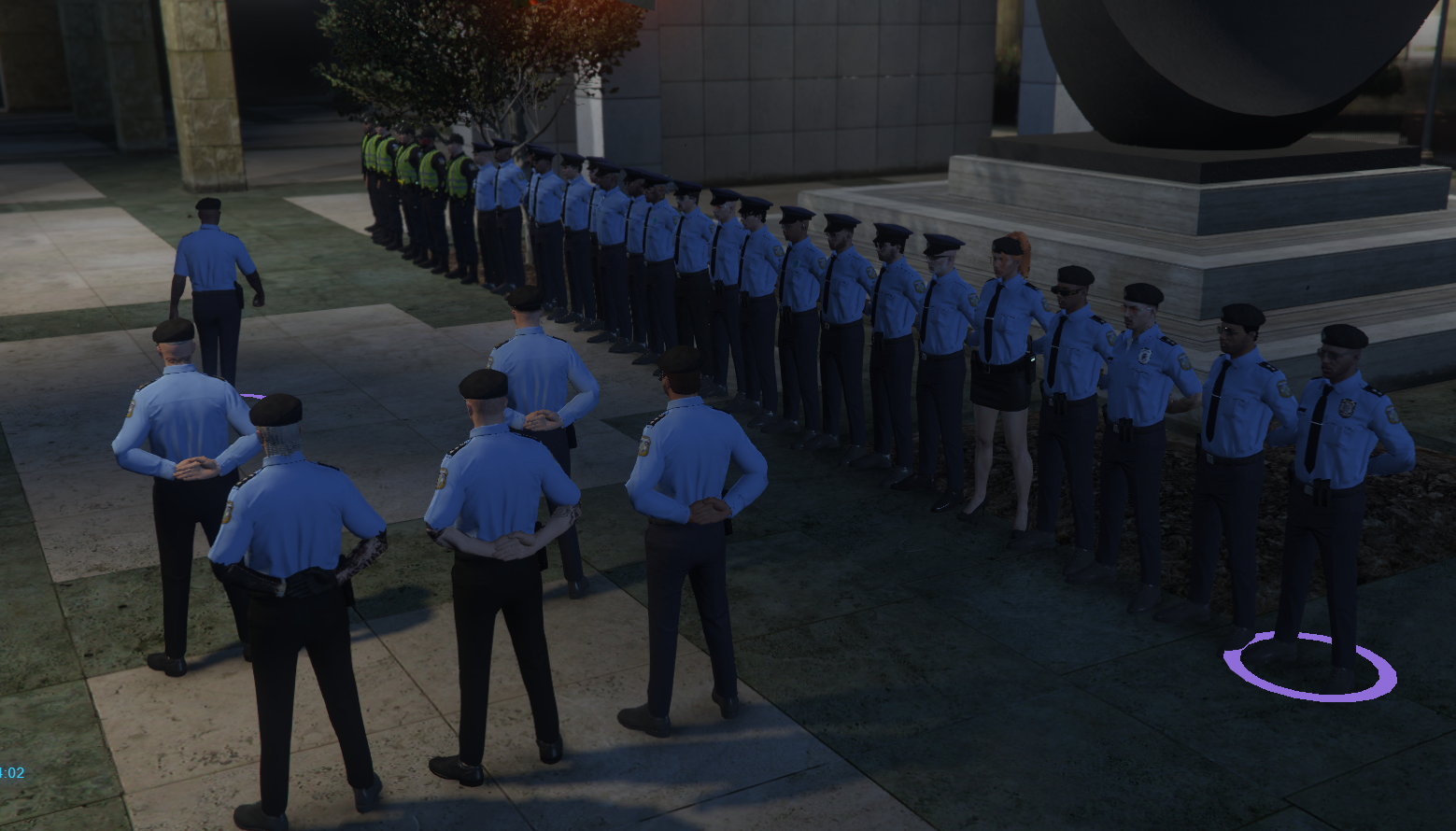
Served 5 years as high command in several FiveM police departements, mostly EL.AS. police departments (Greek Police Force), and BCSO as a traffic follow-up investigator with the rank of Senior Deputy (Corporal)(equivelant to a P3+1s in the LSPD) 

Could contain: clothing, outdoor, person, sky, tree, man, trousers, footwear, official, uniform, grass, standing

Could contain: person, man, official, human face, clothing, government agency, law enforcement, security, organization, military rank, police officer, officer, police, military officer, peaked cap, military uniform, indoor, uniform

Could contain: person, clothing, security, police officer, helmet, personal protective equipment, official, law enforcement, man, uniform, government agency, human face, wall, military uniform, officer, police, indoor, wearing

Account

Navigation

Search

Search

Configure browser push notifications

Chrome (Android)
  1. Tap the lock icon next to the address bar.
  2. Tap Permissions → Notifications.
  3. Adjust your preference.
Chrome (Desktop)
  1. Click the padlock icon in the address bar.
  2. Select Site settings.
  3. Find Notifications and adjust your preference.