


dimax
Members
-
Joined
-
Last visited
Everything posted by dimax
-
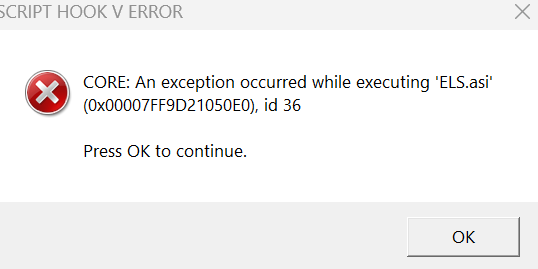
Hello! when I try to launch GTA 5 with ragepuginhook, ELS tells me that an expectation occured in ELS.asi. I am attaching the screenshot and the log, can someone please help me? ELS.log ScriptHookV.log In someway I fixed it
-
Okay, thank you
-
Anyone please? @Cyan?
-
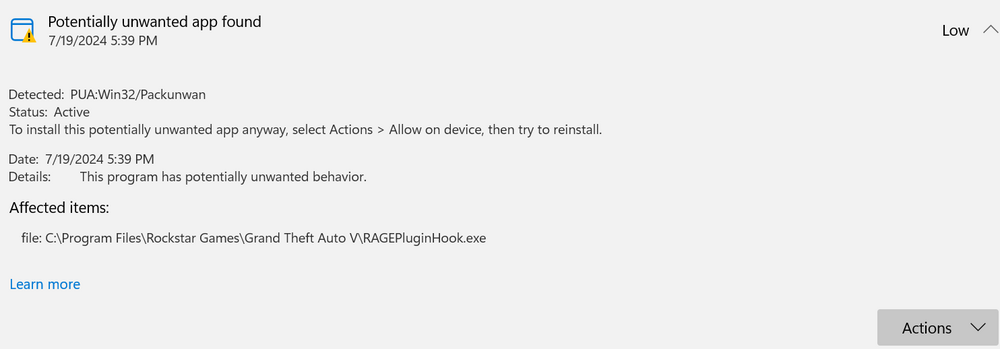
Oh okay, will tell how it will proceed. This is what defender is telling me when I am trying to open Ragepluginhook, should I accept it? accept in allow on device or shoud I remove it
-
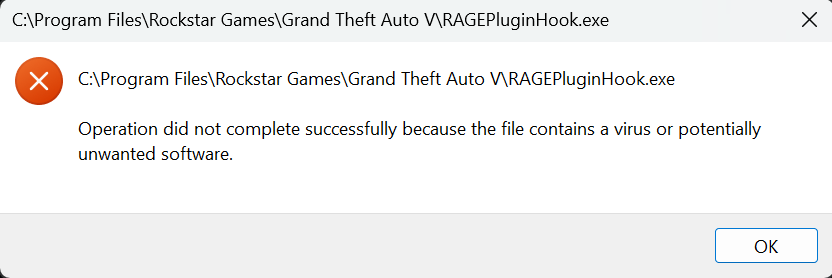
Hello! So unexpectedly when I try to launch rageplugin hook this appears, what should I do to fix it. I tried to reinstall Ragepluginihook but nothing changed and there aren't no logs about it.

-
Now I have installed stoptheped, it works, I have removed it for a moment and now this is happening when I am trying to launch RagepluginHook. I tried also to reinstalle ragepluginhook.
-
Let me check There isn't. Neither in the file, let me try to install an older version I made the error to install it from LSPDFR site but not from the creator's site. Thank you for telling me
-
Okay, thank you
-
can someone please help?
-
The reason why it isn't working is that Scripthookv hasn't received yet an update. You need to wait for that and then ELS will work.
-
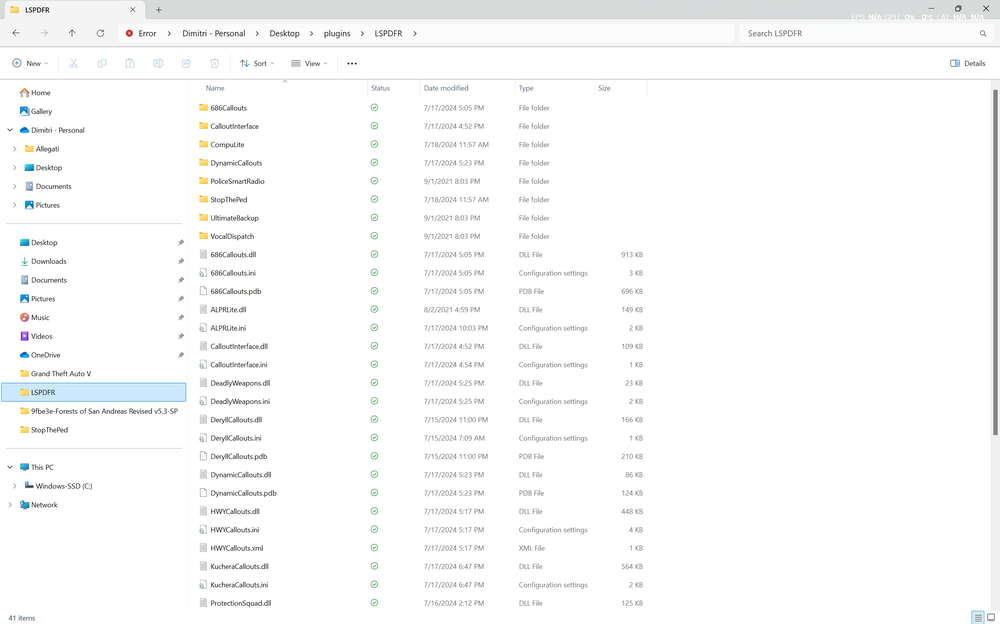
Hello! I don't know why but stop the ped doesn't work even if I have installed everything I needed to. Can someone please help?
-
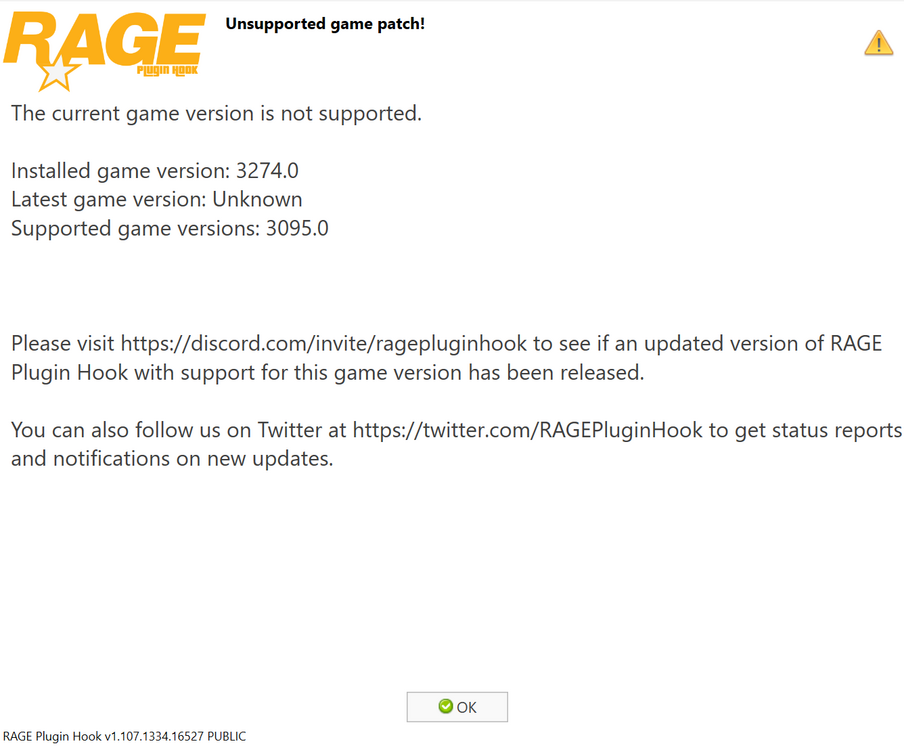
So it is from some minutes that I want to play LSPDFR but I can't as Ragepluginhook is telling me that i have a not support game version. Can someone please tell me how I can fix this thing?
-
Okay! Thank you all!
-
Hello! I can suggest you to download the manual installation of LSPDFR, then drag and drop the files into your game directory and when it asks to change the files click okay (the first of the three options).
-
Hello! So I think this is just an in game error of LSPD plugin not working well. For starters I suggest you to leave and rejoin the game, if this continues then don't go on duty by the locker rooms but open the rage plugin hook console in game (should be F4 to open) and type ForceDuty. If then your character is still freezed then download again LSPDFR manual installation, drag and drop the files to the main directory and replace the files when it asks. I hope this resolves this issue, please tell me if it is better or not.
-
Hello! I was wondering if there were some good plugins I could add to make the game experience better like more callouts and etc.
-
Helllo everyone! Does someone know any good escort plugins that I can add without making the LSPD first response thing not crashing? Just please suggest me any good escort plugins, thank you
-
Hello, at the end I tried to create inside the plugins folder a folder called LSPDFR and put the other plugins, after that everything worked, thank you
-
So when I put the mods on plugins they dont work, what should I do (only the LSPD first respinse works)?


