.png.2bb10f5057c88efc162ea5c22bc6da8b.png)
kyballion
Members
-
Joined
-
Last visited
Everything posted by kyballion
-
fixed it thanks for the help
-
yeah i might have downloaded some thing that broke the ELS, but now simple trainer gives this message each 5 seconds and gives it to guns if i take out one

-
this is fixed, i didn't download scripthookv
-
I reinstalled LSPDFR because it wasn't working, and now the lights are not lighting up and the siren only works when pressing E help.mp4
-
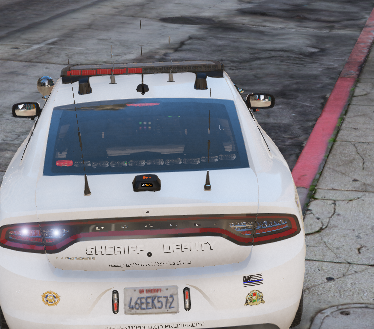
ELS is working correctly except the lights are not lighting up, what did i do wrong? anyone knows how to fix this?
-
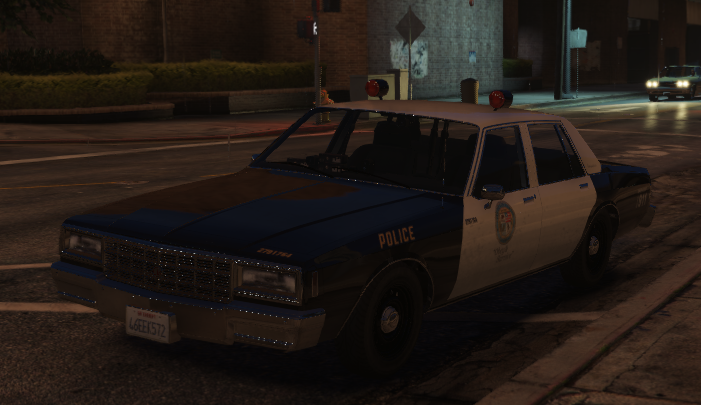
The NPCs and the backup are sometimes using some police cars that i can't replace like the one in the picture. I have been able to remove the gauntlet using a tutorial but not the other ones, so how do i remove the DLC vintage police cars?
-
I did install scripthookvdotnet in the main directory but it didnt work. Also when i renamed it to _mods folder it just crashed a little bit less.
-
LSPDFR sometimes crash while on the loading screen, i attached my ragepluginhook below. RagePluginHook.log
-
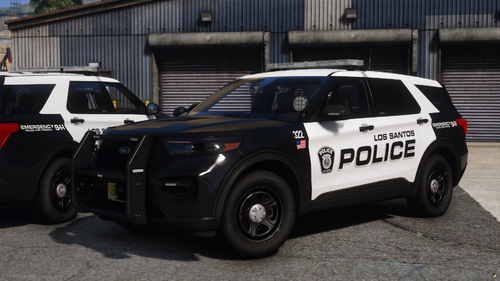 good looking livery and fits well with the LSCSO pack
 -
-
.thumb.png.1eafee7dca8bae0ab8f1adcc98df809a.png)


.thumb.jpg.02a07b488441f4ef3f2997f8169fc774.jpg)