Skip to content
View in the app

A better way to browse. Learn more.

LCPDFR.com

A full-screen app on your home screen with push notifications, badges and more.

To install this app on iOS and iPadOS
  1. Tap the Share icon in Safari
  2. Scroll the menu and tap Add to Home Screen.
  3. Tap Add in the top-right corner.
To install this app on Android
  1. Tap the 3-dot menu (⋮) in the top-right corner of the browser.
  2. Tap Add to Home screen or Install app.
  3. Confirm by tapping Install.

DeShabu

Members
  • Joined

  • Last visited

Everything posted by DeShabu

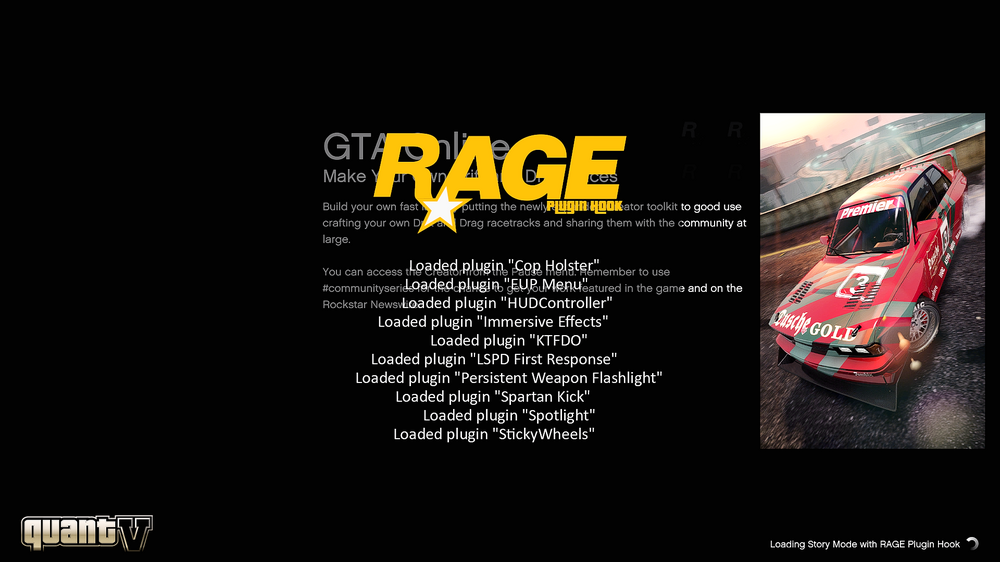
  1. So my game is working as usual, no errors at all. Then recently, I just got the LA Revo 2.0 and installed it on my game, nothing changed. When I try to load and start the game as usual, I noticed the game is taking forever to load when I play it with Rage Plugin Hook. I tried to wait for about 30 mins and it was still loading. When I try to remove the DLC lines of LA Revo 2.0 mods, it started working again. Now it left me wondering if LA Revo 2.0 is compatible with LSPDFR/RPH or I'm just doing something wrong. RagePluginHook.log
  2. LSPDFR seems to always crash whenever I go on duty. I tried changing the timeout from 10000 to 60000 seconds, and change Main.PreloadAllModels to false but these don't fix the crash at all. RagePluginHook.log

Account

Navigation

Search

Search

Configure browser push notifications

Chrome (Android)
  1. Tap the lock icon next to the address bar.
  2. Tap Permissions → Notifications.
  3. Adjust your preference.
Chrome (Desktop)
  1. Click the padlock icon in the address bar.
  2. Select Site settings.
  3. Find Notifications and adjust your preference.