


FunnyStupid
Members
-
Joined
-
Last visited
Everything posted by FunnyStupid
-
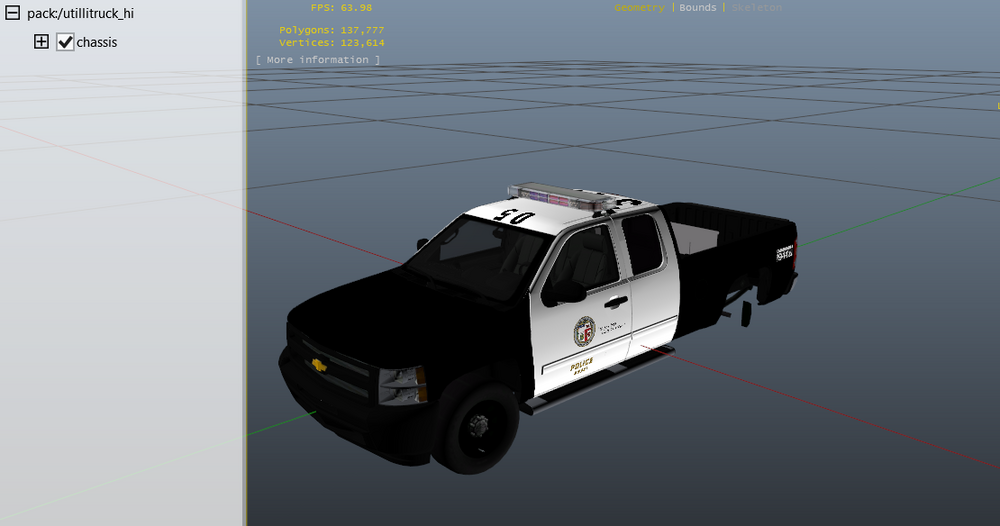
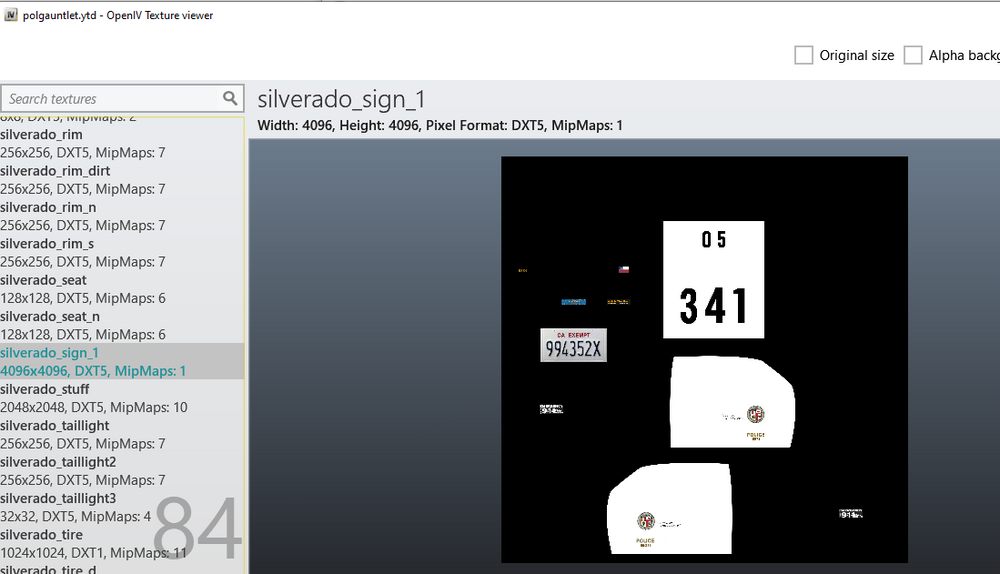
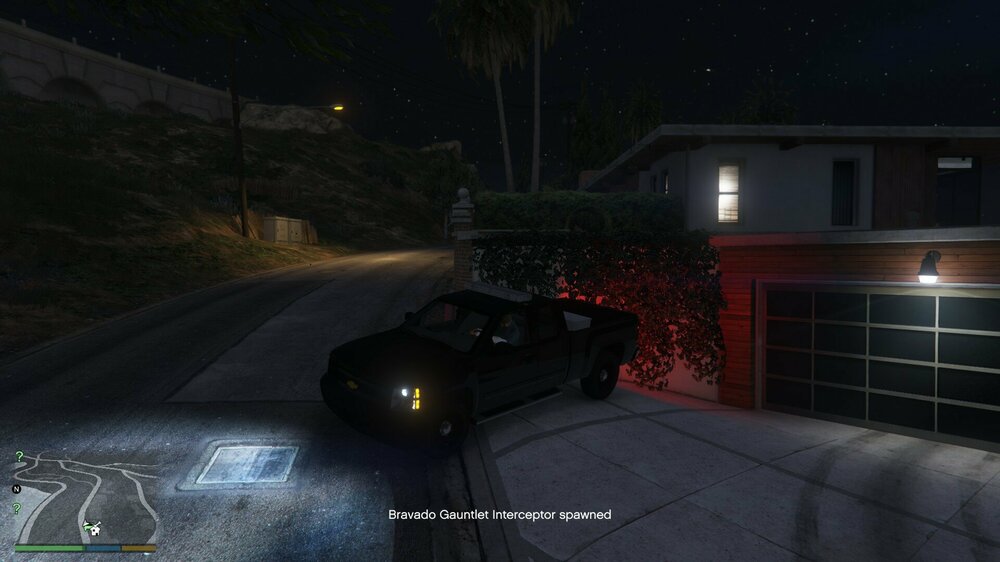
I've almost successfully replaced the gauntlet with another vehicle, only the issue is that the texture is black and "default" instead of the texture that I wanted to add to it. I made sure nothing was misspelled, I checked different graphics quality, I checked file location, I made sure the HAS_LIVERIES tag was in the vehicles.meta, and I made sure it was the correct car. I have put all of the modified files in mp2023_02, because that's where the gauntlet is located. Can anyone help me out because I'm just lost trying to find out what's wrong. vehicles.meta


-
When I hold the horn button down, the fire engine turns the horn on and off by itself. This only seems to be effecting the VEHICLES_HORNS_FIRETRUCK_WARNING horn string. Is there no way to make this a constant sound which keeps playing without interruption as long as I hold the horn button? It can be as terrible and convoluted as necessary as long as it works.


