


opcfire
Members
-
Joined
-
Last visited
Everything posted by opcfire
-
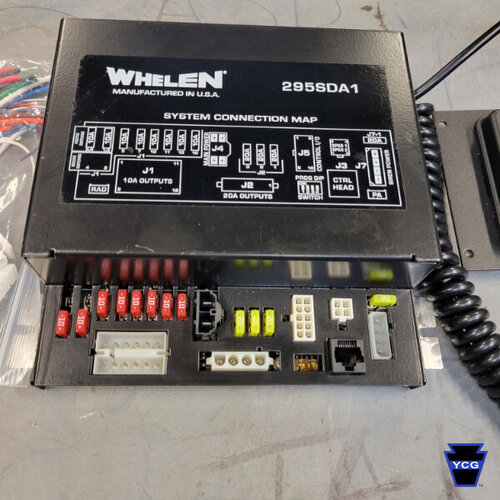 Good siren, the dual tones work as best they can, but it'd be nice to have a dual piercer instead of the EQ priority. And the single wail doesn't really loop properly, if that was fixed it would make the pack golden.
 -
Where would I look at the settings for that?
-
Is it still possible to work with .ini files with notepad on windows? I can open and edit them but it wont let me save them and says I need administrator approval to do so.
-
 If I wanted to change the horn keybind to a side button on my mouse, how exactly would I do that?
- 281 comments
- 22 reviews
-
-

- 1
-
-
-
Hello, Im new to GTA V modding and LSPDFR, I have a version of GTA from a physical disk, and its started from the rockstar launcher. I've tried LSPDFR on the version I have now and it worked once then crashed and wont load LSPDFR. The problem I'm looking for help on though, is how I get this to work. Is there a way to get it to play through steam? Is there something I'm missing or not understanding? Anything would be helpful. Thankyou.
