


Manfred Beer
Members
-
Joined
-
Last visited
Everything posted by Manfred Beer
-
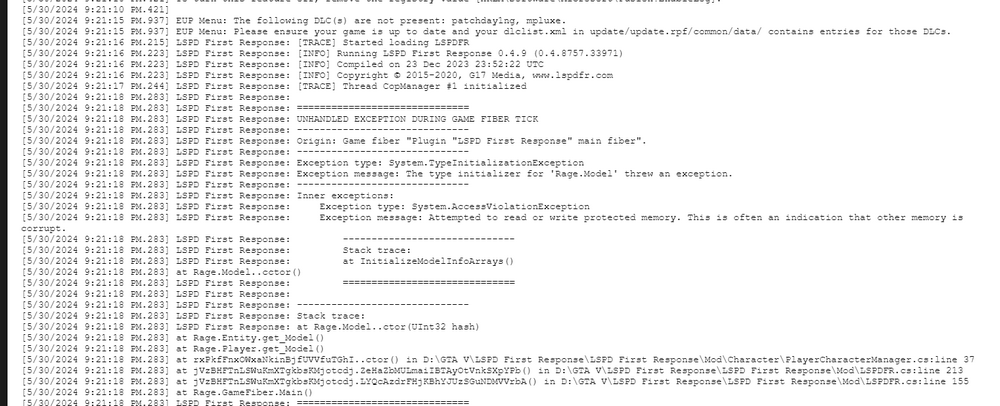
by the way, this is one of the Problems:
-
hi guys, so i worked on my issue for multible hours now and i have no other option than to ask you for advise. I am able to load Lspdfr while ingame by loading it with the console a few times, but if i try to load it on startup by default then i get an infinite loading screen. In the Error Logs i found that neither lspdf can find certain files nor can lspdfr, when i get it to run, locate the files of the plugins. Lspdfr has the issue that it trys to find a file on a completely different drive where i do not have anything related to gta. My GTA is installed on Drive C but LSPDFR tries to find a file on drive D:. how can i fix that? and how can i fix LSPDFR complaining about or not finding the Plugin DLL files? Error Log latest: https://drive.google.com/file/d/1bp2MnlImkGxgDcf-GrCvd9m6BKDaHmPH/view?usp=sharing
