
EnchantedG19
Members
-
Joined
-
Last visited
Everything posted by EnchantedG19
-
I have Problem is the same I did, I still get error.
-
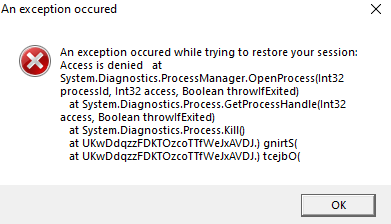
After about 10-15 minutes in my game, it crashes with this error, I don't know what to do.
-
At that time I only had those car mods, and Mod menu, however I think it's because of car model, since Sheriff Cruiser is working good on the same car that's not working for Sheriff SUV.
-
I don't have LSPDFR.
-
Where do I install coronas, is it good if I use the one from Natural Vision?
-
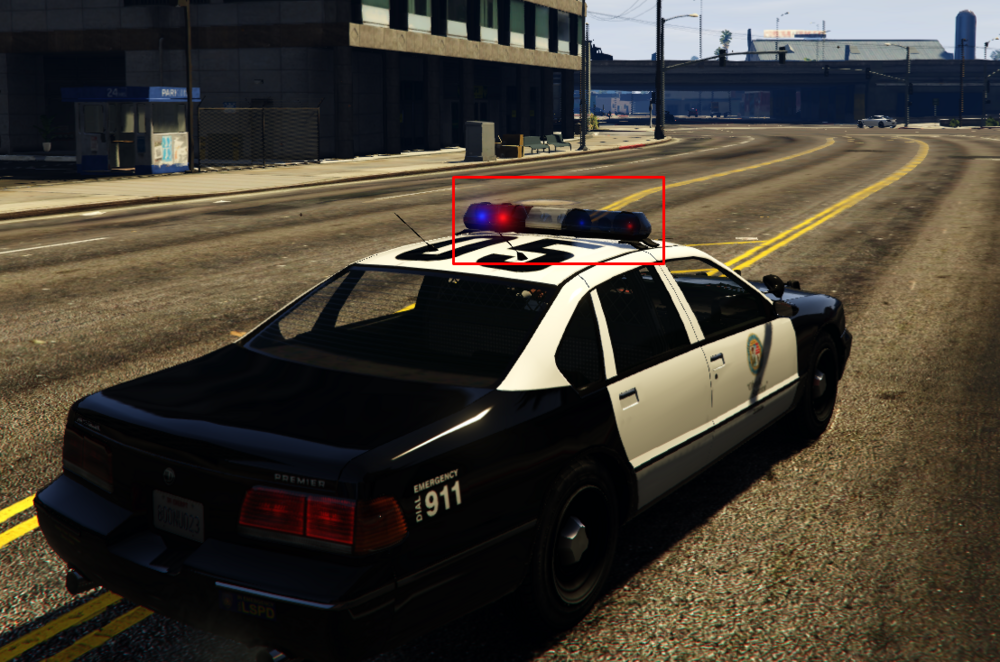
It's not ELS vehicle. It's weird rotating model is poping instead of rotating take a closer look.
-
I installed mods for my GTA V, and I noticed that siren is somehow broken, I don't know what is this, if anybody does please let me know how do I fix this!
-
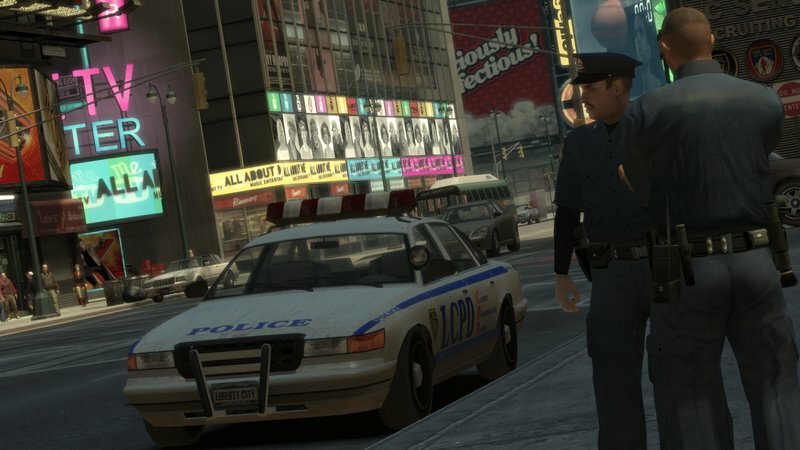
Once I select uniform and my patrol car, the game crashes 15-20 seconds later, I have ELS Vanilla Pack Car, ELS, Glock 17, LCPDFR, First Person, Improved Cop, and Liberty Legacy Trainer. I don't get any message about the crash, it just closes the game.
-
Thank you so much!
-
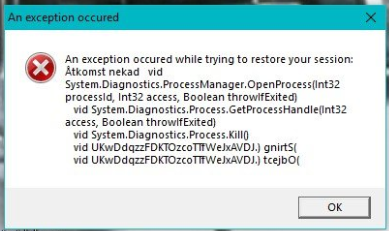
I have a problem when I join GTA IV, go on duty and play for 5-10 minutes, I get this error, if someone is able to fix it, or had issue with this error eralier please let me know how to fix!
-
How did you fixed a problem with the first error?