


TheGoose1117
Members
-
Joined
-
Last visited
Everything posted by TheGoose1117
-
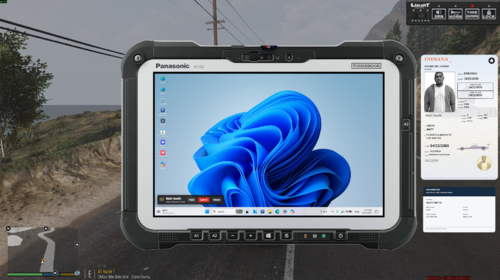 Appreciate the response i am joining the discord right now. basically once i start the game if i dont open the in came computer i can press v and the cameras all switch normally but after the first time opening the in game computer i no longer have control of my cameras like im stuck as whatever cameras i had selected beforehand and thats it.
- 83 comments
- 8 reviews
-
-

- 1
-
-
the mod is sick i am not a huge fan of how it controls the cameras if that was intended, personally i would like the option to turn that off. I use viewpointV however other than that I think its a great start and i look forward to trying it in a few updates! im excited for some extra charges and citations and hopefully we can get an option to have the cad open on the in car laptop!
- 83 comments
- 8 reviews
-
-
- 1
-
