



.png.7a886e8598a40a754e3dabf992b862a4.png)
WagonWheel
Members
-
Joined
-
Last visited
Everything posted by WagonWheel
-
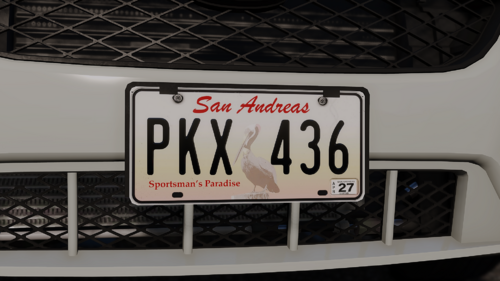 is the reason this says "outdated" because the veshare location has changed again?
 -
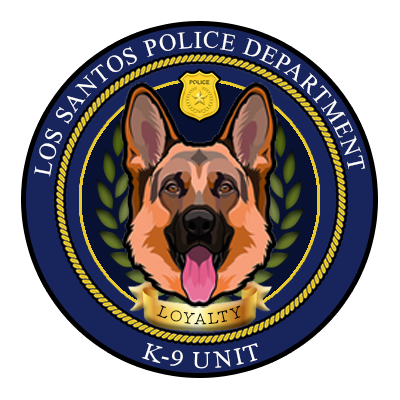 The below logo was one from the outdated LSPD K9 unit from MCRP - 1.0
 -
Some fun billboard images I've made for various GOV groups to replace existing game billboards
-

From the album: WagonWheel's Billboards
-

From the album: WagonWheel's Billboards
-
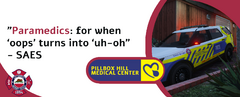
From the album: WagonWheel's Billboards
-
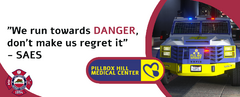
From the album: WagonWheel's Billboards
-
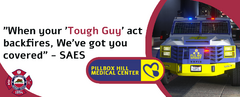
From the album: WagonWheel's Billboards
-
.thumb.png.6a3c4f75cdd6f23278062efcddf535d8.png) These Logo's have been developed for MCRP 1.0 On RageMP, They are for divisions that are no longer in use within the group faction and as such have been published here for others to use and appreciate. The Logo's credits are included in the Readme file and down below too.
These Logo's have been developed for MCRP 1.0 On RageMP, They are for divisions that are no longer in use within the group faction and as such have been published here for others to use and appreciate. The Logo's credits are included in the Readme file and down below too. -
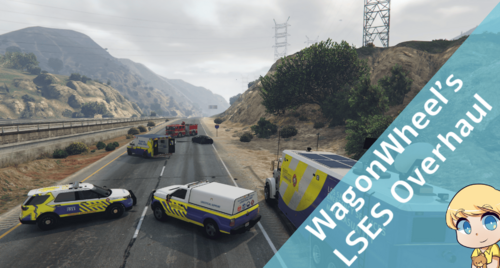 This pack contains multiple liveries for all Original LSES vehicles that were designed by me. Originally created for a Roleplay server, these liveries all follow the same pattern and design scheme to allow for consistency in use. The scout has 4 different liveries, Pride/chief of EMS, Command, High command/incident commander, Fire. This was the first livery I made so I'm incredibly proud of it. There are 6 folders for vehicles with 8 liveries included. Please find the below model links: Vapid Tarv (LSES-Tarv-MCRP) https://www.gta5-mods.com/vehicles/vapid-tarv-lore-friendly-bearcat-add-on-eup#description_tab Vapid Saddler Marine rescue (LSES-MarineUnit-MCRP) https://www.gta5-mods.com/vehicles/los-santos-fire-department-vehicle-pack-lsfd-and-lsiafd-add-on-liveries Vapid scout (LSES-Scout-MCRP) https://www.gta5-mods.com/vehicles/tactical-response-unit-scout-add-on Brute ambulance (LSES-Ambo-MCRP) https://www.gta5-mods.com/vehicles/los-santos-fire-department-vehicle-pack-lsfd-and-lsiafd-add-on-liveries Swift air Unit (LSES-Helicopter- MCRP) https://www.gta5-mods.com/vehicles/noose Pounder command unit https://www.gta5-mods.com/vehicles/mtl-pounder-mobile-command-add-on-template
 -
.thumb.png.e074ff31c5ef8c7c4b348224846dc56e.png) These logo's are original logo's developed by me for use within the MCRP RageMP server's DOC faction. they functioned as Logo's for vehicles, uniforms, emails, etc for the medical and public relations divisions. The design mimics the existing suite of DOC logo's however these were created from scratch by me.
These logo's are original logo's developed by me for use within the MCRP RageMP server's DOC faction. they functioned as Logo's for vehicles, uniforms, emails, etc for the medical and public relations divisions. The design mimics the existing suite of DOC logo's however these were created from scratch by me. -
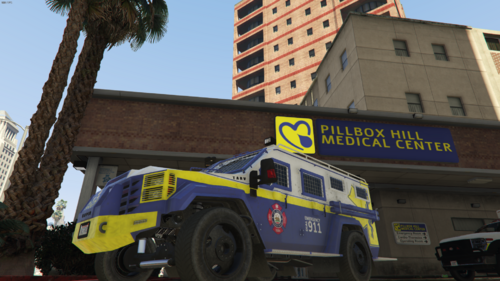 This is a custom livery made to match the EMS fleet design for Mafia City Roleplay on RageMP. The livery design has no specifics for the server and can be used generically anywhere. The Livery design matches the existing fleet design all created by me due to a request last year from the faction leader for an Armoured vehicle to be used for tactical response. The livery goes for the current version of the Vapid TARV created by Nacho, Da7k, Fenton and others listed at the below link. https://www.gta5-mods.com/vehicles/vapid-tarv-lore-friendly-bearcat-add-on-eup#description_tab A fun side note, the front of the vehicle includes the words "Plz No shoot" with the pleading face emoji above it. All vehicles from within the EMS faction say "do not shoot" on them instead of "do not follow", with the exception of this vehicle and the helicopter.
 -
Update 2: The issue is that it's still pulling the old textures from somewhere. I have no idea where though.
-
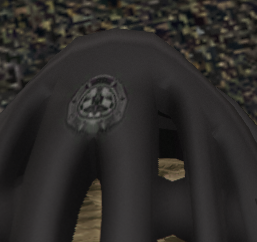
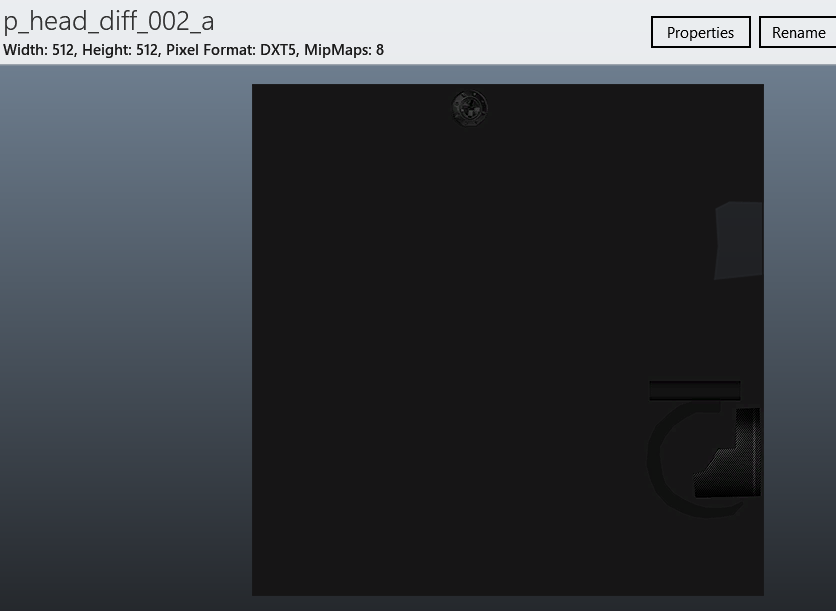
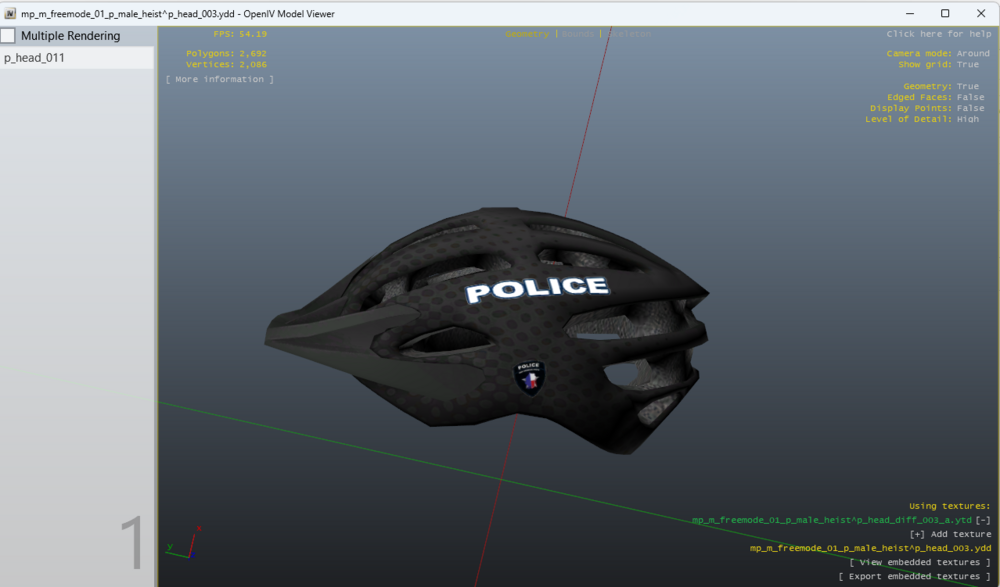
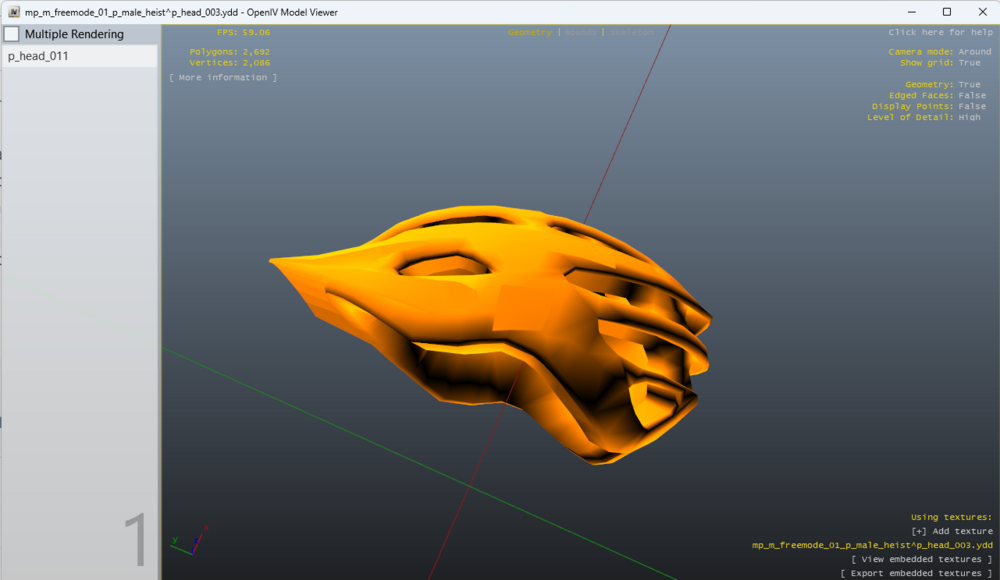
Upon further investigation, it appears to be pulling the texture still from the base game file even though i should have replaced it correctly. (Image 1 shows the MODEL replaced in game, however it seems to be using the texture from the base game file for the replaced item. Image 2 shows the texture it is drawing from. Image 3 shows the naming system of my items in the rpf)

-
I'm working on a FiveM Clientside model/texture replacer for some clothing items I want to make more "me". The issue is i'm able to change the model itself however the textures don't get applied. My theory is that it's not lining up with the actual "name" as highlighted in the below screenshot. The left hand name is the original file "P_Head_011" whilst the top section is the "name" in open IV and the file it's replacing, "P_Head_003". so how would i chnage it's original name? I've tried renaming it in OpenIV, Replacing it with a renamed file, changing it in windows and then importing it. I'm not sure. I'm just assuming that's why the texture does not show up, as you can see through my screenshots P_Head_003 doesn't have an "attached" texture like it does in the original directory, I'm able to apply one so i know it fits and works.

.thumb.png.ae7abc3493d609cc800c7ea5980c1e0d.png)
.thumb.png.6a3c4f75cdd6f23278062efcddf535d8.png)
.thumb.png.e074ff31c5ef8c7c4b348224846dc56e.png)


