


Fedrick2024
Members
-
Joined
-
Last visited
Everything posted by Fedrick2024
-
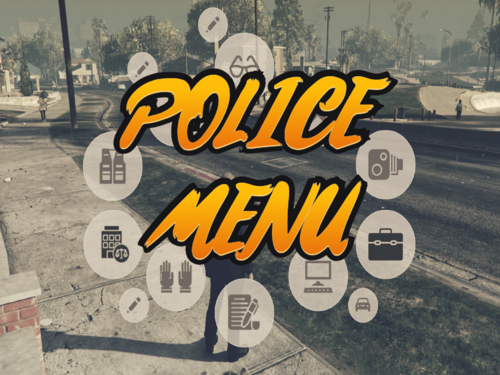 It would be nice to be able to choose the different vest (like vest1, vst2,vst3) or hats and gloves,like that we can choose for different agency and duty
- 713 comments
- 33 reviews
-
-

- 1
-
-
-
 Is there any way to still have the position(postal, street...ecc)?
 -
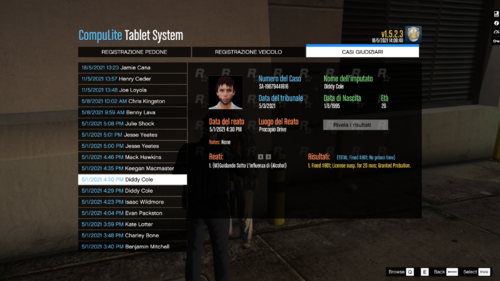 Molto, bella, ma con le nuovi versioni crasha, spero in un fix, per ora 3 stelle, poi si vedrà 😉
- 1 comment
- 2 reviews
-
ciao, bella la traduzione, però c'è un problema: dopo aver inviato le accuse dell'arresto, crasha LSPDFR. Non so' se sia un problema di nuove versioni o cosa, spero che lo possa fixare in qualche modo 🙂
- 1 comment
- 2 reviews
-
what did you change advanced hook V to? ( I have the same problem 🙂

