




jkazpl23
Members
-
Joined
-
Last visited
Everything posted by jkazpl23
-
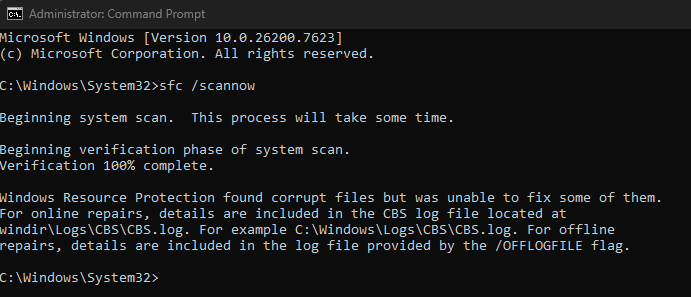
One of the first things I did was disable windows antivirus and mcafee, which didn't do anything. Drivers, as far as I can tell, are all up to date. I did do the third thing, and it said there are some corrupt files, but I am not the one to go around and messing with anything like that, out of fear of messing anything up on my computer.
-
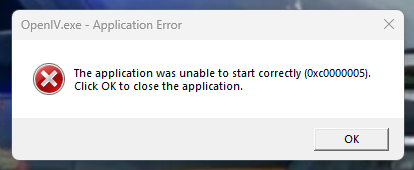
First off, apologies if this topic isn't allowed. Got a new PC with Windows 11, and after some troubleshooting with Microsoft Visual C++ Redist., I still can't open OpenIV after several clean installs, and other minor troubleshooting attempts. All it gives me is an error message with (0x0000005). Any help would be GREATLY appreciated.
-
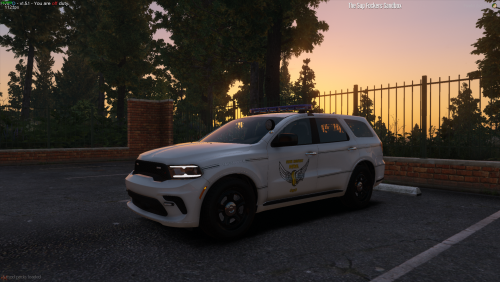 Is there a reason why half of my lights are not working, and the ones that are, are quite dim?

