


DanteARG
Members
-
Joined
-
Last visited
Everything posted by DanteARG
-
-
Best vehicle pack. I like that it contains all the police vehicles and a good quality(without burning my pc). 👍
- 14 comments
- 7 reviews
-
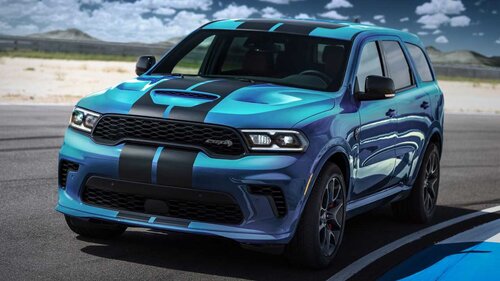 Nevermind, i found how to do it. It sounds good
 -
Can you do it for MUSCLE_CAR_2 please? or tell me how to change the audio names inside the file idk. Because i want to put this sound for the one that the patriot uses.
-
 How do i use the non rumbler ones? i know how to replace the files when its "HORNS" for example, but since i want to use the non rumbler sounds and they dont come as already build file like horns, how do i replace the sounds from HORNS when i have .wave files?
- 7 comments
- 1 review
