



Csyon
Members
-
Joined
-
Last visited
Everything posted by Csyon
-
From the album: CSYON Development
-
From the album: CSYON Development
-

From the album: CSYON Development
-

From the album: CSYON Development
-

From the album: CSYON Development
-
From the album: CSYON Development
-
From the album: CSYON Development
-
From the album: CSYON Development
-
From the album: CSYON Development
-
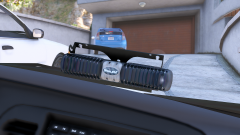
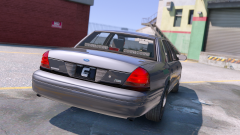 I know :D I will make it smaller or replace it with other light modules.
 -
From the album: CSYON Development
-
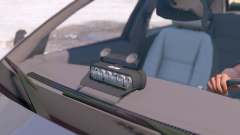
From the album: CSYON Development
-

From the album: CSYON Development
-
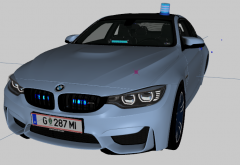
From the album: CSYON Development
-
Thx i will try it :)
-
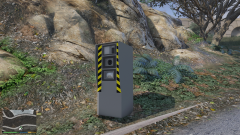 Well.... Thats true :D
 -
Oh yeah Just add some realism to blow it up with some sticky bombs xD
-
Good to know that im not the only one with this issue. It needs to be a material or shader issue in Zmodeler. We only need to know what material or shader we should use for props. As i said: I fixed it one time with a other material, but i don't know which material it was.
-
From the album: CSYON Development
-
Hi. I made a speed radar for GTA V and converted it with zmodeler as prop. When i spawn the prop, i get a shadow bug (the shadow moves like a plant) I think it's a material or shader issue. Tryed it with a simple block-model. There i get the same issue. Can someone pls help me with that? I fixed it somehow with a material one time, but don't know the material anymore. Here a video:
-
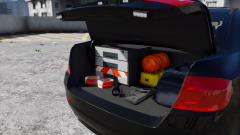
From the album: CSYON Development
-
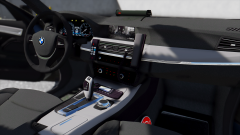
From the album: CSYON Development
-
-
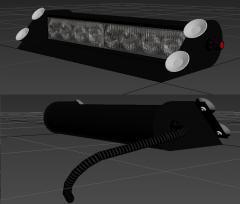 Thx :) I uploaded pictures with this thing installed :D
 -

From the album: CSYON Development



