
wheresosama
Members
-
Joined
-
Last visited
Files posted by wheresosama
-
This custom pack was primarily made for FiveM, It can also be used for SP. Be aware that majority of the sounds weren't made by me, it was created by the creators below.
Instructions:
Go to your Grand Theft Auto V Directory. -> Program Files (x86)\Steam\steamapps\common\Grand Theft Auto V
Go to x64/sfx
Replace RESIDENT.rpf & WEAPONS_PLAYER.rpf inside sfx.
If you're having trouble from FiveM saying "Detected modified games files" Drag both RESIDENT.rpf & WEAPONS_PLAYER.rpf to the archivefix.exe file, here -> https://drive.google.com/file/d/1Wsetj2iJtJRCevi263rm0Mz5GWXdOHhl/edit
That's it, just start your game and do whatever!
Preview, might look garbage because of the bitrate:
https://streamable.com/sbec4h
Credits:
MvcGyver - Realistic Weapons Sounds
bakerxgooty - Code 3 Z3 Rumbler
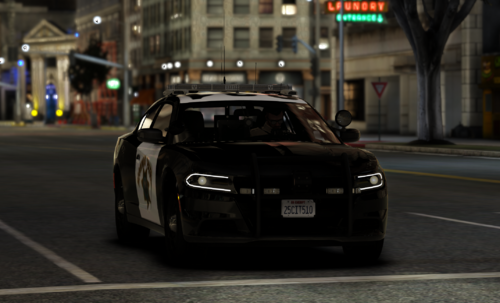
wheresosama - Screenshot of the 2020 CHP Charger
- 954 Downloads
- 3 Comments
Updated