

SmashHug
Members
-
Joined
-
Last visited
Everything posted by SmashHug
-
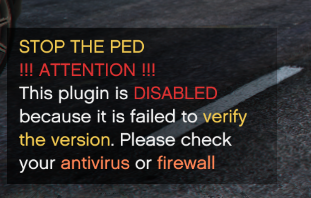
"Can't verify the version" error. RPH Plugins: DLS LSPDFR
-
I checked it and LML is not the cause of the crashes - It's one of the recent update files or OpenIV that is at fault. Could also be a mod or script but I am not sure which one.
-
 Sorry, I just reinstalled the game and lost all logs unfortunately. he game started crashing after I installed LML, It did fully load before. update: Fixed by reinstalling the game for fourth time.
- 339 comments
- 20 reviews
-
-

- 1
-
-
There should be more crash logs to ensure if it's actually LML that's causing the issue
-
-
LML is probably outdated right now, for now - try installing mods via OpenIV, until the issue is fixed. I am not 100% sure though, since I don't remember which version I used with 1.0.3095.0. But what I AM sure about is that LML is the issue here.