Skip to content
View in the app

A better way to browse. Learn more.

LCPDFR.com

A full-screen app on your home screen with push notifications, badges and more.

To install this app on iOS and iPadOS
  1. Tap the Share icon in Safari
  2. Scroll the menu and tap Add to Home Screen.
  3. Tap Add in the top-right corner.
To install this app on Android
  1. Tap the 3-dot menu (⋮) in the top-right corner of the browser.
  2. Tap Add to Home screen or Install app.
  3. Confirm by tapping Install.

1080Designs

Members
  • Joined

  • Last visited

  1. sea0301 started following 1080Designs
  2. Images added to a gallery album owned by 1080Designs in GTA V Galleries
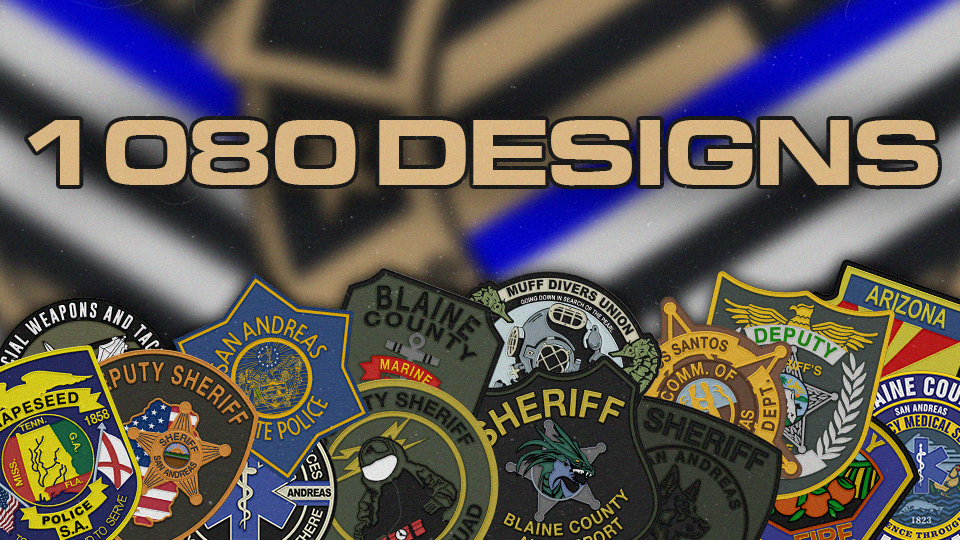
    Here is some recent work done over in my discord. I focus on detail when it comes to remaking a patch design or coming up with a design from scratch for clients. Enjoy. There is way more where this came from. 🙂
    • 89 downloads
    • Version 1.5
    Enjoy this LSPD Recruitment livery, you will NOT want to miss out on having this head turning graphic at your next recruitment event! This Livery fits both Matts Charger Base and Georgie Moons Charger base. For any support or additional fitment, please contact me Here
  3. 1080Designs changed their profile photo
    • 154 downloads
    • Version 1.0.0
    Vehicles not included! This pack includes 60+ Textures. Reach out to me on my Discord for further questions or for additional fitment:https://discord.gg/e72XpyPw6c
  4.    1080Designs reacted to a comment on a file: 2021 Tahoe MN state patrol livery.
  5.    1080Designs reacted to a comment on a file: 2021 Tahoe MN state patrol livery.
  6. just did some Minnesota the other day
    • 132 downloads
    • Version 1.0.0
    Enjoy this High Quality Grupee Sechs Security Livery FREE. This product supports: Redneck Modifications Security Pack 2018 Charger & 2016-2018 Explorer. Feel free to try on other security vehicles of those models. This file contains no vehicle models

Account

Navigation

Search

Search

Configure browser push notifications

Chrome (Android)
  1. Tap the lock icon next to the address bar.
  2. Tap Permissions → Notifications.
  3. Adjust your preference.
Chrome (Desktop)
  1. Click the padlock icon in the address bar.
  2. Select Site settings.
  3. Find Notifications and adjust your preference.