


SigmaMale
Members
-
Joined
Everything posted by SigmaMale
-
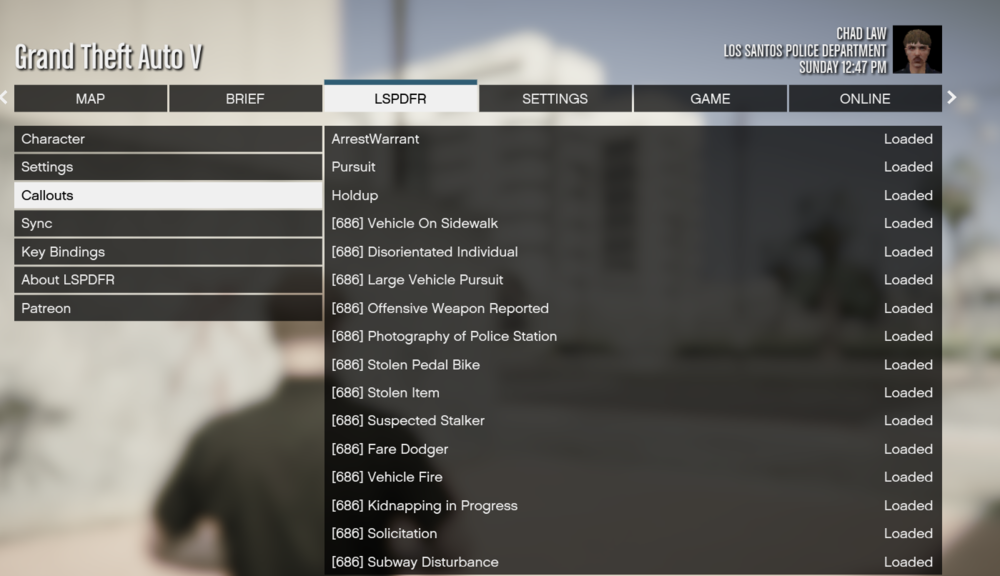
Woke up recently and in the last 10 minutes I deleted the lspdfr folders from the manual setup and reinstalled it under the setup option and the files were automatically placed in the games main directory and I decided to add the 686 callout package before adding the other callouts and check if it would be added. IT WORKED! Thank you for helping me Orso, I hope you enjoy Easter Sunday!
-
Ok well I will do that later because I have no more free time, cya
-
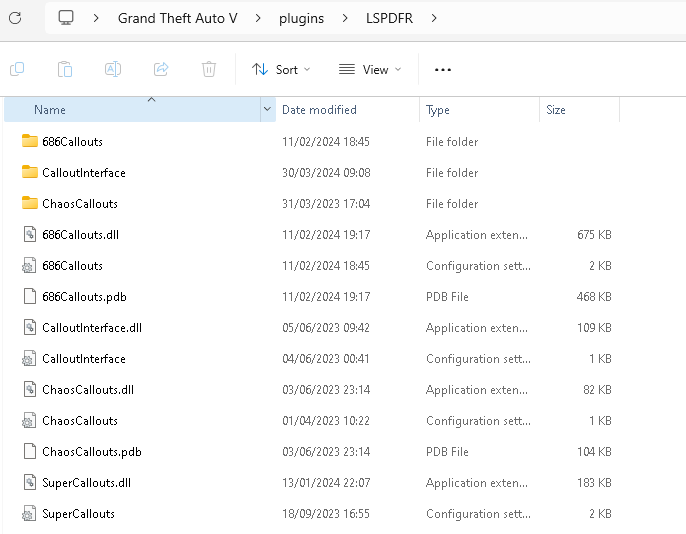
Yeah, here you go
-
The ones I tried to install? I will send just in case
-
Checked and I don't see it.
-
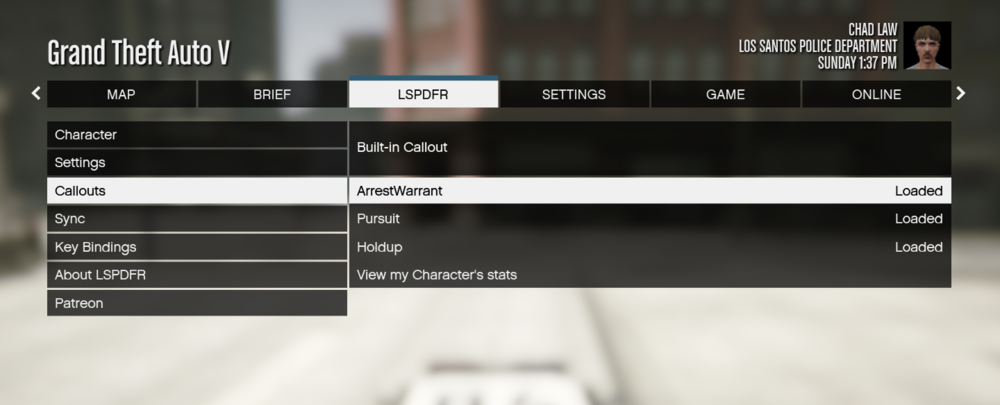
So I went on duty and reloaded the plugins and it's not there. I thought it would work lol
-
I hope, I will give it a try and give you an update Orso
-
Ok done
-
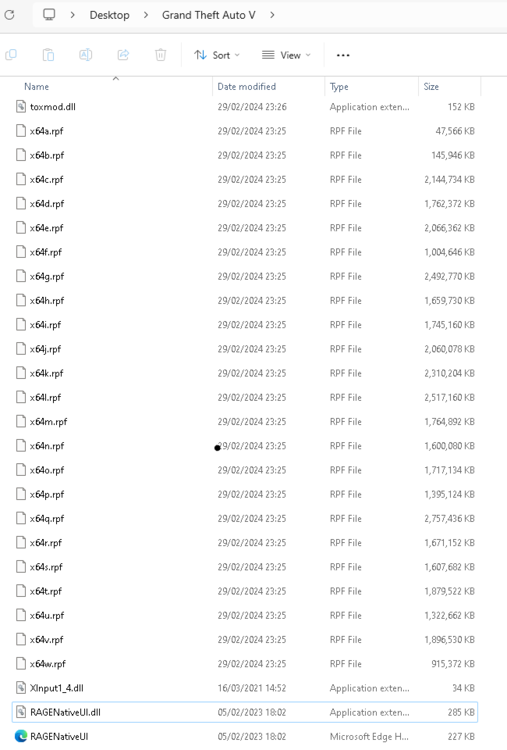
Done, what do I do with this file? Drag it into the directory?
-
Launching via Steam... and then game opens
-
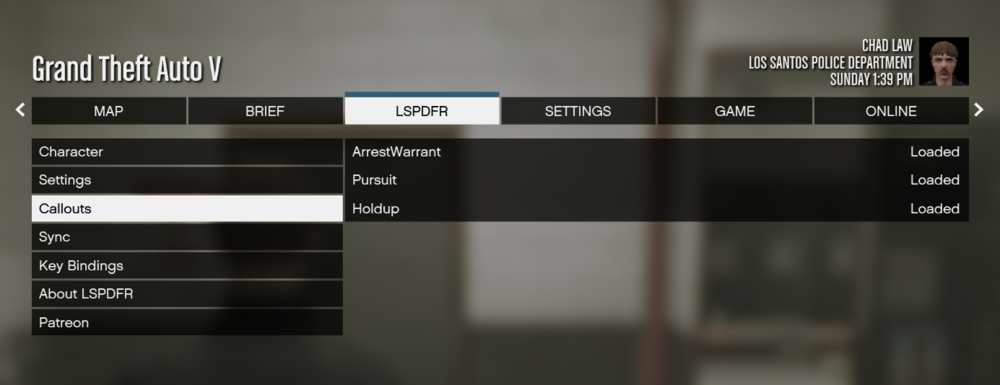
Problem still remains 😞
-
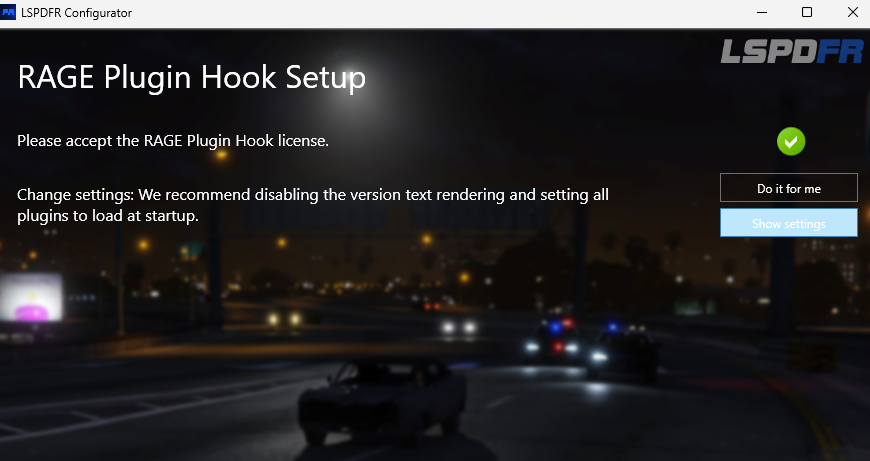
It pops up with a message saying LSPDFR has been installed successfully. It closed the tab automatically.
-
-
I accepted the license what else do I have to do it wants me to change settings.
-
Do I just have to drag missing files from the setup version and move them to the directory without replacing the ragehook and other files?
-
Yes because this guy recommended it lol (4:45 mark)
-
Yes
-
I don't see any file titled that in my directory. Maybe I made a mistake, please take a look:
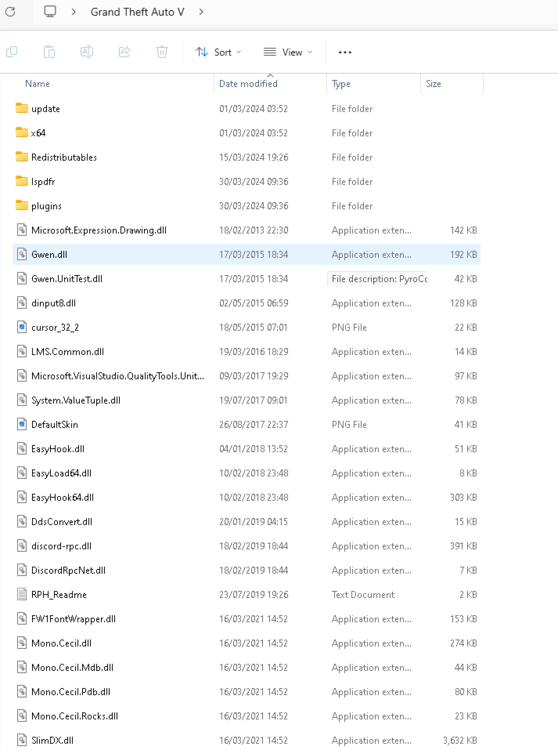
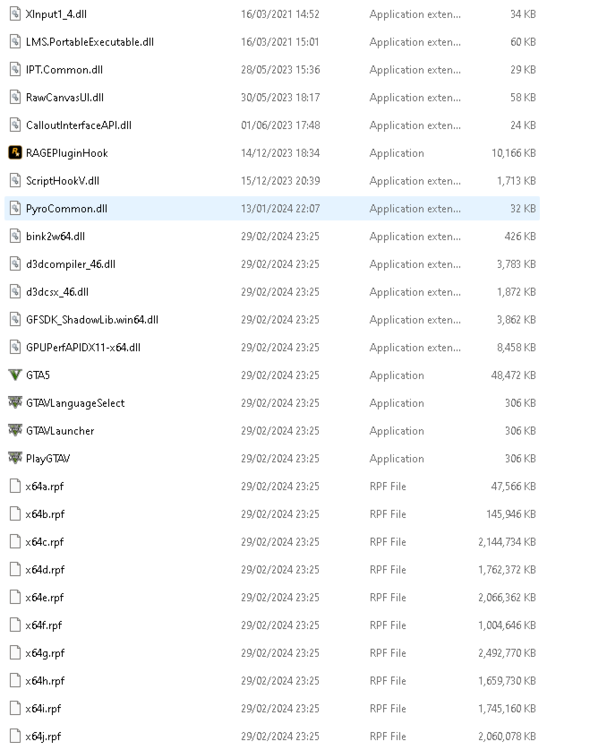
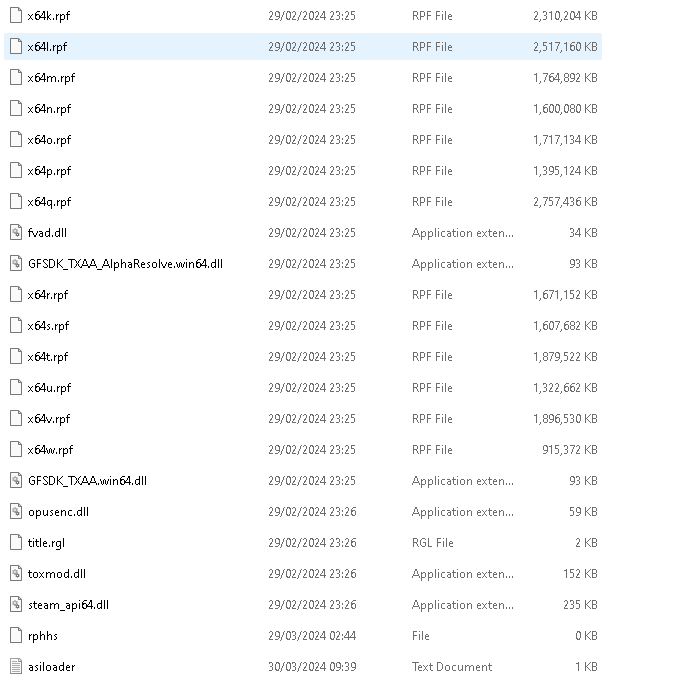
-
Hi, I'm new and downloaded LSPDFR yesterday and I wanted to download extra callouts because the base version became repetitive quickly because there's only 3 callouts. I used this video to guide me and add 5 plugins - 686 Callouts, Callout Interface, Chaos Callouts, ScriptHook V, Super Callouts - and followed every step correctly: I don't know why it's unable to work, I am looking for support, thank you.








