


Tony1964
Members
-
Joined
-
Last visited
Everything posted by Tony1964
-
Don't worry, thank you for the help you gave me, I'll be waiting for some mod or someone else here to know the solution to my problem!
-
I already tried it with both, in normal and administrator mode and it's always the same, I have a lot of hype for playing this great mod but I don't know why you're having trouble :C
-
I restarted my PC and opened it with double click and closed GTA 5. Now I waited 4 minutes again and nothing happened :C

-
I restart it but then I just open it again with a double click and close GTA 5. Or do I open it normally and wait for it to load or also as administrator?
-
3 minutes have passed and I've been waiting and nothing has happened, it always stays the same :c

-
There it is, I double clicked and closed GTA 5, is that okay?

-
How can I do it?
-
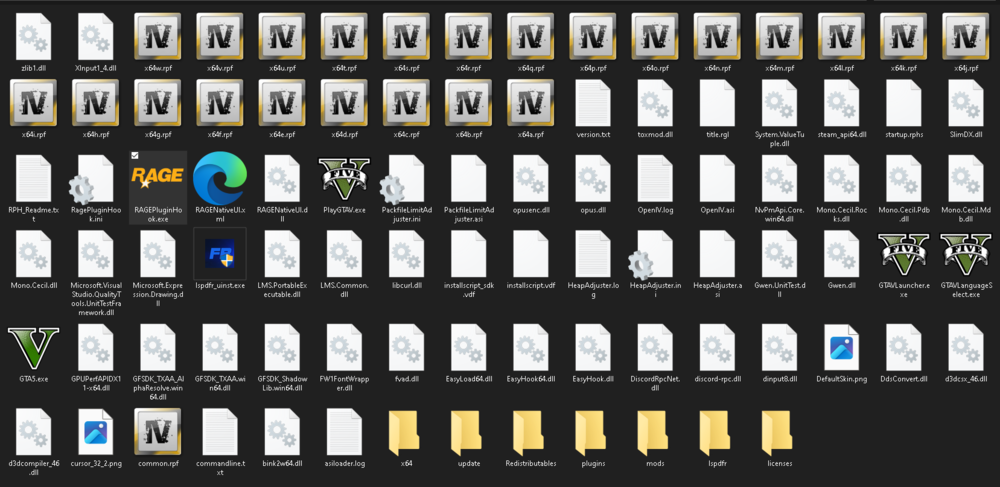
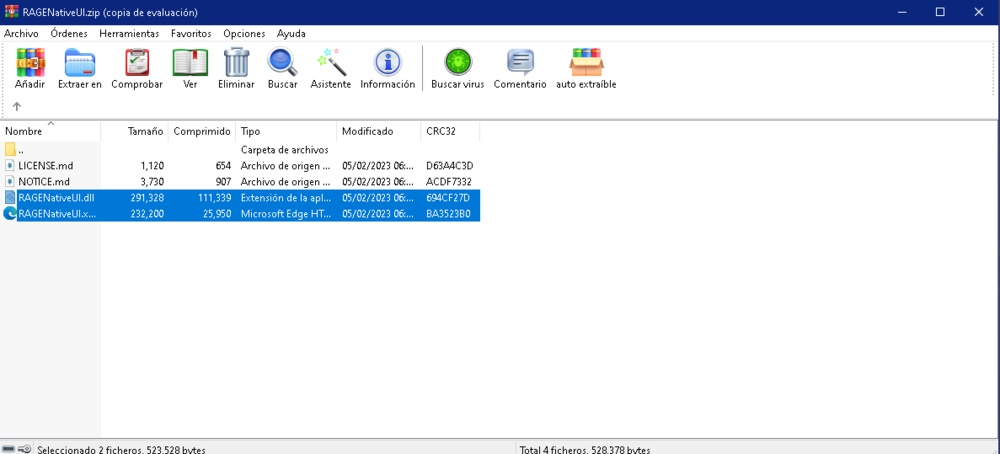
I installed everything, also the Ragenativeui and nothing, I ran it as administrator and also normal and nothing :C
-
Do I place it in the root folder of gta 5?
-
I think so, but where can I see it if I have it installed?
-
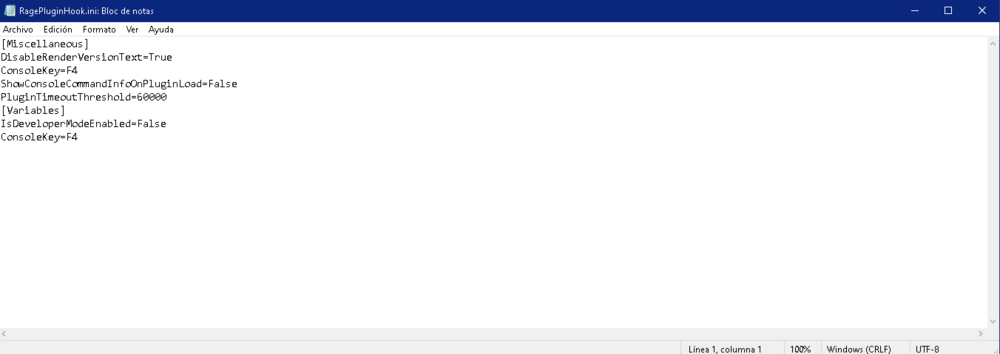
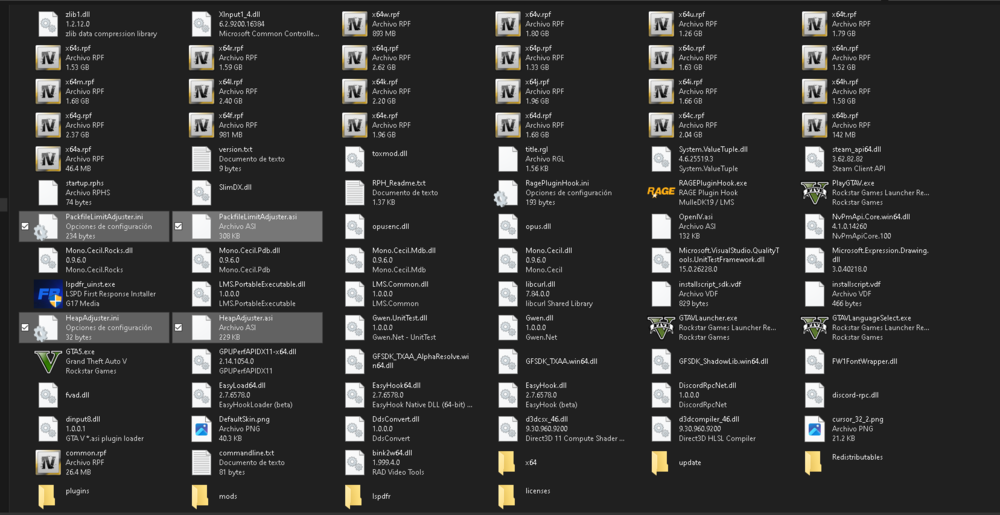
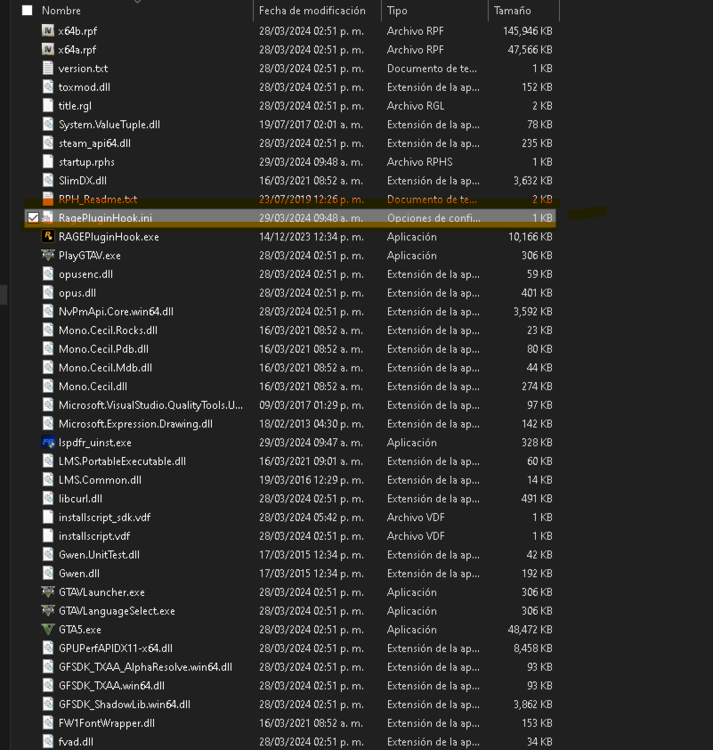
It doesn't work for me! Here I attach images of what is inside RagePluginHook.ini.
-
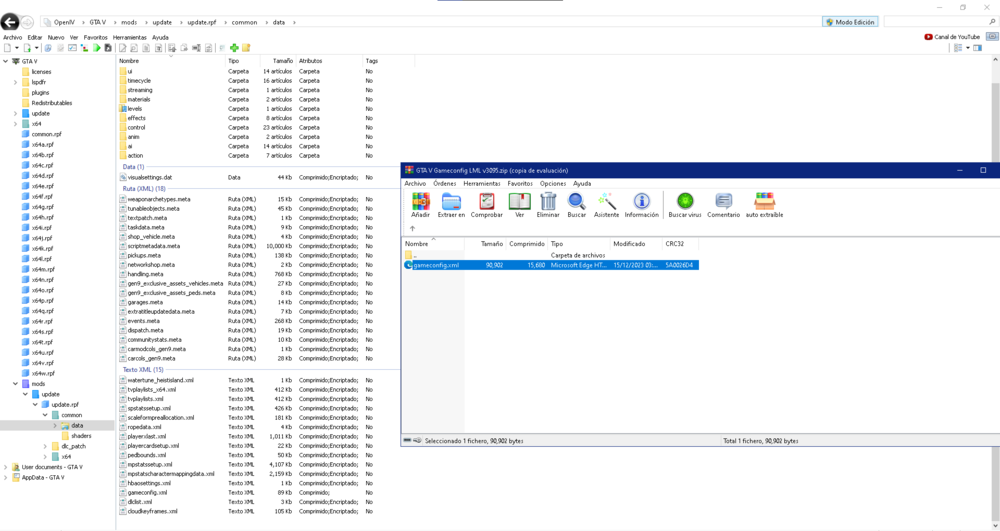
I already installed everything! I'm going to try it in the same way, attaching images:
-
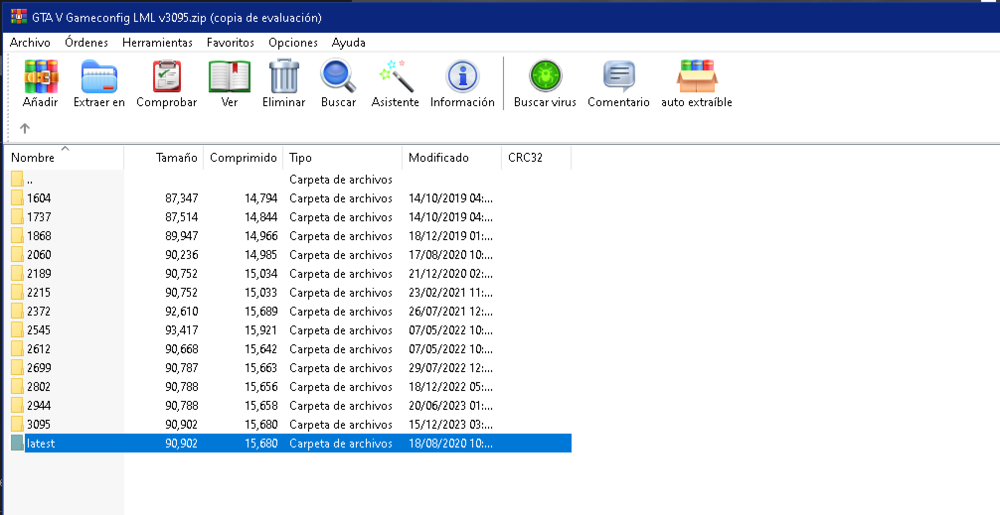
The latest version of gameconfig? And also where do I place it? I apologize for my ignorance
-
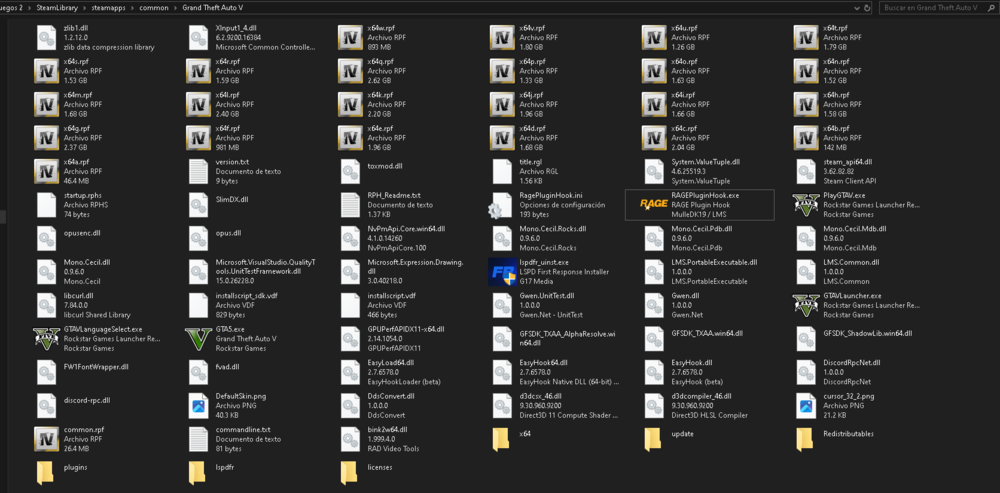
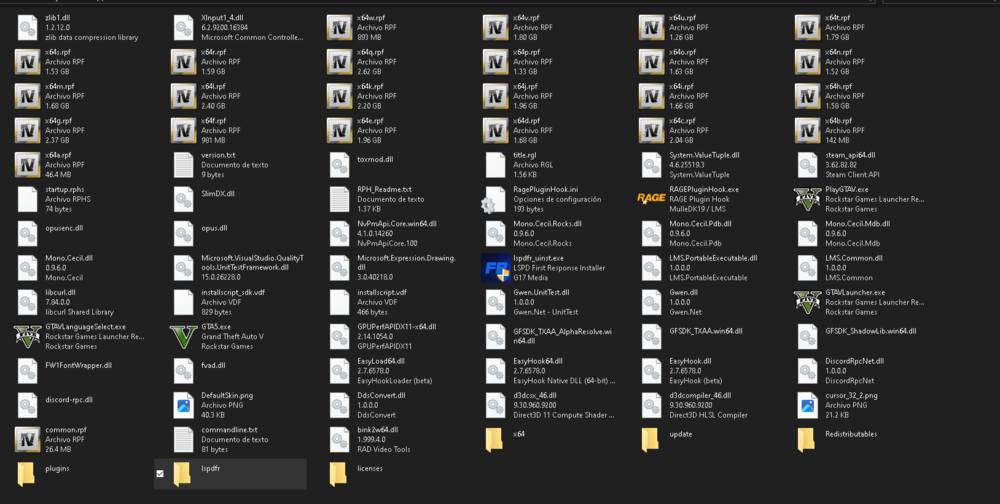
This would be the main directory of my gt :D.
-
Yes, I just tried it and it's the same :c
-
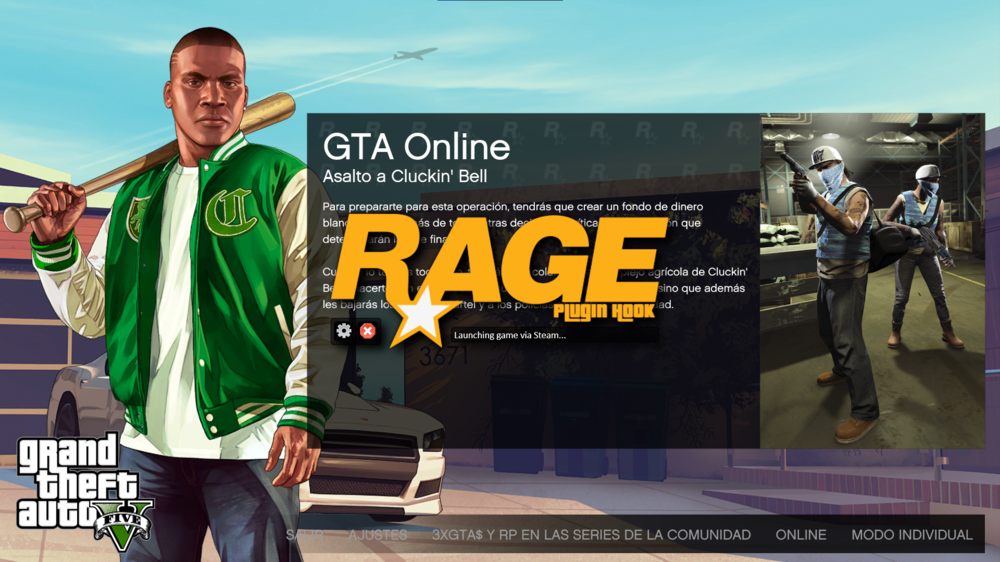
Forgive me for my late response! I already tried to run as Administrator and always the same thing, it starts normally but Rage doesn't load. What else could I do? Thank you!
-
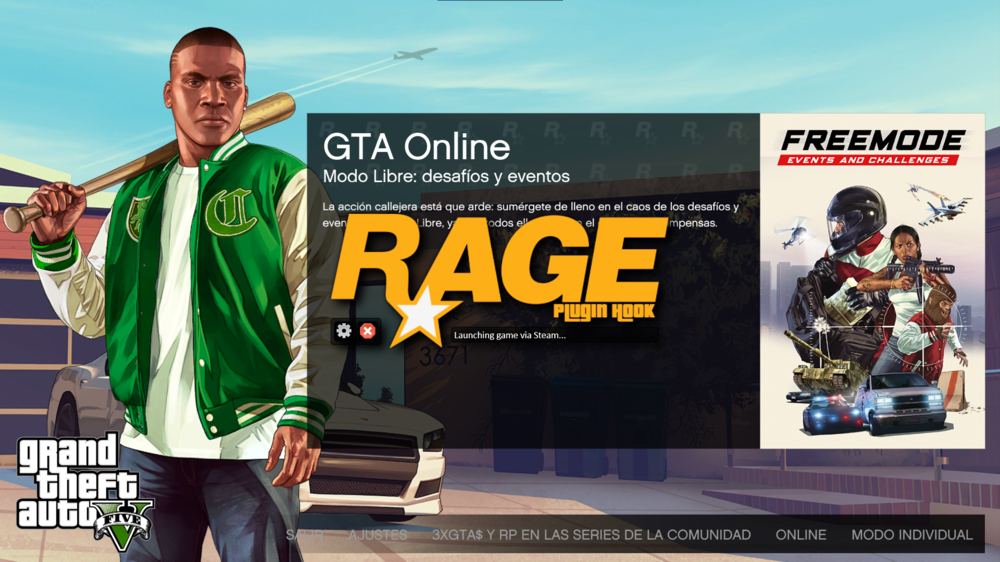
I repeat, thank you for the help you give me but it didn't work for me. Now Lauching game appears via Steam and stays there. What else could I do?
-
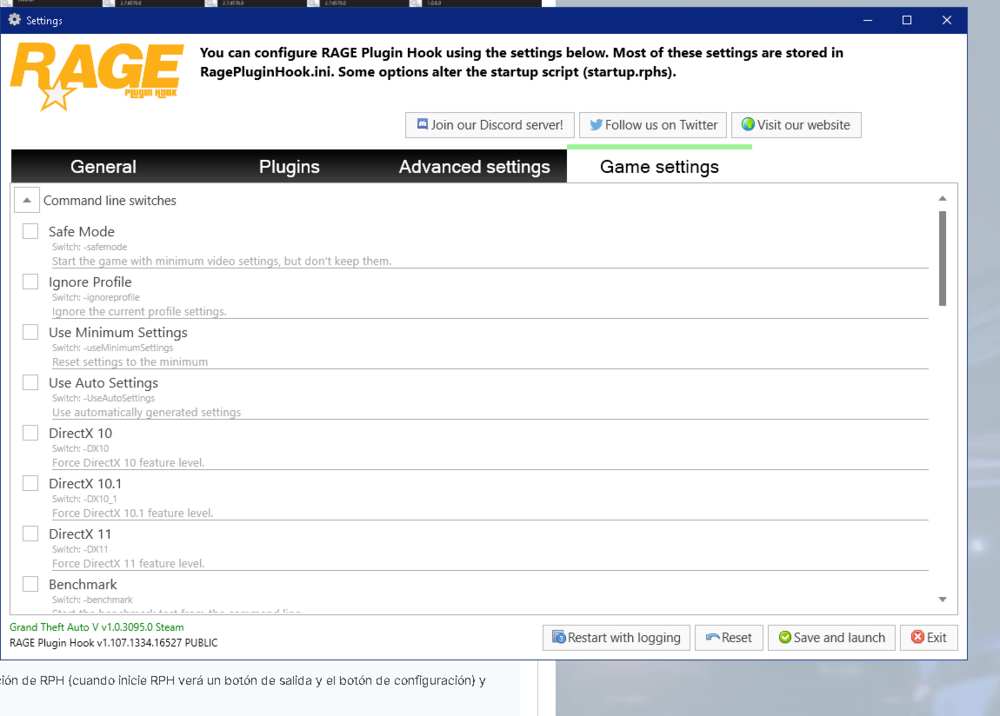
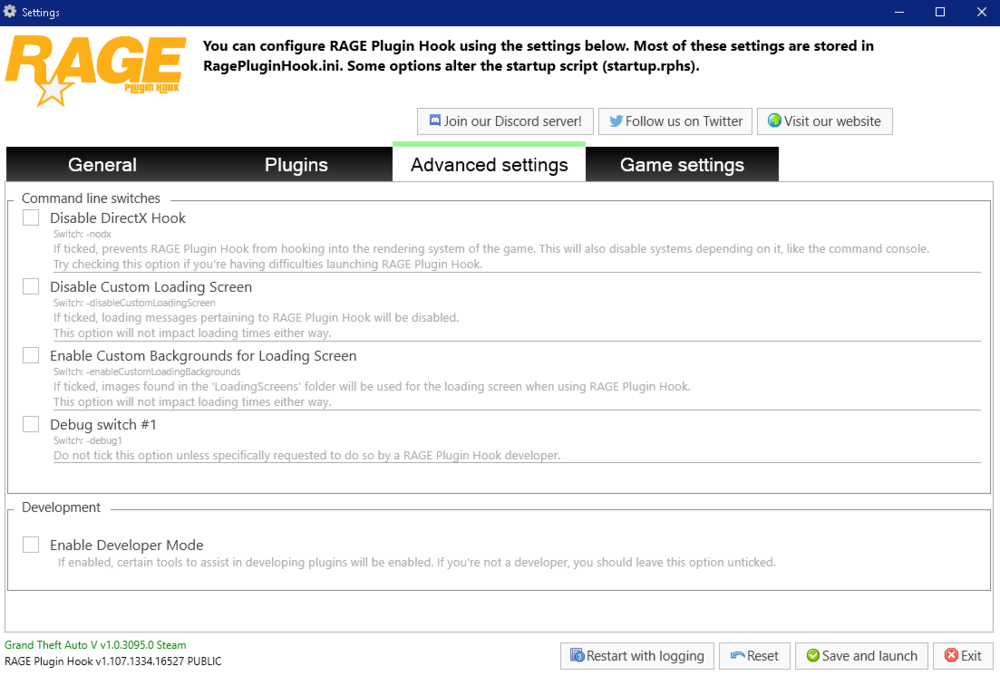
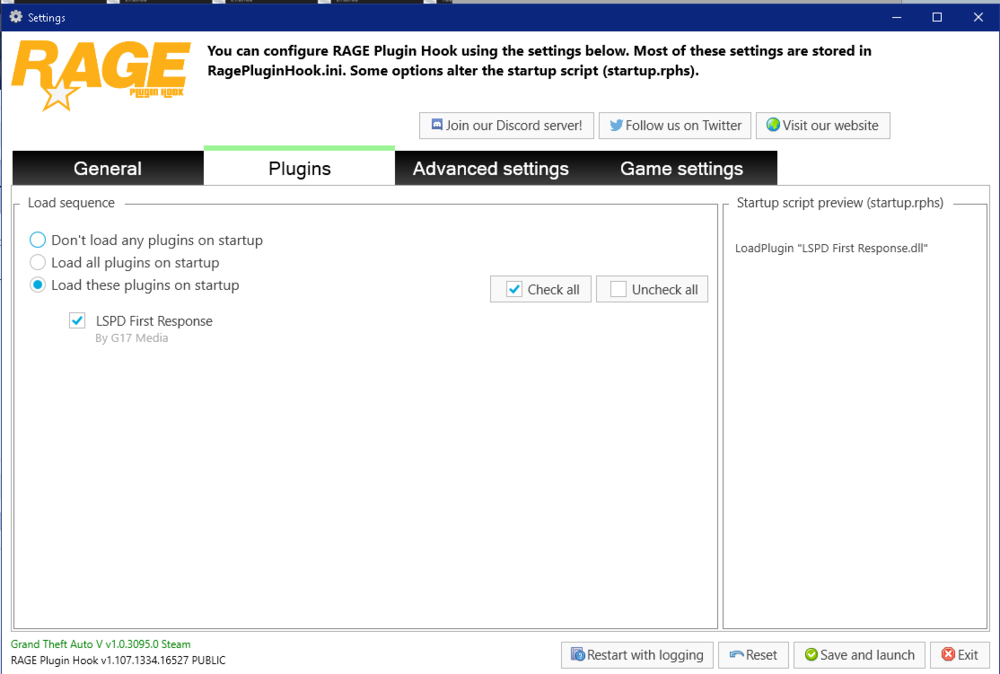
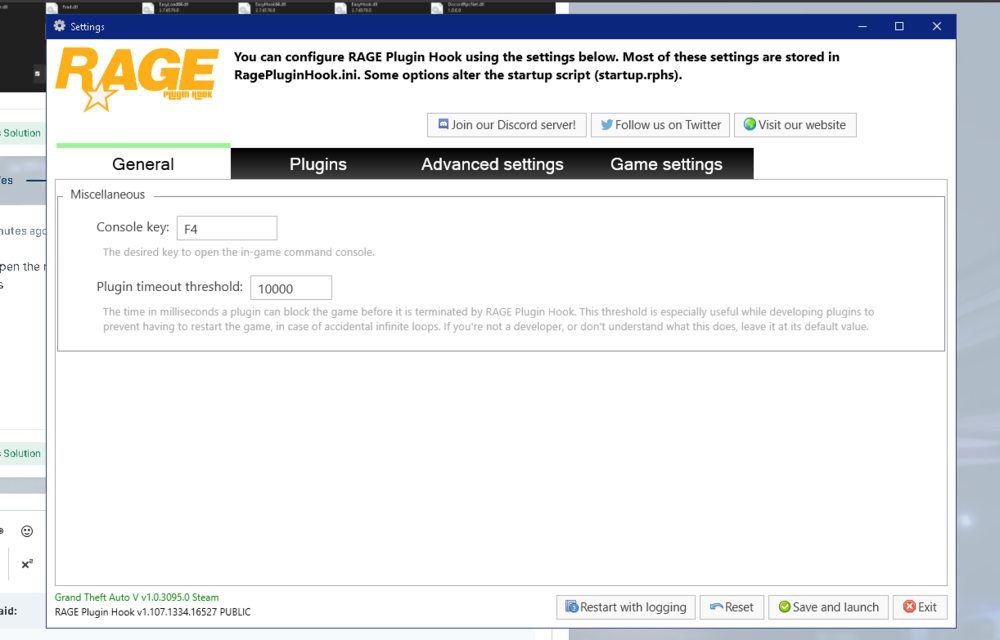
Okay! Attached Images:
-
Sorry for my late answer! But I don't have the logs folder in my game files either. What could I do? And I also appreciate the help you are giving me!
-
I don't have that file in my gta 5 root folder, I only have this one: RagePluginHook.ini
-
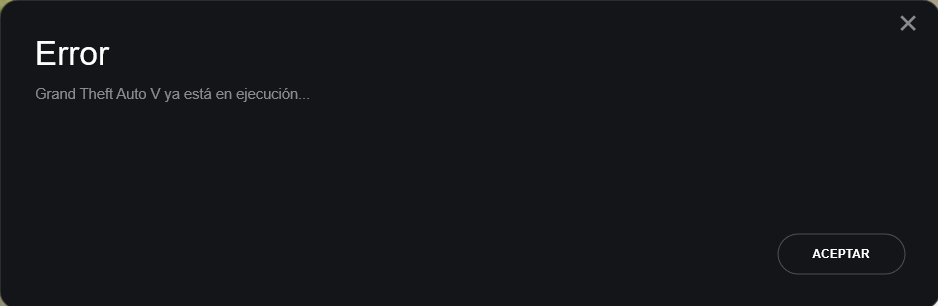
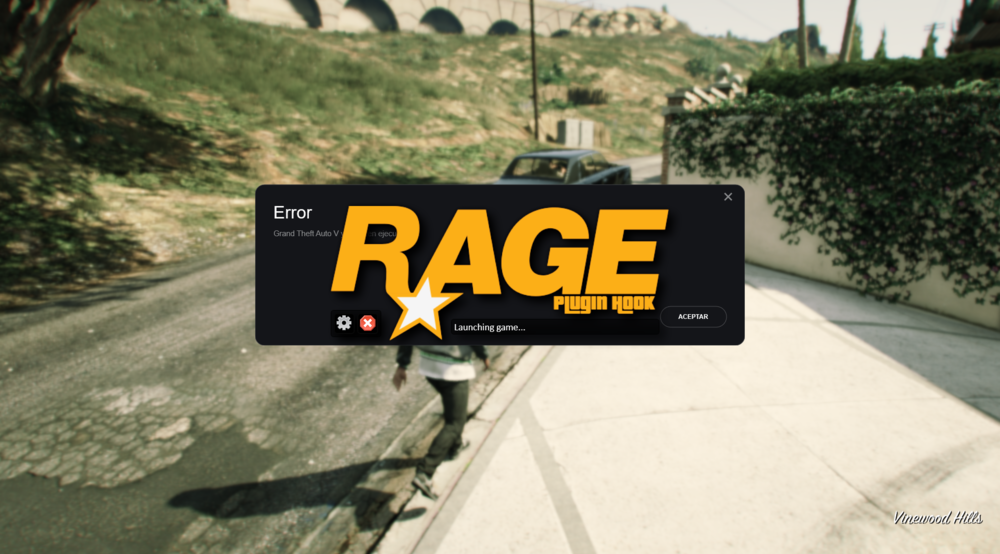
I thank you for the answer but it still doesn't work, when I open it it appears that GTA is already running and the Rage remains in Lauching Game... Any other solution? I thank you!
-
Hello! I need help with this, I have already tried everything and reinstalled the mod, game and more. Every time I open it it appears that it loads and starts the normal game but the Rage Plugin stays in lauching game and does not go from there, try with permissions , antivirus, exceptions and more and I would like to play this mod, I would greatly appreciate the help! 😄


