wra
Members
-
Joined
-
Last visited
Everything posted by wra
-
Hey everyone, Just wanted to ask if anyone else is having the same issue. My FPS drops to around 20–30 FPS (sometimes lower) especially when I'm in Los Santos city — dense areas like the city center, intersections, and anywhere with heavy traffic/peds. My specs: CPU: Intel Core i5-3330S, RAM: 16 GB, GPU: GTX 1050 Mods I'm running:Rage Plugin Hook, Policing Redefined, Police Suite,2 callout packs, Graphics set to Normal/Low I already have my graphics on Normal/Low, heck i even thinkered with gameconfig but it still tanks in the city. I'm not sure if it's my CPU bottlenecking, the mods stacking up, or something I need to tweak in the settings. Has anyone with similar specs found a fix? Any recommended settings or lightweight alternatives to some of these plugins would be super appreciated. Thanks! (or i just need a high paying job lol)
-
RagePluginHook.log
-
i think so, i switched directx 10 to 11, and it worked
-
-
How do i turn on ELS hud, i cant find it in the ini file
-
RagePluginHook.logwait its working now, but i cant accept calls
-
here you go boss RagePluginHook.log
-
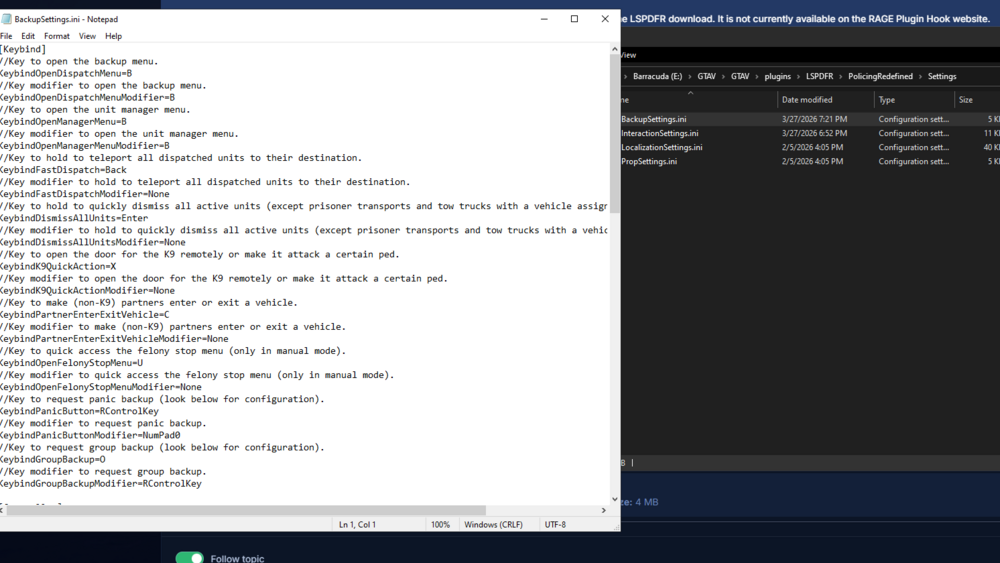
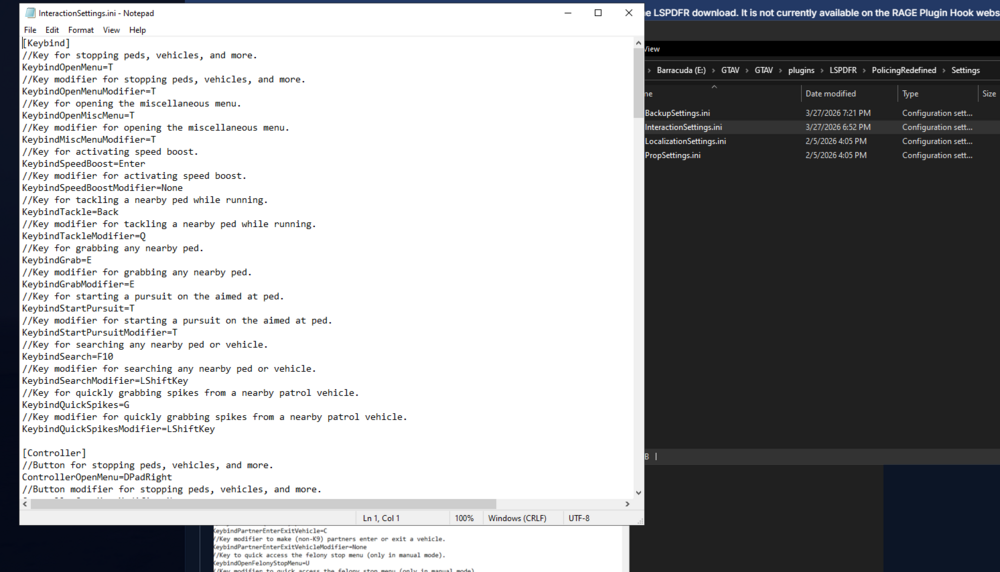
hi, i already have the setting files, but whenever i go on duty the ui never shows
-
thannkyou boss!
-
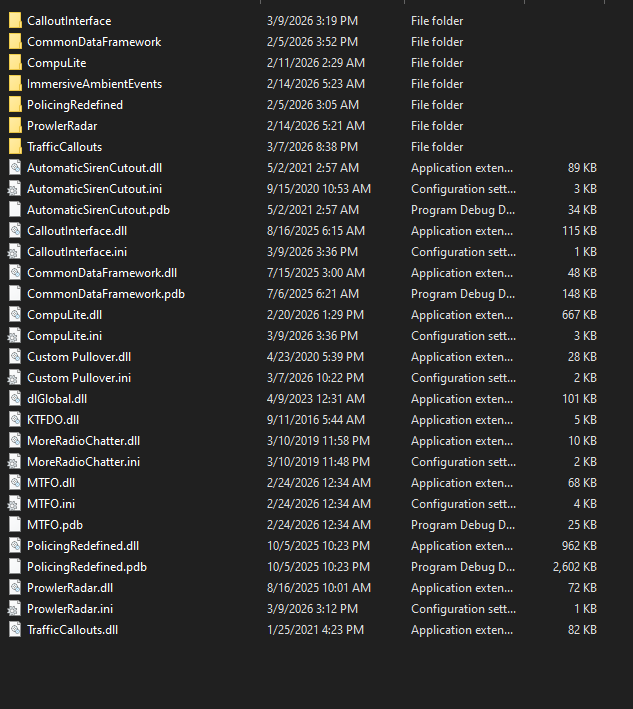
yes sir whenever i reaload all plugins on console it drops to 48fps, and yes i have downloaded all of that my specs: 1050 gpu 16gb could it be that i have low specs
-
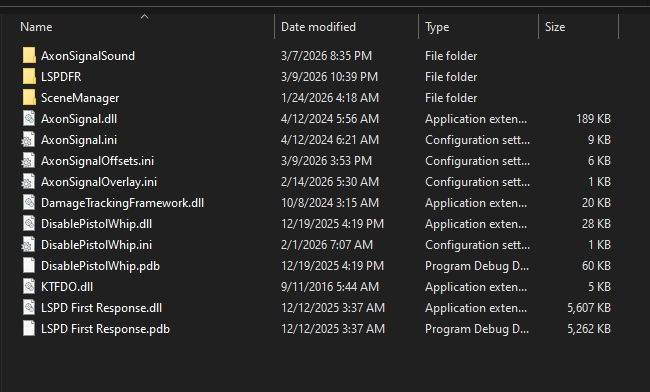
cause before i load lspdf and all plugins, im gettings 100+ fps but when its loaded im only gettings 45 fps
-
hey thank you so much sir!, just got home and i wasnt able to reply earlier. i have a question, how do you identify the errors in rph logs. anyways thank you again!
-
RagePluginHook.log
-
Here you go boss, i just reinstalledPR,RAGENATIVEUI and DamageTracker again but it seems to still be an inssue RagePluginHook.log
-
Hello, Whenever i call for Prisoner Transport it never shows up, if it id no one is driving it. What could be the possible reason for this, is it because i don't have RDE installed or?
-
After playing for about 15 mins it crashesRagePluginHook.log
-
RagePluginHook_05022026_080330.log
-
Update it's kinda working now, i mean the base lspdfr runs fine then i use some callouts like JM's, when i go on duty lspdfr crashes, i think imma go run some troubleshooting now, thank you again!
-
okay okay will update if it works!! and the gpu i use is 1050... yeah its old haha
-
Uploading Attachment...RagePluginHook.loghere you go sir, sorry for the late reply, i literally just redownload a fresh GTAV played for 20 mins, then used the lspdfr.exe then scripthookv and still persists on the ERR_D3D
-
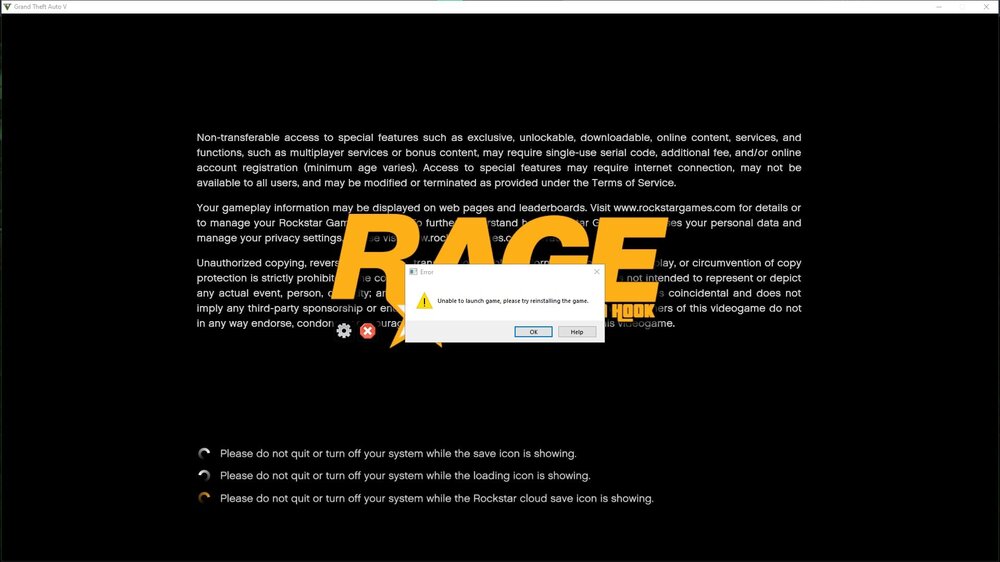
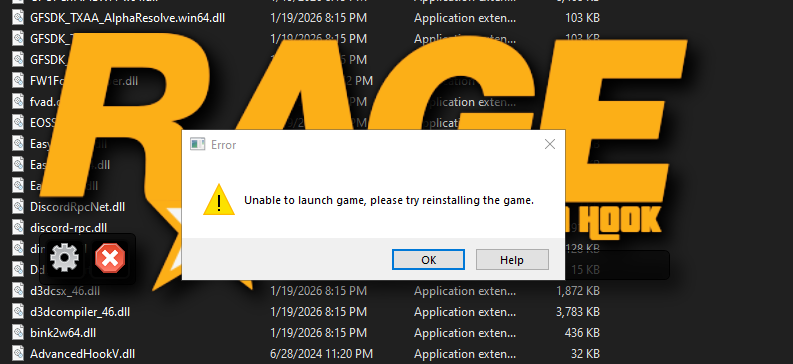
so i have already tried basically everything, looked into tons of tutorials on installing LSPDFR on a fresh install of GTAV, everytime i load it it always says neither ERR_G3G OR ERROR UNABLE TO LAUNCH GAME. i already tried POOKIETHEPOPO's method and yep... here's the log please help
-
oh i didnt noticed that i posted on the enhanced forum, im sorry. but to your question yes i start single player then click on the RPH. also where do should i find RagePluginHook.log?
-
i have already tried everything, deleting the args. disabling battteye, and the thread which PookiethePOPO helped someone, please help me on this one or is it my computer specs that is not compatible?
-
well the last update, alexander uploaded it 2 days after, maybe wait for a few days?
-
I think we need to wait for an update on Scripthook because Rockstar released 2 updates in less than 48 hours