


MatRog10
Members
-
Joined
-
Last visited
Everything posted by MatRog10
-
i used the auto reading in the discord server i think its working now
-
i just installed calloutinterface and i think i might have changed some files with outdated ones, Can somebody please check what might be the problem? Thanks RagePluginHook.log
-
Here is my log. my internet connection is okay so i dont think that is the problem For this log i loaded into he game and lspdfr crashed so i loaded lspdfr again then it worked so i went to the nearest police station and went on duty than it chrashed. RagePluginHook.log
-
When i go on duty at a police station lspdfr crashes but i can use forceduty but then stop the ped and ultimate back up does not work. Somebody told me to update rangenativeui i did this but still the same problem. Compulite does work. edit: Somebody also sad that to enable stop the ped and ultimate backup you need to atleast one time use the police station and also when i use force duty an error pops up that says error: unhandled exeption. look at the console. I already reinstalled lspdfr that is also why i need to use the police station
-
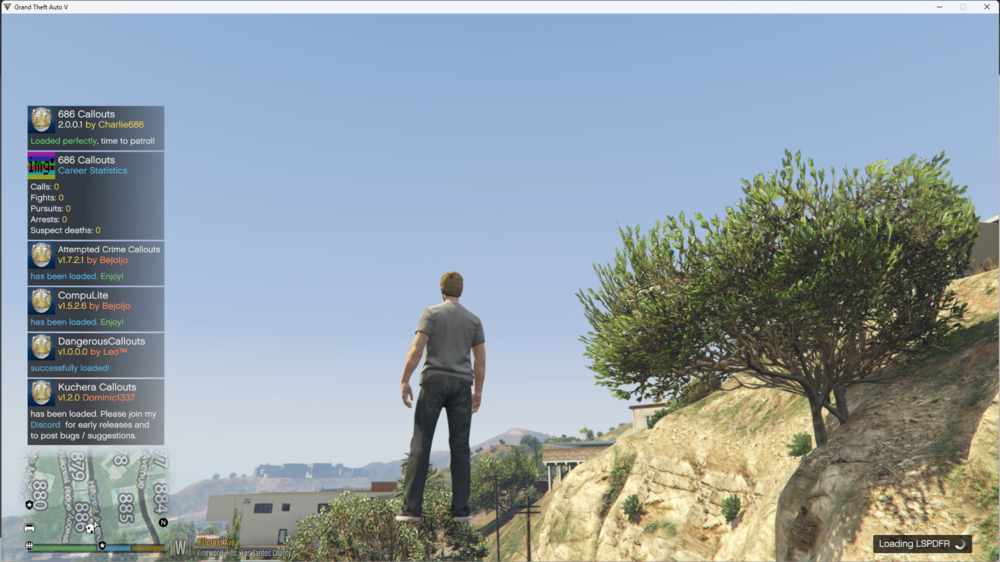
I reinstalled all the callouts but now lspdfr crashes here: EDIT: It does work when i dont spawn on duty and i use force duty in the console istead of going to the police station but then stop the ped and ultimate back up does not work I read that after reinstalling lspdfr you need to atleast one time you have to go on duty in the police station but thel lspdfr just crashes. RagePluginHook.log
-
I tried that But now lspdfr crashed when going on duty at the poliec station. RagePluginHook.log
-
I tried again and disabled AmbientScriptHooks in the lspdfr config. it still did not work. Now it chrashed after like 5 minutes playing This is my new log RagePluginHook.log
-
I am having this problem that when ever i start up lspdfr just chrashes. Some times it does work but then stop the ped and ultimate back up does not work. I looked in the Log and it says somethin about ambient event or something like that. My Log is underneat: RagePluginHook.log
-
Can somebody please help me RagePluginHook.log
-
I tried using a newer version off calloutinterface.api and reinstalled grammar police but then grammar police was working but no display or anithing just the voice part and after a while it froze again ScriptHookV.log
-
I think that it was maybe Calloutinterface.api
-
Yesterday i had this problem that my gta would just randomly freeze and i had to close the game and start all over again. Then somebody helped and it worked all fine again, now after adding Grammar Police i have the same problem again. i think that i maybe added an outdated file to gta folder or something like that because i removed grammar police and it is still happening. Can somebody please help me? RagePluginHook.log
-
So now i have this problem again after installing grammar police, and now it also works for a shorter time. I have uploaded my new log RagePluginHook.log
-
thank you so much! now everithing is just fine but can i ask why i had to remove these callouts? i it because they maybe are outdated. and if they are how can i chek that before installing them?
-
Is it Possible that this is happening because i have a lot off callouts installed?
-
So every time i play lspdfr i can play normally, but after some time the game just randomly freezes. i dont get any error message. It just freezes and i have to fully close the game and launch it again. Here is my RagePluginHook log: RagePluginHook.log RagePluginHook.log
