


CJbel
Members
-
Joined
-
Last visited
Everything posted by CJbel
-
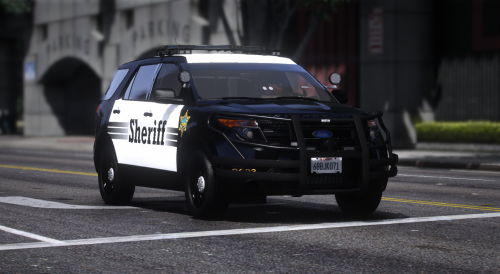 Same here, cant find model
 -
Can you send me the video?
-
It may be due to the wrong vehicle/Or wrong texture. Did you double check of what you downloaded?
-
Alright, I had this problem for 2 weeks and I still can't find the solution. When I drive near the Davis station or the hospital near, it crashes LSPDFR. I do have Real California Architecture installed, but I don't think that's the case. Any fixes? It is kind of annoying and I have to go around when I'm in pursuit. RagePluginHook.log
-
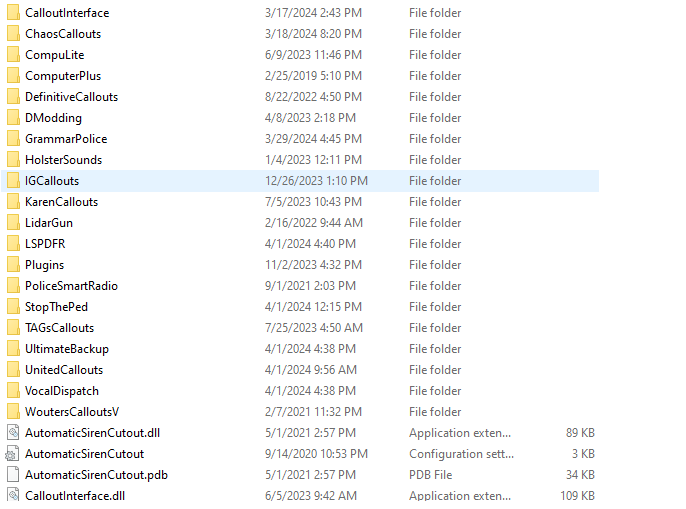
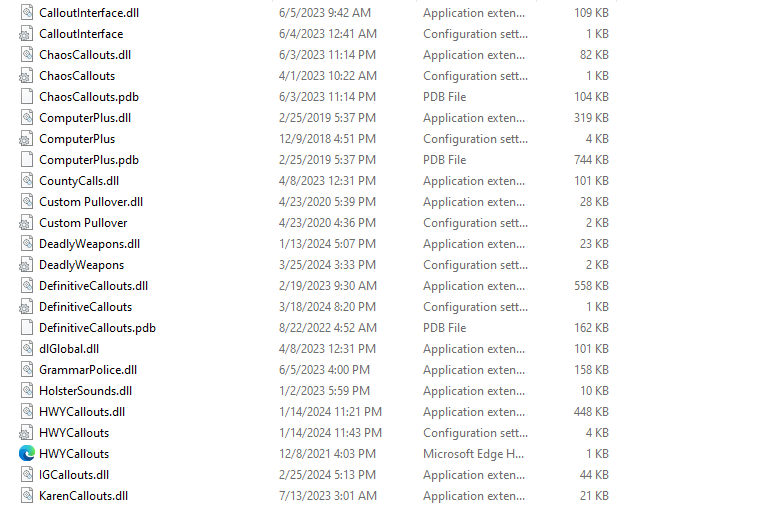
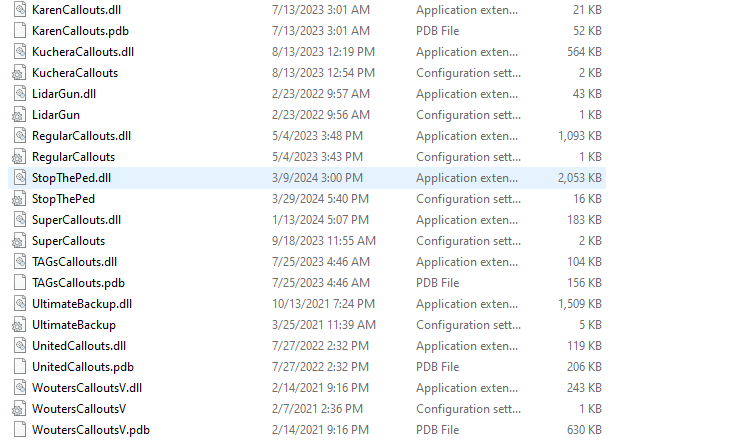
FIXED: I just have to uninstall callout interface, And install callout manager, It was callout interface that was bugging the callout's.
-
this is all the plugin's i have
-
I dont have callout manager installed, Do you mean, Uninstall callout interface?
-
I was in my Cruiser creating a callout that belong's to united callout's, This might happen to my other callout's, I used callout interface, I created it and pressing the accept button, It dosent respond, So i just drive to the big red and blue circle, And then LSPDFR crashes THEN it gave me the waypoint. I tried verying integrity, Setting my timeout threshold to 60000, I did uninstall traffic policer and smart radio, And i did install better dispatch audio, EUPFR and UE, and backup configuration. RagePluginHook.log


