


JammyRoo92
Members
-
Joined
-
Last visited
Everything posted by JammyRoo92
-
Sure, I’ll test it today to see if it happens. I did remove TrafficAccident script as I thought it may have something to do with this. At the moment I’m running the previous game version and LSPDFR version as my mods conflict with the new game version.
-
Hello! Does anybody know why my suspects always disappear once a foot pursuit starts? I will pull over on a traffic stop, a pursuit will initiate, and then they will stop the car - run out - and then after a few seconds they disappear and the pursuit resolves.
-
Hey! Unfortunately, the issue may be different depending on a combination of mods, plugins, etc. One potential solution seemed to be to remove MessageBoards if you have this installed. For some this has helped but there has also been debate around whether this is a cause. Based on my experience, it seemed to be YMAPs of some kind. I haven’t had the issue since, but we could be using different variations of SHV Nightly or SHV or various other plugins. Sorry I’m not able to help any further. All I can suggest is a 50:50 method of removal, and then go one by one OR reinstall and check after EVERY mod or plugin addition. It’s tedious but this was the method many of us had to take to find our own issues.
-
Yeah, I found that deleting any ymaps helped with this. But the best thing to do is perform a fully fresh reinstall, keeping track of each mod you add. It is a long process but it seems that each individual may have a different problem. These were definitely not the issue for me. Any DLC maps or ymaps are the most likely culprit. I systematically installed everything and did multiple tests adding and removing these particular things. When they were in the game they always caused the issue for me.
-
So, I think I solved the issue by reducing some of the ytd textures by half. If this didn't work, some vehicle files were totally 35000kb which was way too high. I swapped them out and this resolved the issue.
-
Hello Everyone, A few of my police vehicles have troublesome draw distances. Unfortunately changing the LOD to values of 500.00000 doesn't seem to be solving the issue. Does anyone have any other solutions to this problem? It is the PolDorado and FBI that are culprits!
-
Remove all of your vehicles and see if that changes anything. With reinstalling, start with LSPDFR and then EVERYTIME you add a new mod, ensure it is done with EDIT MODE on, you unpack OIV files and follow READ ME instructions and then START THE GAME. Everytime you add something new. It sound time-consuming (and it is) but it will save you a lot of time in the long run. Also, everytime you make a change, copy your mods folder and rename it with GRAND THEFT AUTO V - [NAME OF THE LATEST MOD INSTALLED]. In this way, you can keep track of what exactly is causing your issue. For me it was custom_maps or YMAPs.
-
After vigorous testing each evening, I think I may have discovered what is causing this issue. Below are the list of mods that are green-lit: However, OpenIV hit an error today and refused to open. I verified my files and it found issues with 14 files. When I got OpenIV working again, it had removed Custom_Maps and MapBuilder from my DLC list. When I readded them, the weapon animation glitch returned. After several tests of returning them and removing them, the consistent issue is related to Custom_Maps being in my DLC list. Essentially, if you ae having issues with this animation glitch, try removing Custom_Maps from your DLC list and any YMAPS. Hopefully that solves the issue.So, I think I might have figured out the issue! Do you have an YMAPs installed or “custom_maps”?Okay, so I tested them all again and so far the issue is not coming up again. However, the ONLY thing I did differently on this second install was install all OIVs manually. I did not simply drag and drop the OIV installer packages.. For the time being, this is what I recommend moving forward (regardless if it doesn't appear to contain files that relate to weaponanimation.meta). The only other thing I can think of is that it a RANDOM issue related to the core GTAV files. If the issue comes up again in any of my further installations, I will update here.Hey Jack, Can I ask what mods and plugins you have installed? Also, any Custom maps and DLCs? I’m trying to pin down precisely what the issue is myself.So I can confirm, so far that it is NOT one of these mods causing it OR a combination of them: San Andreas Remastered Enhanced (manually installed not OIV) Forests of San Andreas Revisited (manually installed not OIV) LightingFreeway Drive V RCA (Real Californian Architecture) DNX New Grand Senora Road (DANIX) DNX New Calafia Roads (DANIX) I’m now wondering if it may be due to YMAP installations or MapBuilder. I have MapEditor in my scripts file already, both ScriptHookV and ScriptHookVDotNet-Nightly build.I know, it doesn’t for me either but I’m now installing each manually instead of OIV. It doesnt make sense to me either but these are the only mods installed on a completely new copy of GtAV with LSPDFR and Simple Trainer installed. I even deleted all my original save data from GTAV to ensure everything was fresh and deleted all copies of GTAV beforehand. It has to be one of these mods that is causing it.Yep, so far I have determined it is one of these mods or a combination of them: - California Roads - Calafia Roads - Desert Roads - MileHighClub YMAP - Drive V - RCA - LED Tracks - Freeway Lighting - RemasteredEnhanced (Forests of SA) - Forests of San Andreas - Forest of San Andreas reflections I was checking them one by one and then became lazy and checked the weapons after installing all the Forests and LED stuff and the weapon issue returned! I didn’t expect it from any of these mods tbh.Hey Lenny, Not a problem at all! I would have said but couldn’t comment on the post. I’m going to go with a full install and start with mods first to rule those out before moving to LSPDFR/ plugins and scripts. I’ll just keep periodically backing up mods folder until I find the issue. I think it must be dependent on an individual’s combination of mods/plugins that causes the issue - most likely anything that amends the vehicleanimations.meta. Do you recommend avoiding oiv file installs and doing them manually?Thanks mate, that’s helpful. One person has suggested it could also be a plugin but I agree - I think it is a combination of something. When I reset my mods folder, I was having inconsistent issues with this animation, so it can only be a plugin of some kind. I’m doing a full reinstall of it all today with careful testing when I get back from work, so will see if I have the same issues as you. I think it could be possible that CopHolster may cause this issue when combined with other mods perhaps, as it clearly affects weapons animations for draw. I’ll try it initially without this and immersive effects. Another one that has been mentioned is Rich’s plugin, where a reinstall of this then helped someone. Hopefully we can find out because it’s really irritating!Hello All, So, I've been trying to solve this issue for several days now resulting in several attempts to redo my mods folder. 1. I will select a weapon from the weapon wheel 2. The weapon is selected but invisible 3. The character then stays in constant 'jerking' motion, so I cannot do anything. This is a link to a video I found from a person on Steam who reported the same issue. So far, there seems to be no clear fix. https://youtu.be/vd_gazgniK4 I checked mods and possible conflicting ones and it still didn't seem to rectify it. Is it possible this is a new issue shipped with the new update? Has anyone else had this? Thanks!Hey, did anyone ever solve this issue? I thought it was something to do with mods that included weapon animation.meta but it’s almost impossible to figure it out at this stage. Did anyone ever find a fix for this? I’m wondering if it might be worth reverting to an old game version in the hope it might prevent problems but I don’t know.Hi Yasd, Yep, I checked the ELS log and it continually crashed on the ElS for the PolGreenwood, so I changed that and it worked. Also deleted ScriptHookVDotNet as even the updated version was crashing when I loaded the F4 menu or EUP. Everything thing now works. Such an irritating little file haha (the ELS I mean).Hello, For several hours I’ve been encountering an issue with ScriptHookV after adding a few cars into mods. I went through each one, replacing the files back to their originals and none of this helped. I then discovered that removing SHV allowed the game to start. It also starts with the ShV Nightly build but obviously doesn’t allow ELS to work. The game was working perfectly fine before and all I added between tests were a few vehicles. I’m not sure it could be those as I replaced them all back to vanilla and removed any ELS files relating to them. Also check error logs, SHV logs, etc etc. Nothing helps. Any help would be appreciated as I am properly stumped!Hello, I could use some help with addressing recurring crashes in LSPDFR. It happens often but not always consistently and I've tried various approaches. Often it will say something like [TRACE] Thread CopManager #1 GameConfig, PackFile Limit Adjustor, ScriptHookV, LSPDFR etc are all up-to-date. Also did a recent check on the integrity of GTAV files. I've tried it with _mods and disabling plugins or loading them at different times etc and I still experience these random crashes. My RAGElog is here: RagePluginHook_19122024_175219.log And my Gamefolder is here. I will point out that many cars are modded etc but I tested each one as well as vehicle sounds.
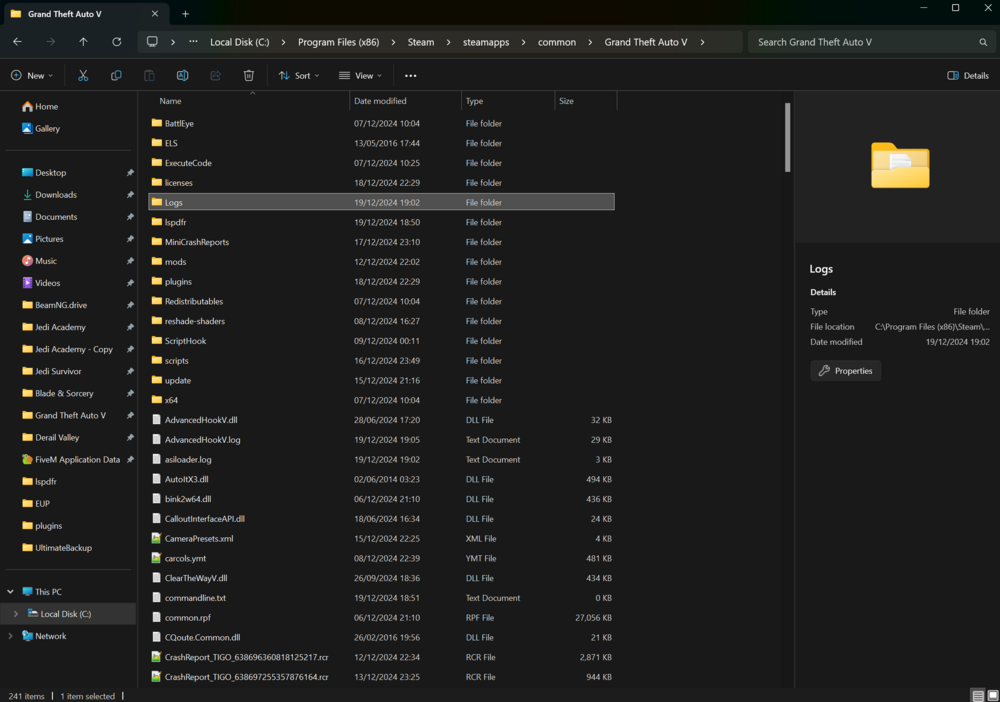
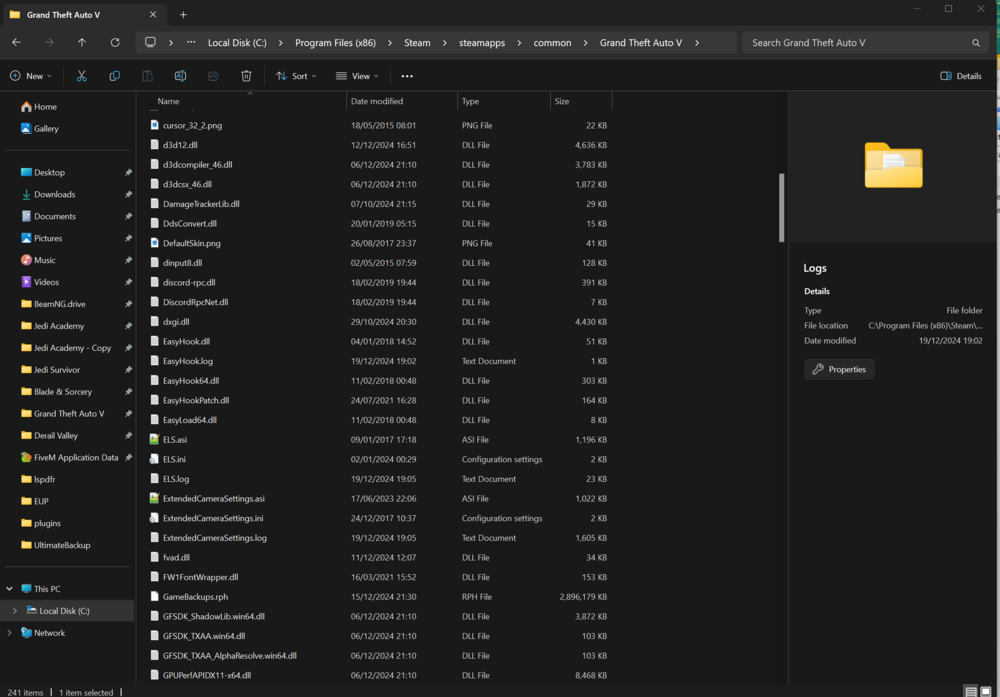
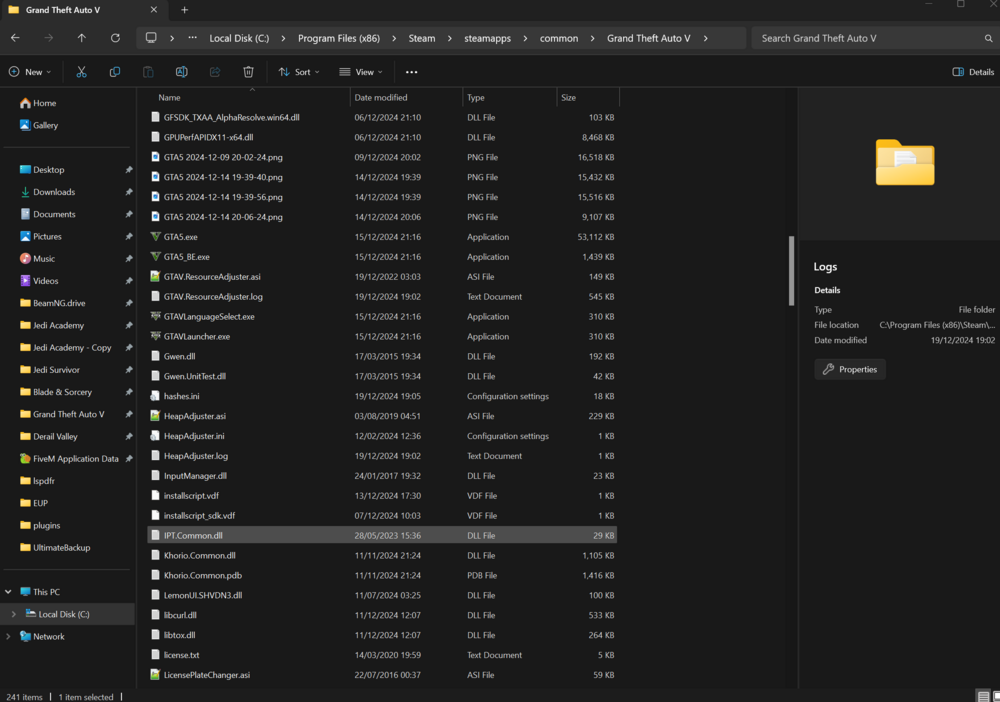
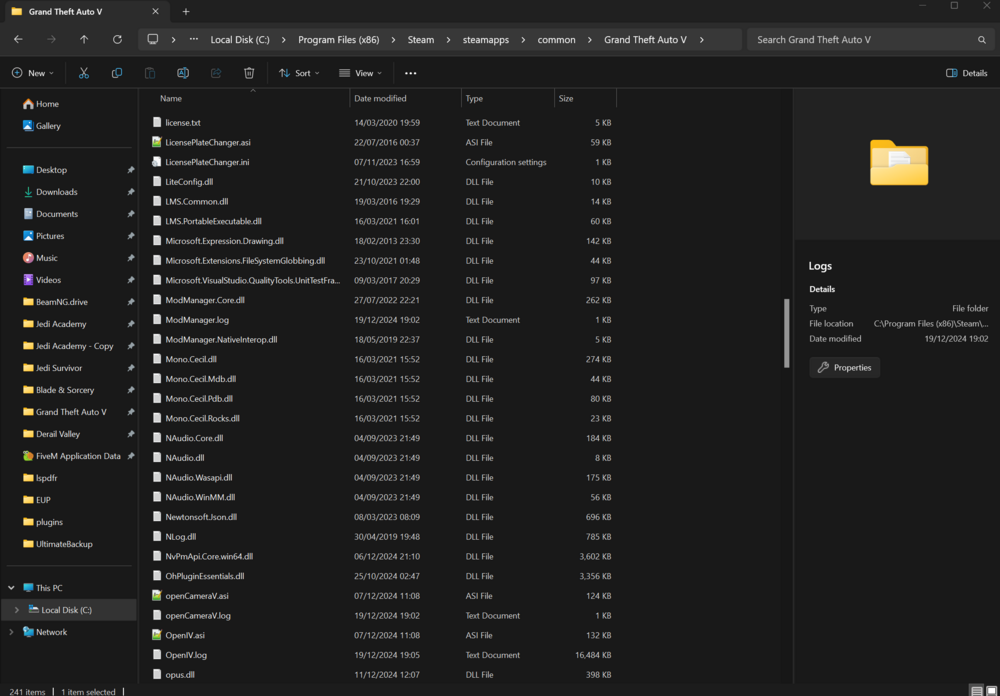
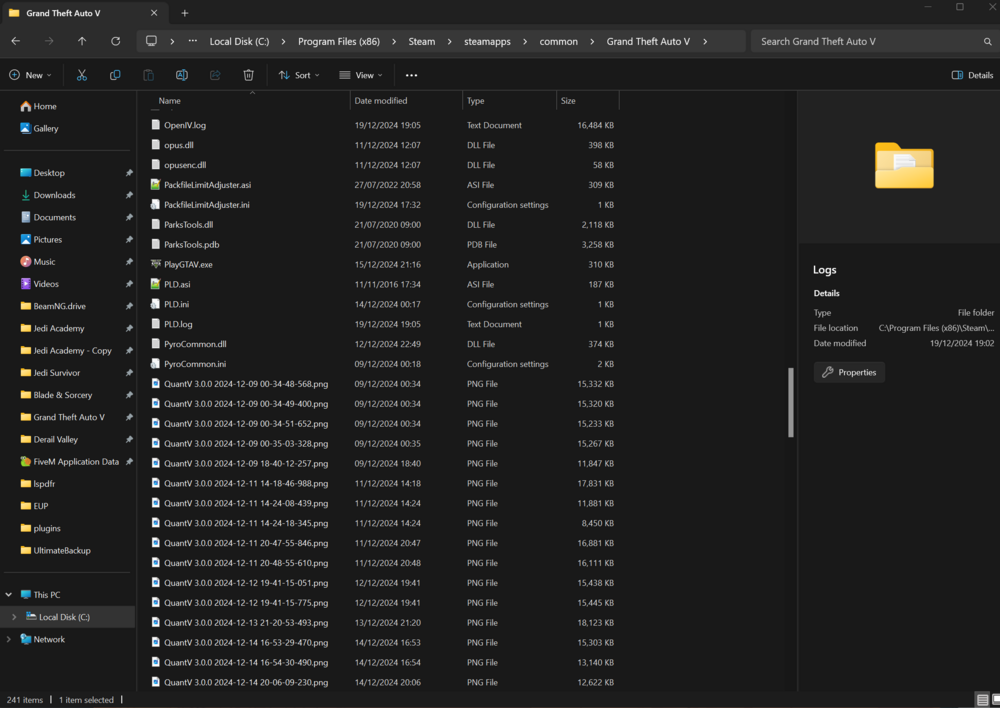
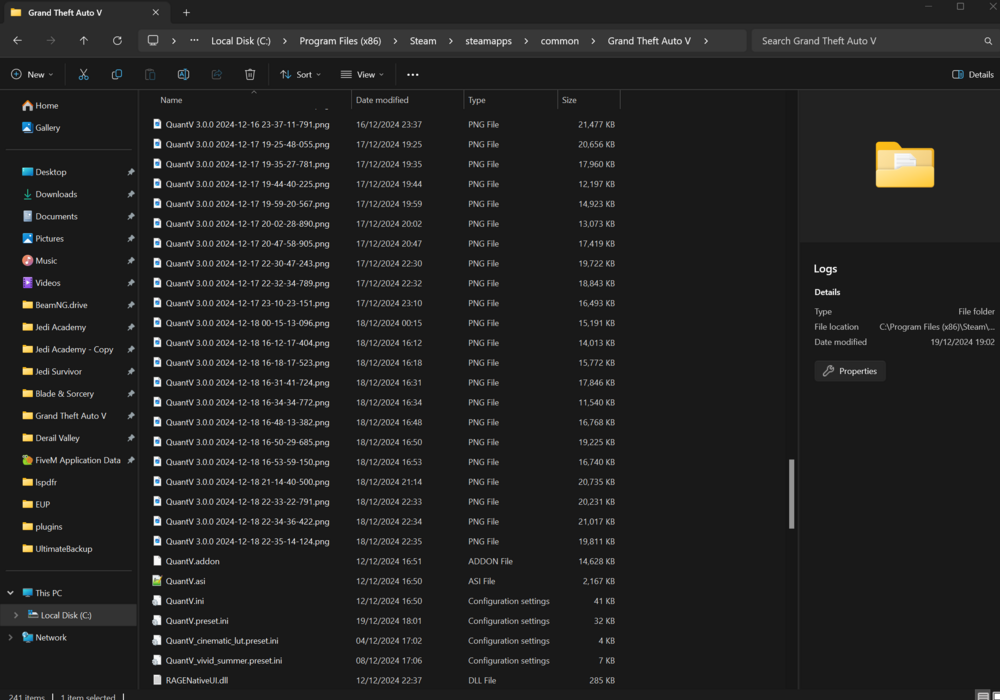
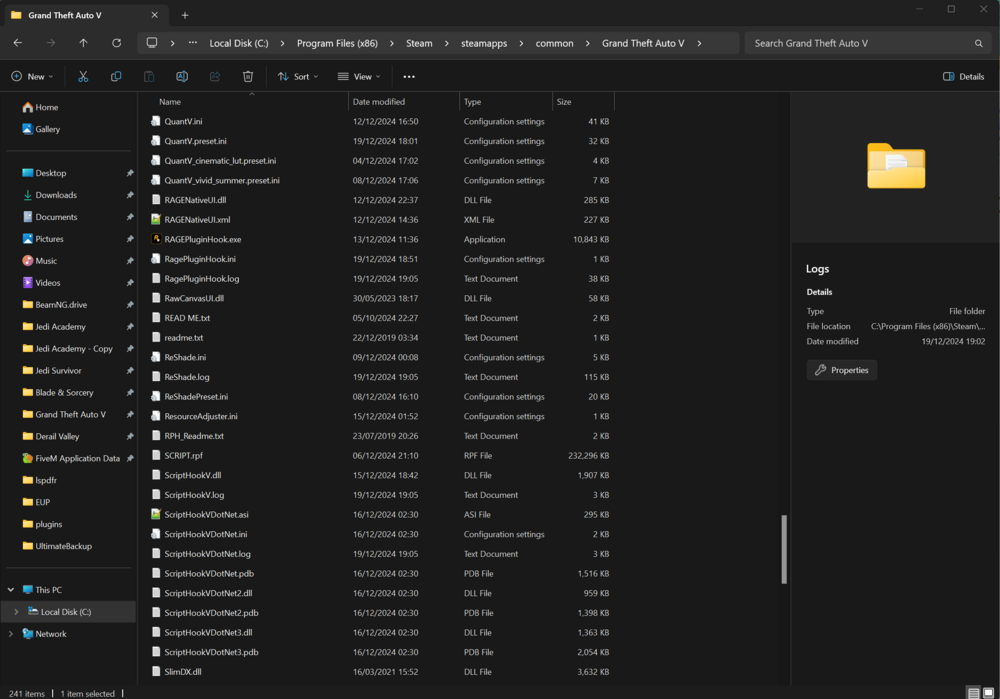
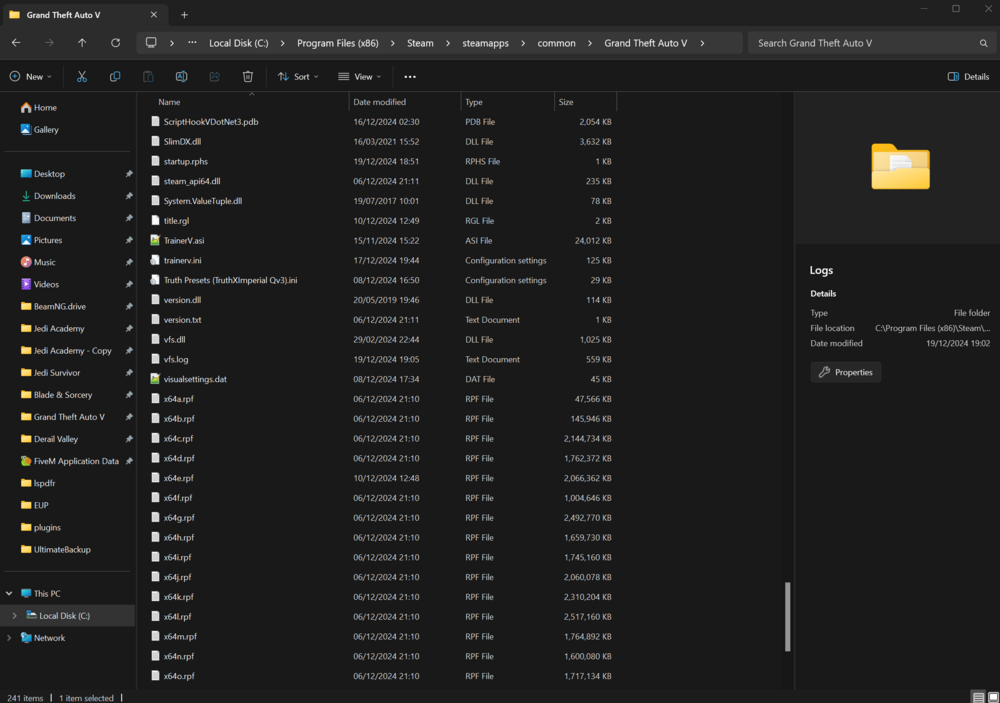
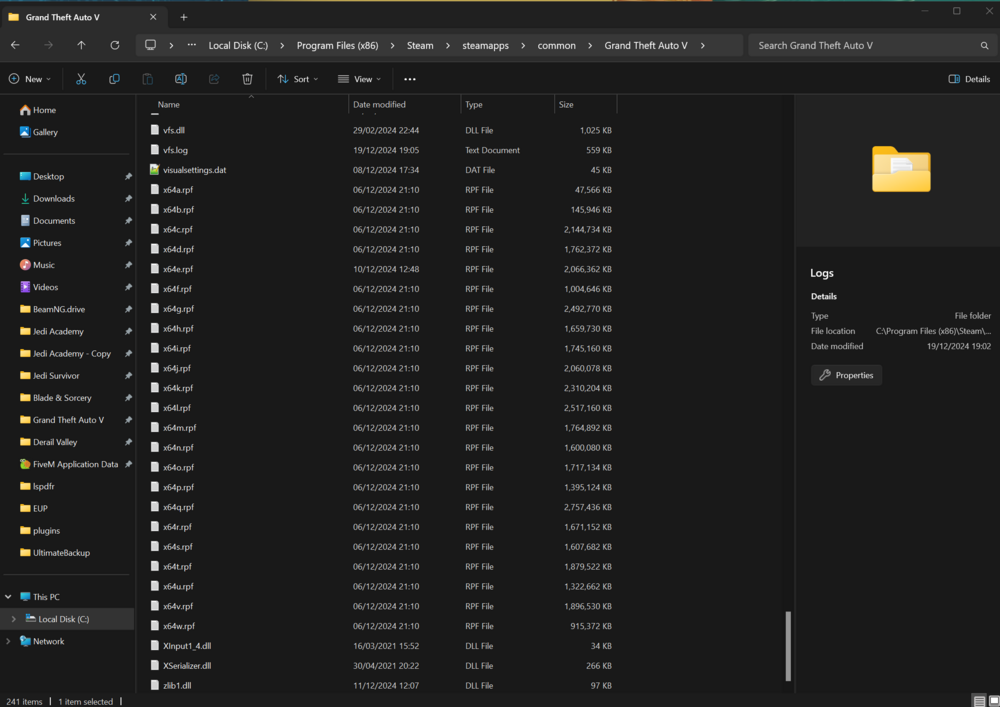 Hello! I have tried to follow several tutorials about inserting YMAPS into Single Player (all of which seem to have been successful) - though these don’t work for me. Examples include: https://youtu.be/ie9IgNyzB1M?si=SV_cOKfmB6-ipwew https://youtu.be/oBujo8XspLM?si=NVoF-kKXwPsdga6Q I have installed the relevant custom_map folders via OpenIV, MapCreator, etc and moved the YMAP folders into custom_maps but they do not work (despite me following instructions step-by-step). All of these videos were posted before the GTAV update recently. Is there any insight as to whether YMAPS are no longer working in Single Player? Has anyone got any advice or solved similar issues, preferably since the most recent GTAV update. Thanks! 🙂HI - yeah that worked. I managed to reinstall all my mods earlier as I checked with that. Thanks for getting back to me. It's funny how the smallest of changes can just have huge impacts!Hello All, I think this is the 4th or 5th time I have installed LSPDFR in the last two weeks as I am constantly being met with issues, despite following install videos etc. This is my latest crash RAGE log: Any help would be appreciated here. I can't tell if it is OpenAllInteriors which is crashing as this sometimes comes up with a ScriptHookV error (though I deleted OAI and now it comes with a different issue). It was working fine earlier. RagePluginHook_29032024_170418.log



