


Drippzz
Members
-
Joined
-
Last visited
Everything posted by Drippzz
-
it is my firetruk.xml els file which is causing my game to crash once i removed it i loaded in RagePluginHook.loggame keeps crashing now when i have loaded in after about a few minutes
-
I have ELS.asi, Heapadjuster.asi, opencamerav.asi, openiv.asi and packfilelimitadjuster.asi
-
ScriptHookV.logwasnt sure if this was helpful just thought i would send that in case.
-
alright i am trying this out will let you know in just a minute. ok i was able to load into the game with dinput8 and mods folder trying the scripthookv now It crashed me with scripthookv
-
alrighty will try now. it did not crash after doing this it loaded me in.
-
After i reinstalled gta it worked fine i could load into the game, but after adding lspdfr and mods back it just crashes. So do you suggest i reinstall again and retry everything? Reinstalling rockstar did not work either.
-
i have tried to start gta without rage but it still crashes. I have tried reinstalling gta, verify files i just cant seem to get it to work
-
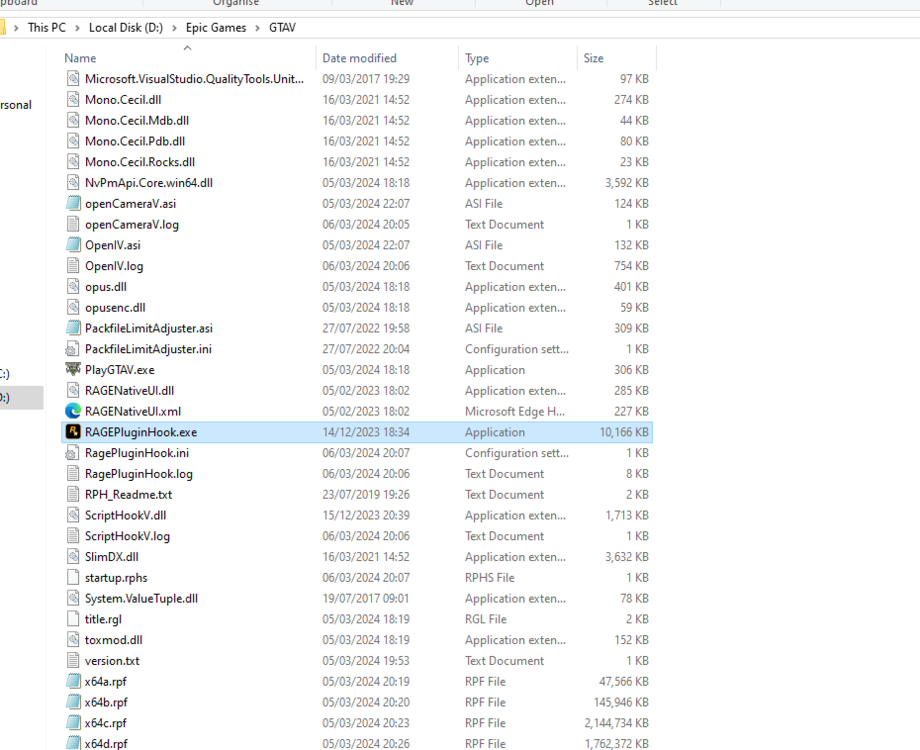
-
Yes I have removed it.
-
I have also changed mods folder to _mods to see if it was that it still crashes i disabled plugins on start up it also crashed i have no clue whats going on. RagePluginHook_06032024_194821.log this is new log
-
yh this still did not work and not sure what a nightly build is could you explain.
-
It did the same thing as last time it just loaded for abit then froze and kicked me off.
-
here are logs and my plugins ive tried everything i cant get it to work it just freezes on loading menu then kicks me off the gameRagePluginHook.log


