Xaverius99
Members
-
Joined
-
Last visited
Everything posted by Xaverius99
-
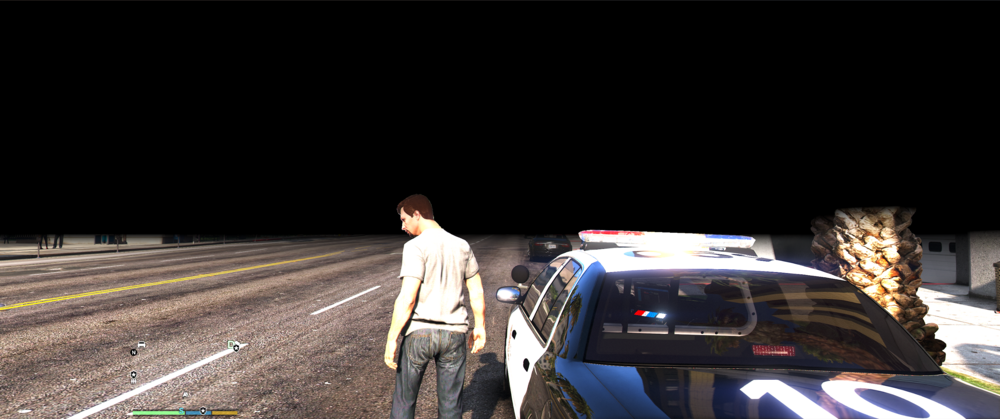
So I installed my game and mods again, installed some visual mods like NVE and ReshadeShader and I have this black space around me. I have set the post fx to ultra and everything I needed to do. Can anyone help me with this problem? I installed some reshade files wrong i got it fixed now!
-
Friday I was still able to play it normally until now, the game crashes while on the loading screen the RPH console states it may be a buggy plugin or a bad graphics driver or bad Inti virus but I know it isn't that
-
Forests of San Andreas
-
That helps but messes up my mods and plugins, but i have managed to get it back working! It was some sort of plugin i installed and when I deleted it everything worked again, thanks for the help anyways!
-
I freshly installed everything today and made sure it is all up to date, all my other plugins and mods work but when I load LSPDFR via the RPH console it crashes my game RagePluginHook_18062024_161517.log