SpacePug571
Members
-
Joined
-
Last visited
Everything posted by SpacePug571
-
It does the same thing
-
Yea i did use the manual install
-
Hi Just wanted to ask if there is a fix or if someone has found a solution 🙂
-
I tried it but it didnt work 😞
-
Might be relevant but I had lspdfr working on my pc before but my eternal hard drive broke so I had to reinstall gta and lspdfr and that’s when I started to have this problem
-
Where would the popup be cause I've checked for any warnings in the notification area there are none and there aren't any window popups that appear i may have just not seen it but i just want to make sure I'm looking in the right place
-
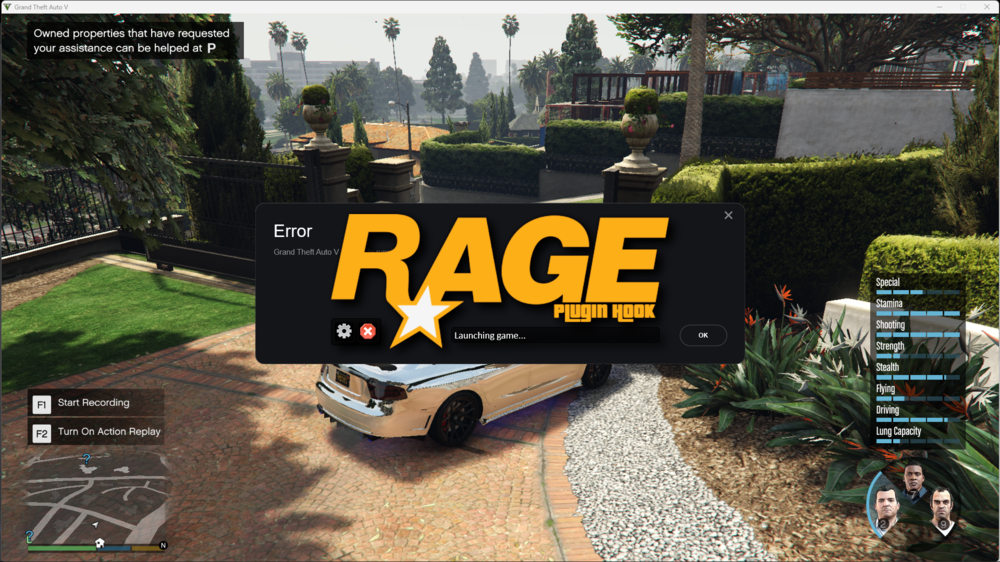
There's no popup when Rage hook is launched
-
I have version 1.9.2 which seems to be the latest version I also have tried loading RHp While story mode is completely loaded but it does the same thing
-
I tried doing the new update still doesn't hook do you know if its a problem with my install or is it a general problem that most people are also dealing with. 🙂
-
Is there anything else that could be the problem
-
Yea
-
nope i added it as an exception but the problem still persists
-
Through Windows defender?
-
I have it on epic and I've already tried launching it both ways
-
By exceptions list you meant the anti virus/Firewall thing right? i did it but it still doesn't work
-
This is the launcher log when i launch RPHlauncher.log Also not that it helps but i seem to have the same problem as this person:
-
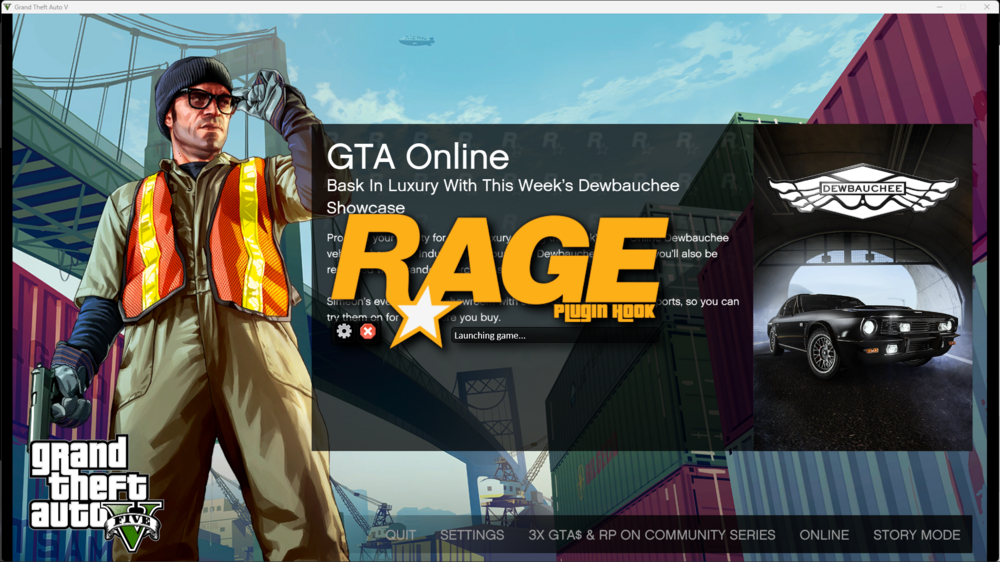
I installed LSPDFR And then when i launch Rage hook it launches gtav but it stays on the launching game screen and doesn't hook to the game Edit: I have Reinstalled both GTAV and LSPDFR and still have the same issue (There is no added mods or plugins or scripts)