Straid
Members
-
Joined
-
Last visited
Everything posted by Straid
-
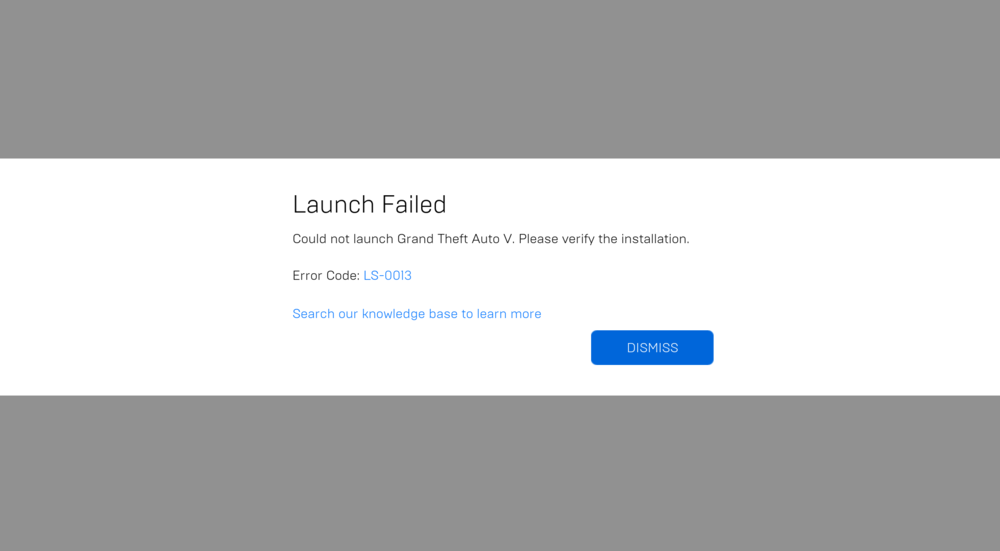
When i try to start GTAV with LSPD: First Response and a few plugins, this is what i get as message, anyone that knows how to fix this, besides reinstalling the game, cuz then i have to reinstall all those plugins again what will cost me a lot of time I have verified the installation a few times, but the message keeps coming back no matter how much i verify the installation
-
I think this part of the log is the problem And here is the whole logRagePluginHook.log
-
installed it, but now i think this last part of the log is an error after it crashed Oh i think i found it, i installed the wrong version, installing new rn letting you know if that worked It worked, tysm for the help!
-
RagePluginHook.log Heres the log
-
This is the code from the RagePluginHook Logs