Skip to content
View in the app

A better way to browse. Learn more.

LCPDFR.com

A full-screen app on your home screen with push notifications, badges and more.

To install this app on iOS and iPadOS
  1. Tap the Share icon in Safari
  2. Scroll the menu and tap Add to Home Screen.
  3. Tap Add in the top-right corner.
To install this app on Android
  1. Tap the 3-dot menu (⋮) in the top-right corner of the browser.
  2. Tap Add to Home screen or Install app.
  3. Confirm by tapping Install.

Eddy24

Members
  • Joined

  • Last visited

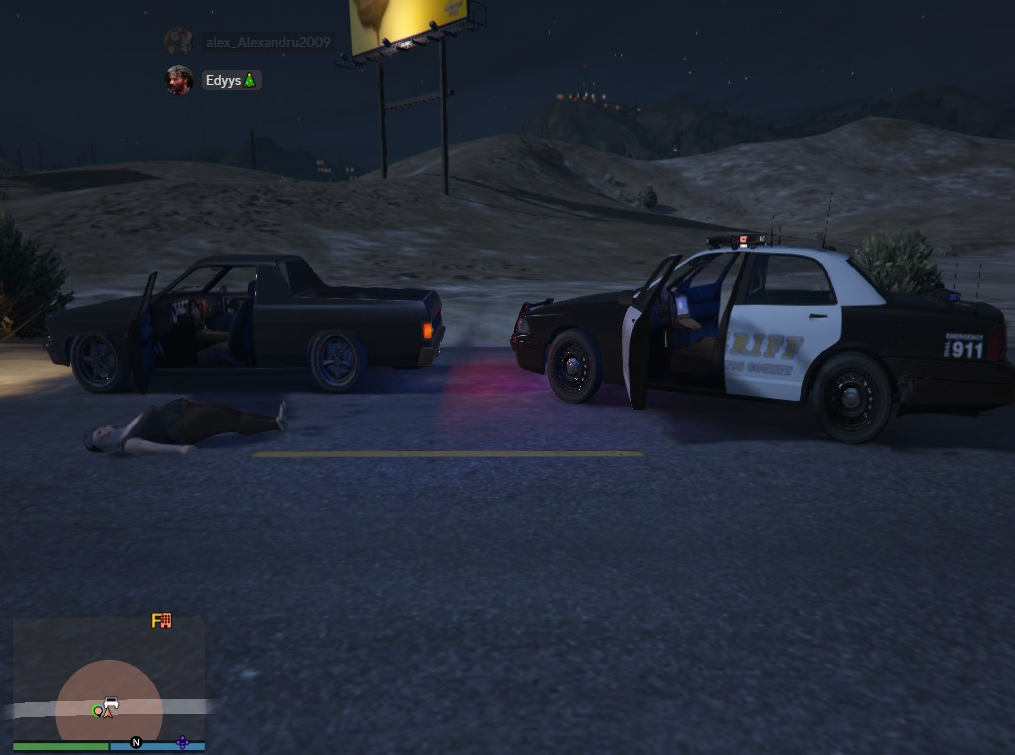
  1. I have 2 problems with this mod since i downloaded, everytime i launch rage it crashes saying "bad anti virus" and everytime i go on duty after 2 minutes my game freezes and i cant do anything, i always need to restart it, i played it 2 times without having any issue and when i launched it today it freezed my game after going on duty, i dont have any plugins that dont work and i didnt modify anything in the folder, so like yesterday i played it for like 2-3 hours without any issue and today in the morning after going on duty it freezed the game, i tried restarting the game but nothing helped, i was finally happy that i made this mod work for me but this issue keeps happening.

Account

Navigation

Search

Search

Configure browser push notifications

Chrome (Android)
  1. Tap the lock icon next to the address bar.
  2. Tap Permissions → Notifications.
  3. Adjust your preference.
Chrome (Desktop)
  1. Click the padlock icon in the address bar.
  2. Select Site settings.
  3. Find Notifications and adjust your preference.