TDx3
Members
-
Joined
-
Last visited
Everything posted by TDx3
-
Thankyou @unitedOrange66 this worked!
-
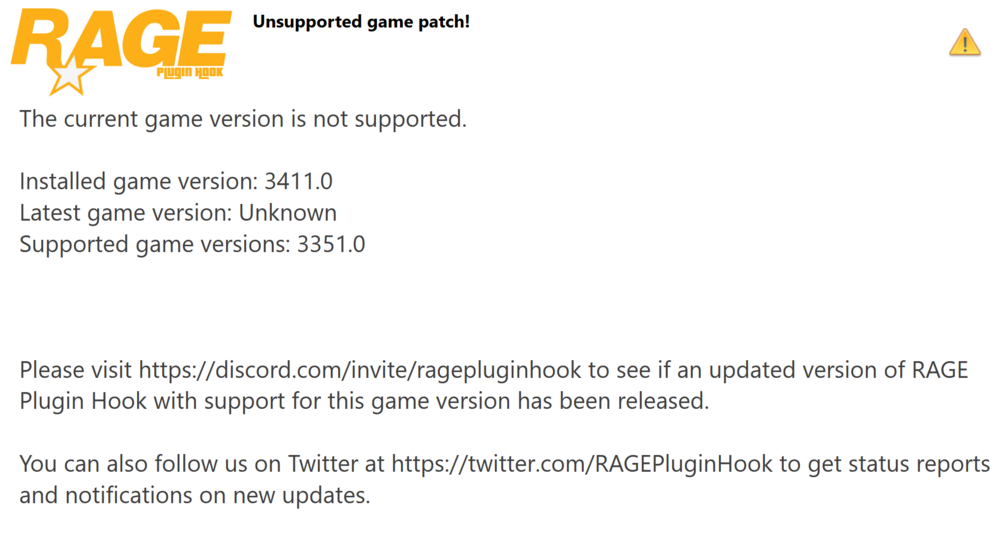
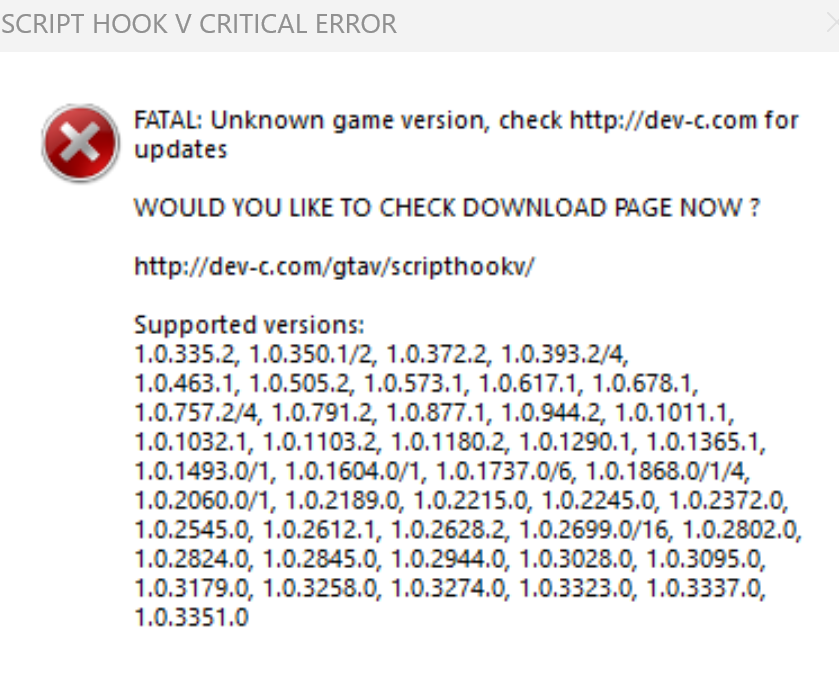
Thankyou i have Updated both and this is the new message Normal grand theft auto through steam now works but not through RPH

-
Not exactly sure what tis means but my Regular GTA 5 wont open either
-
Great! Of course it's not a problem, were all excited to try different plugins when we see them! I'm glad I could help! 💛💯
-
Could you please Upload your log in which your "Plugins" crashed to this Forum, so I can try to help out and find your issue?
-
Do you have the Xscanner plugin installed? if so I'm pretty sure that is what's causing your LSPDFR to crash. Try making sure you installed it correctly or try Removing it and seeing if that solves your issue. it can always be reinstalled again. Im not exactly sure but it is a problem in your log. I hope this helps! 🙏💯
-
Found It..🤦♂️ my "ForceACallout" was outdated
-
When I use the force Duty command it crashes and doesn't load a bunch of my plugins, it states "Unhandled exception in console command force duty" And all I see in my logs is "tls no longer matches initial tls force Duty " I would greatly appreciate some help so I can continue playing LSPDFR! RagePluginHook_09112024_234044.log