https://guns.lol/eqeno
👋 About Me
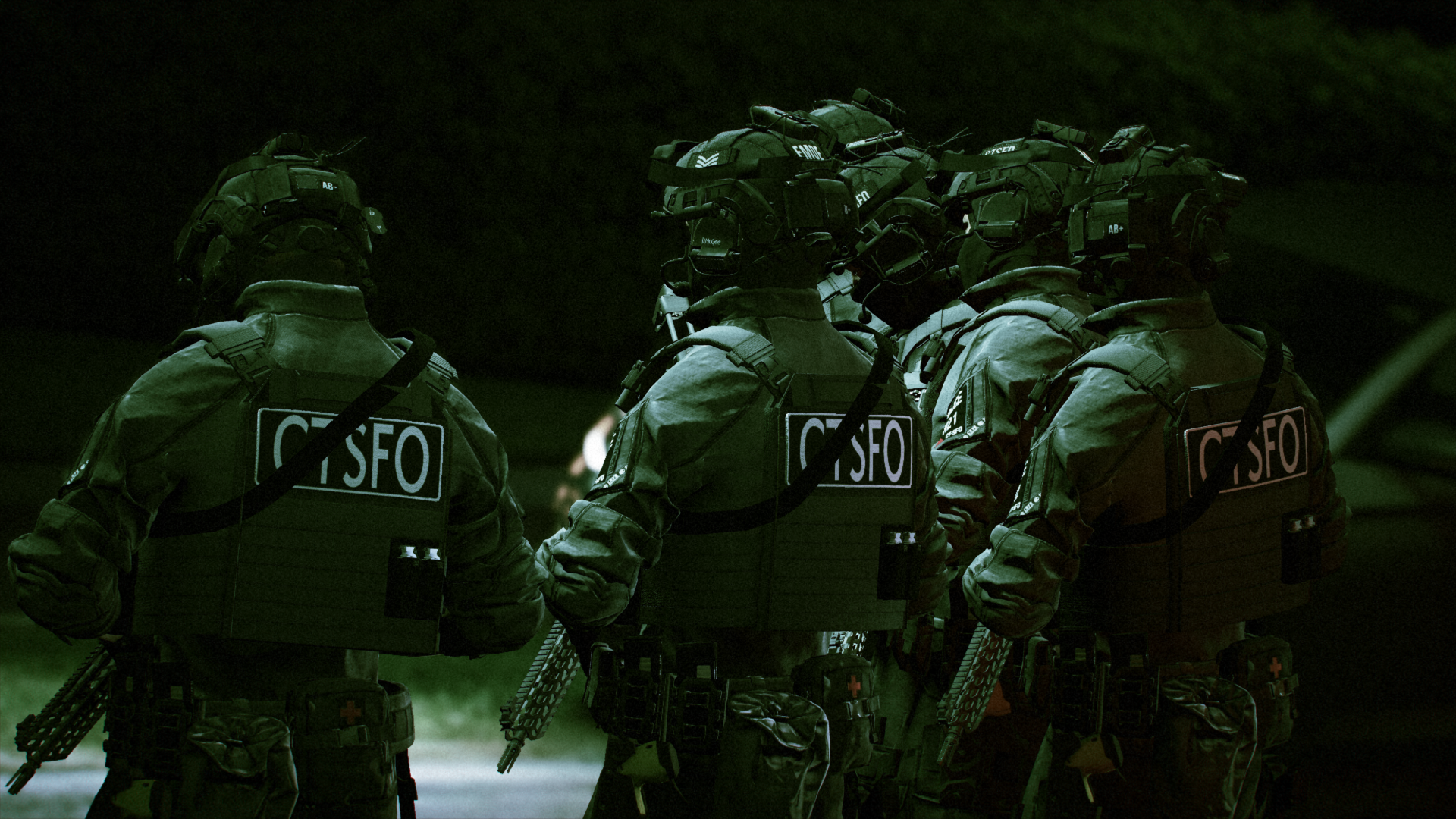
Hi! I’m from the UK, and I create content for LSPDFR inspired by real-world UK policing, including CTSFO, ARV, and armed units. I love bringing realism and immersion to singleplayer, making uniforms, vehicles, and setups that feel authentic and cinematic.
⚡ My Focus
UK Specialist Policing: CTSFO, ARV, and other armed units
Immersion & Realism: Every outfit, vehicle, and detail is designed to feel like it belongs in-game
Singleplayer Friendly: Clean, reliable setups that are easy to use
Fivem Ready Assets: Clean, Easy to install Fivem assets, if you did use for your fivem server, please contact me for some exclusive assets 😉
🎯 My Approach
I’m always experimenting and learning to make my work better. Feedback and suggestions are super helpful, and I’m happy to tweak or improve things to make gameplay more authentic. My goal is to create content that feels realistic but is fun to play.
📞 Contact Me
Want to chat, ask questions, or report issues? Reach me on Discord: xyzeqeno
🙏 Thanks
Huge thanks to everyone who checks out or supports my work every download, comment, or piece of feedback motivates me to keep creating and improving.