


mancom2
Members
-
Joined
-
Last visited
Everything posted by mancom2
-
 It was the dodge ram. I figured out how to install them as a DLC Addon so I got it figured out. Thank you though!
 -
I am having trouble finding a handlingID that will work with this vehicle and a similar vehicle. Anyone have any suggestions? I have tried pranger, sheriff2, bison, sadler, sandking
-
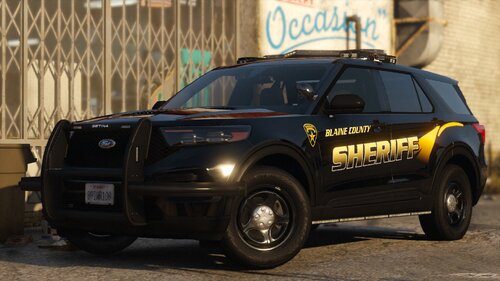 Could you add files saying what spawn name is what car? I can't tell what car it is until I put it into OpenIV
- 37 comments
- 2 reviews

